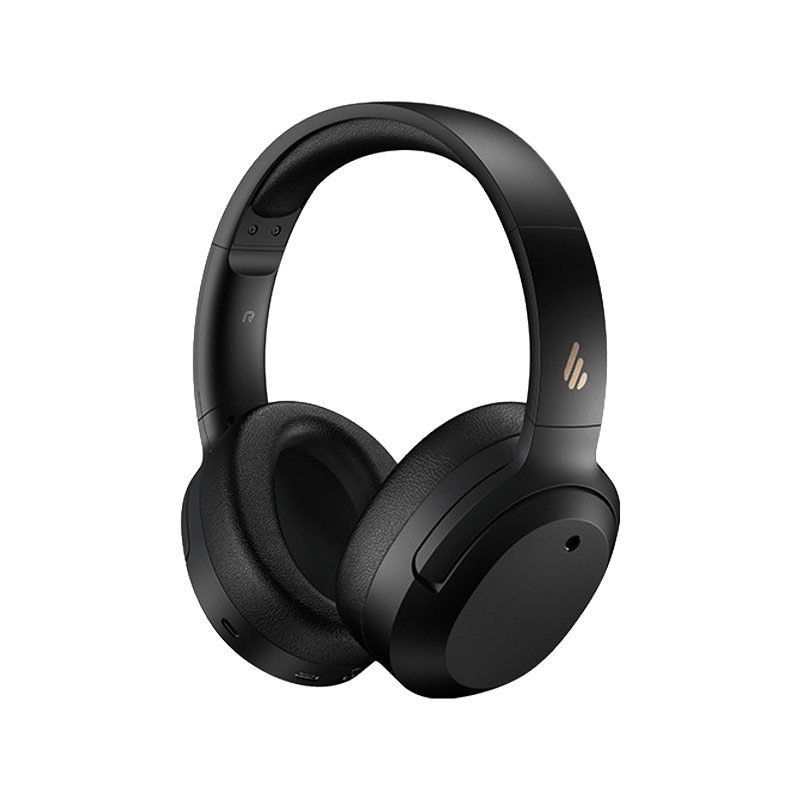
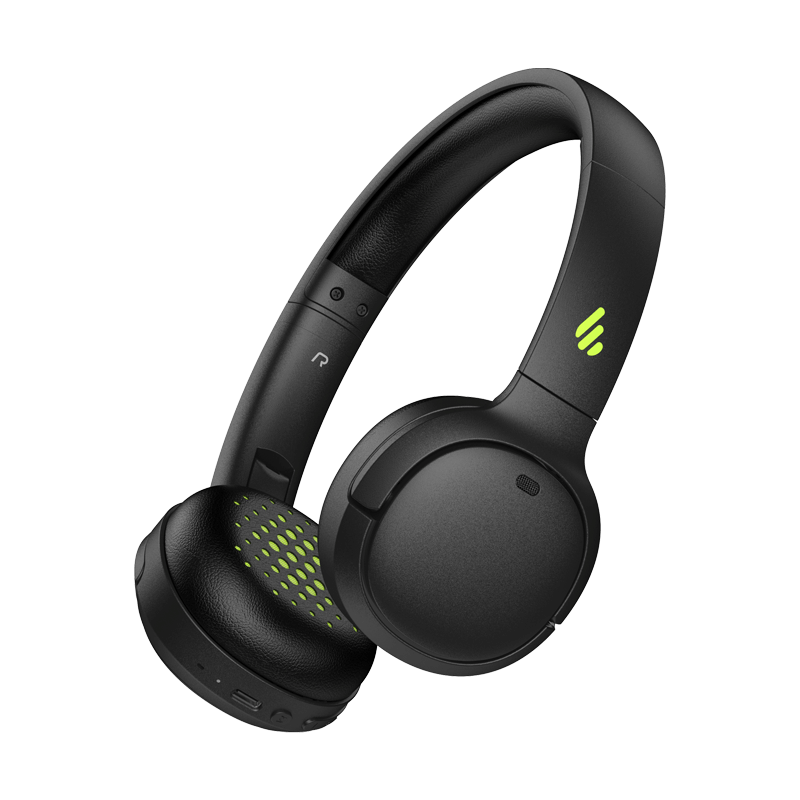
- Altavoces de estantería Todos Altavoces de estantería
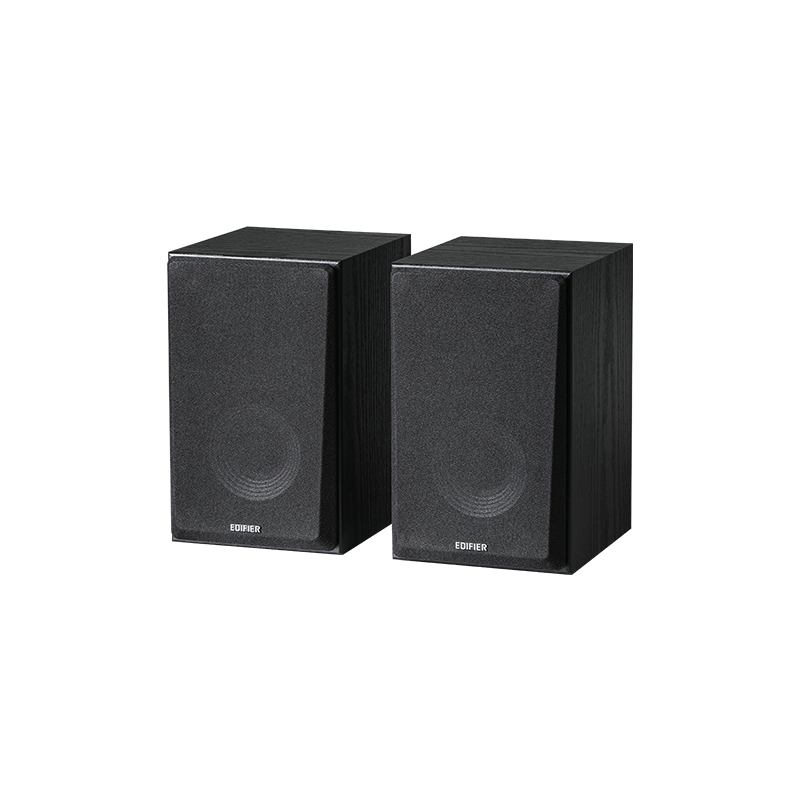
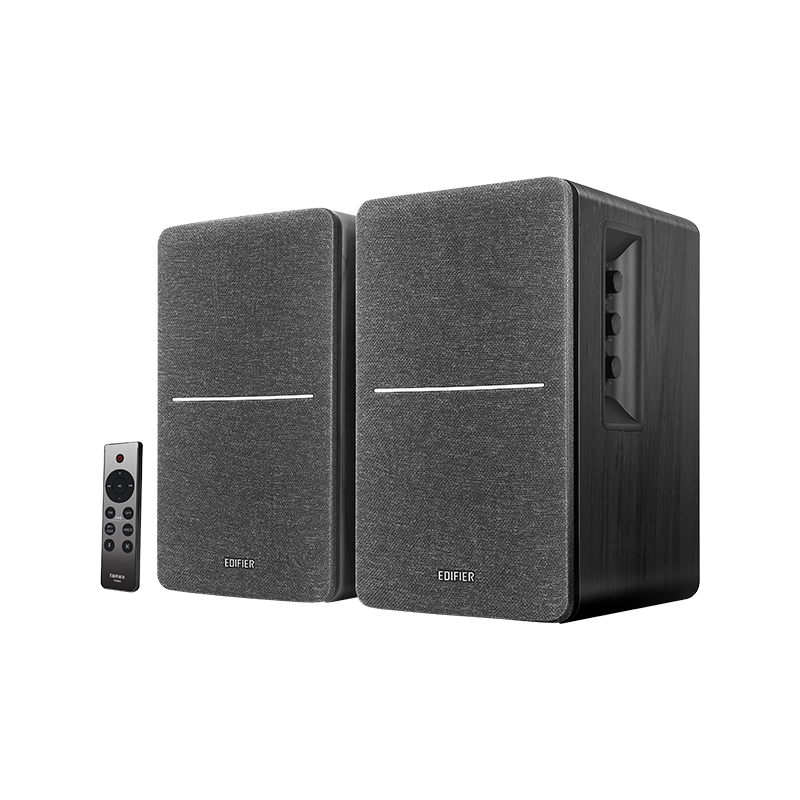
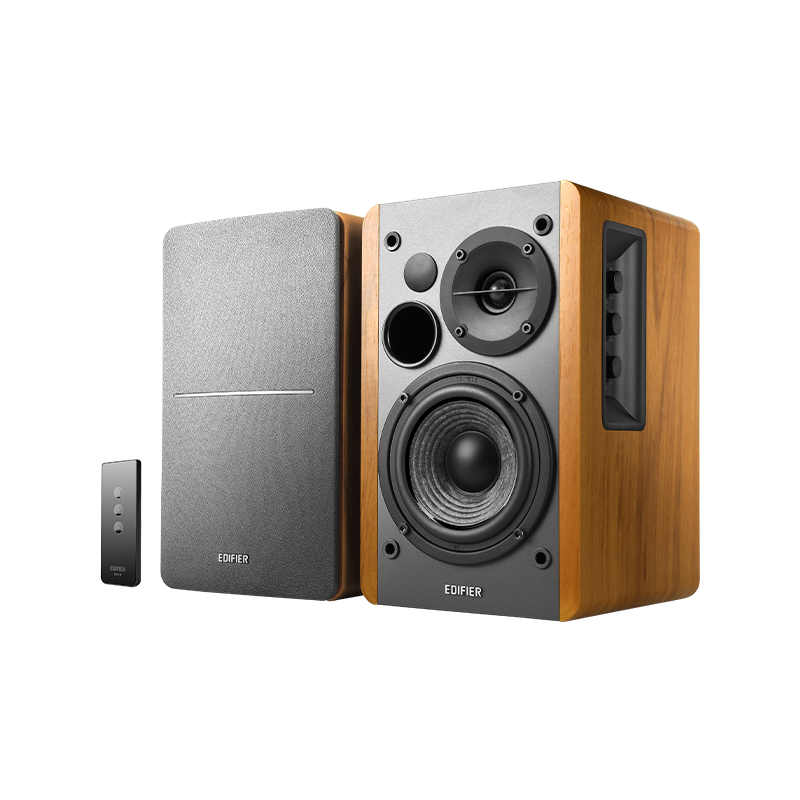
- Altavoces inalámbricos Todos Altavoces inalámbricos

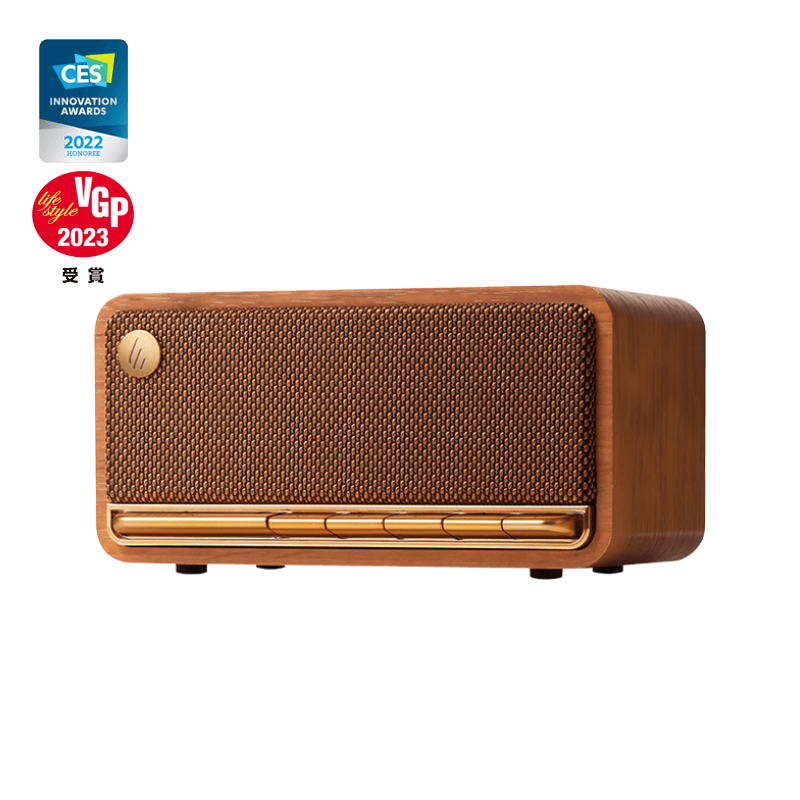
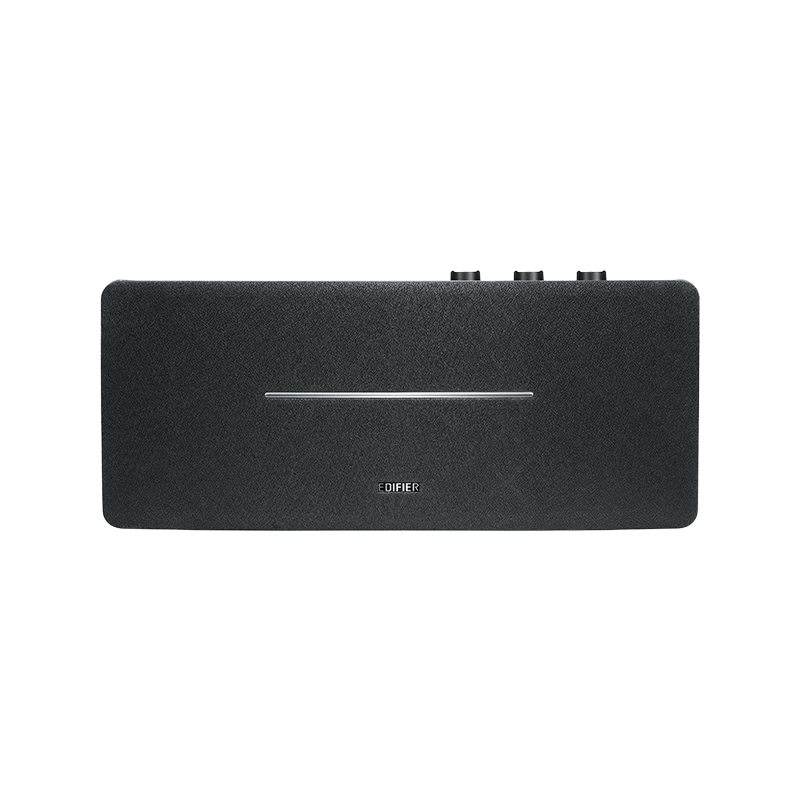
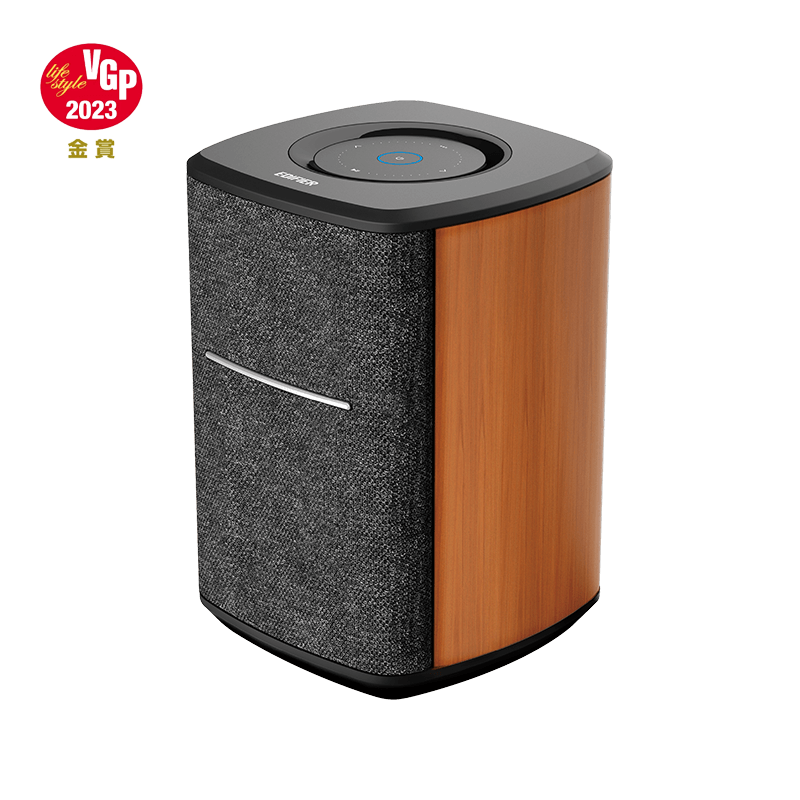
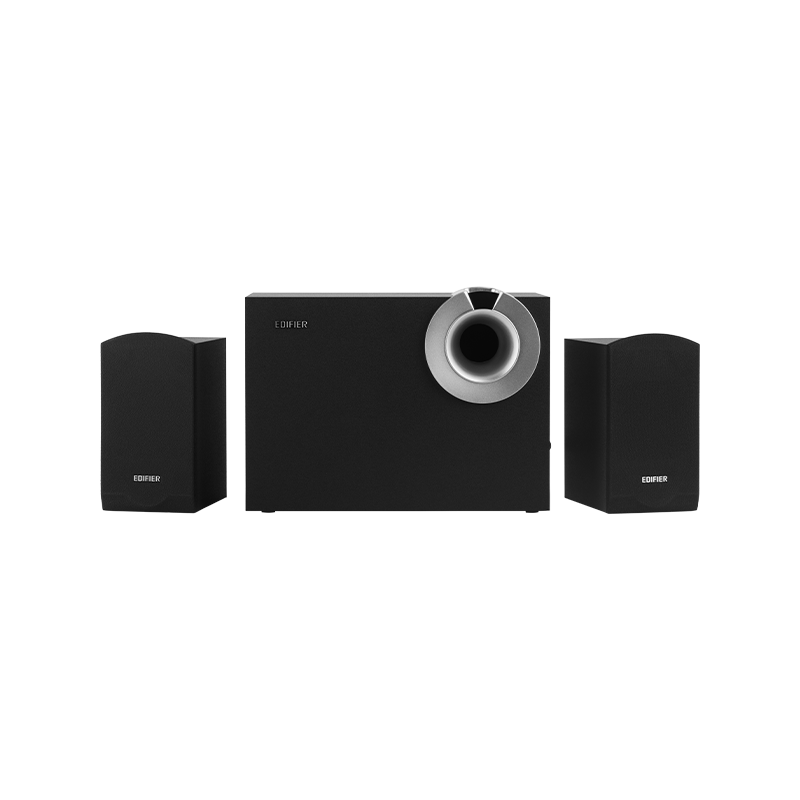
- Altavoces de ordenador Todos Altavoces de ordenador
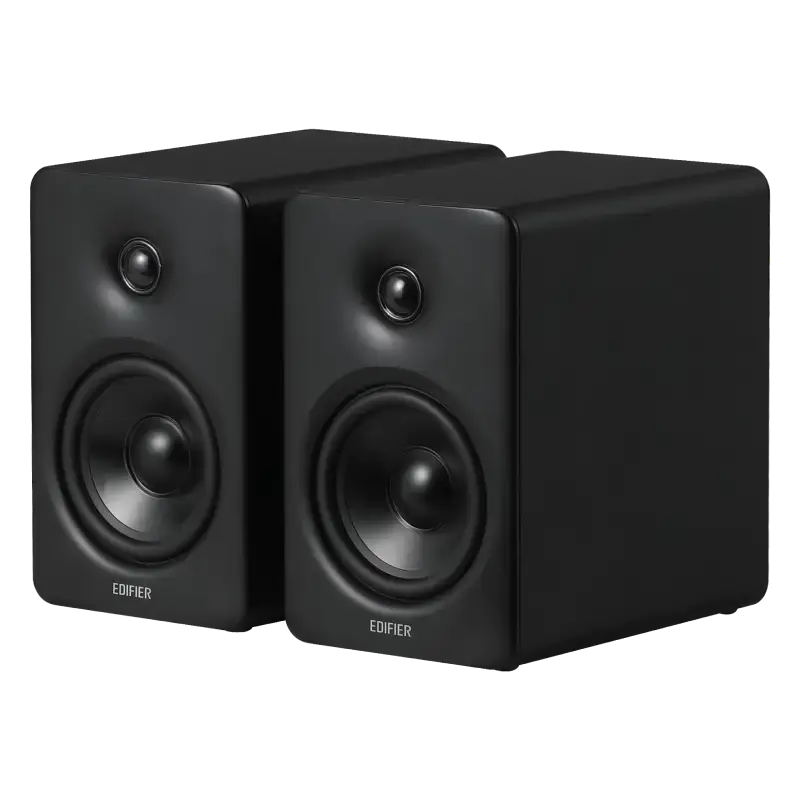
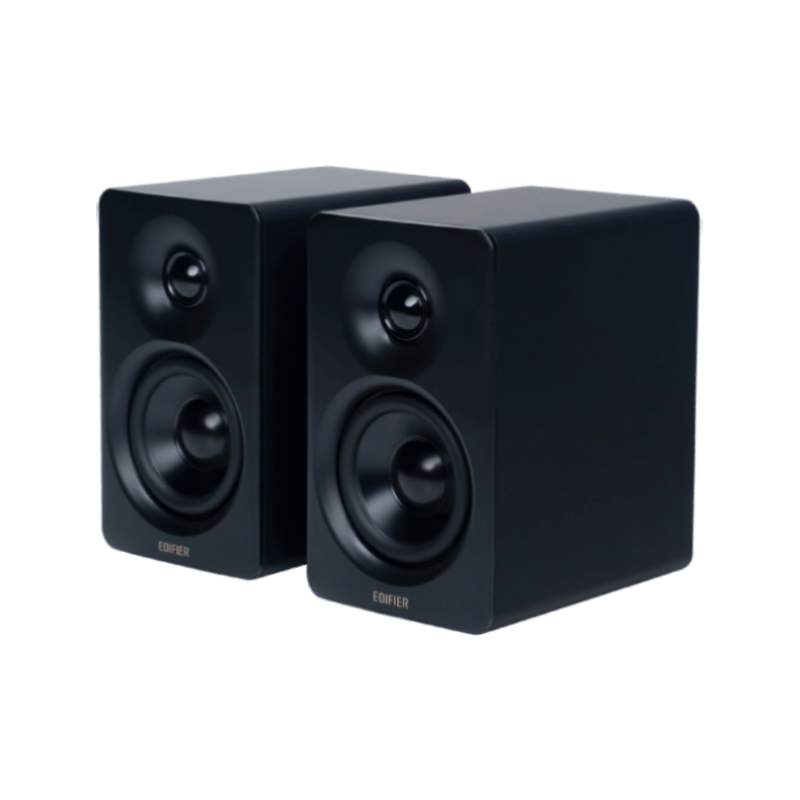
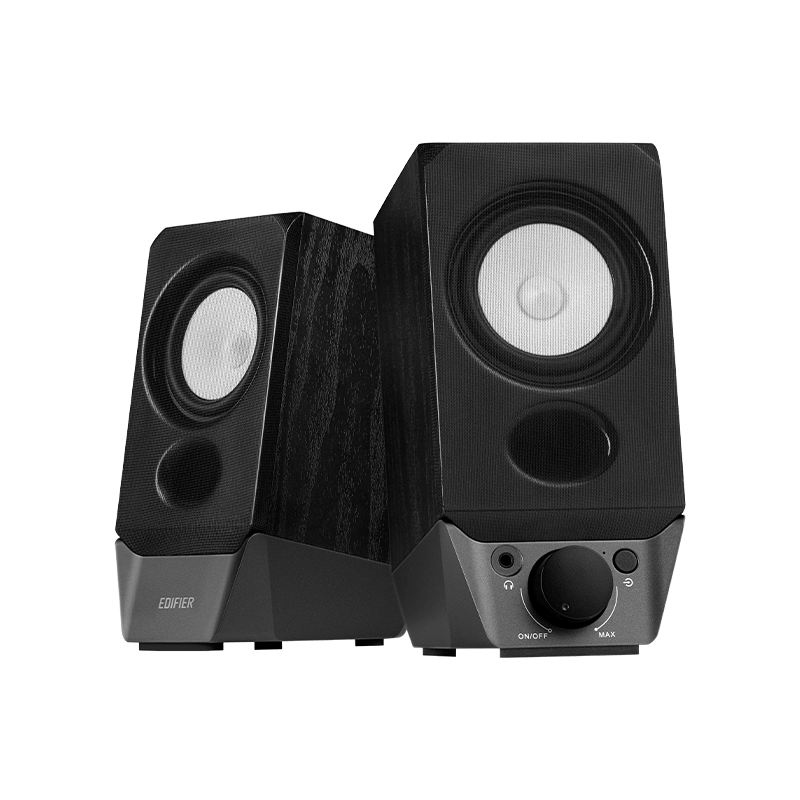
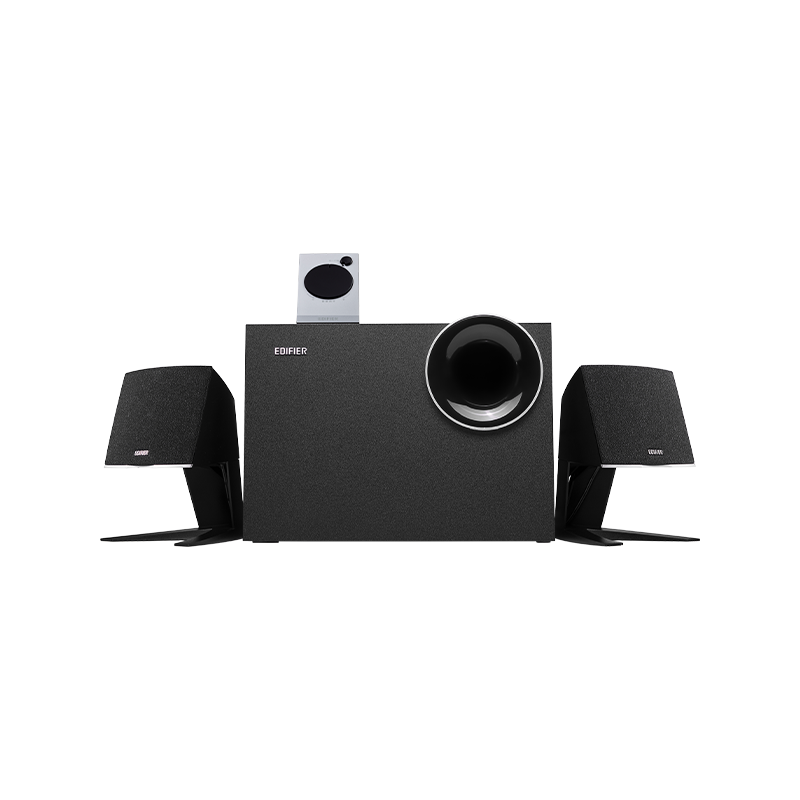
- Monitores de estudio Todos Monitores de estudio


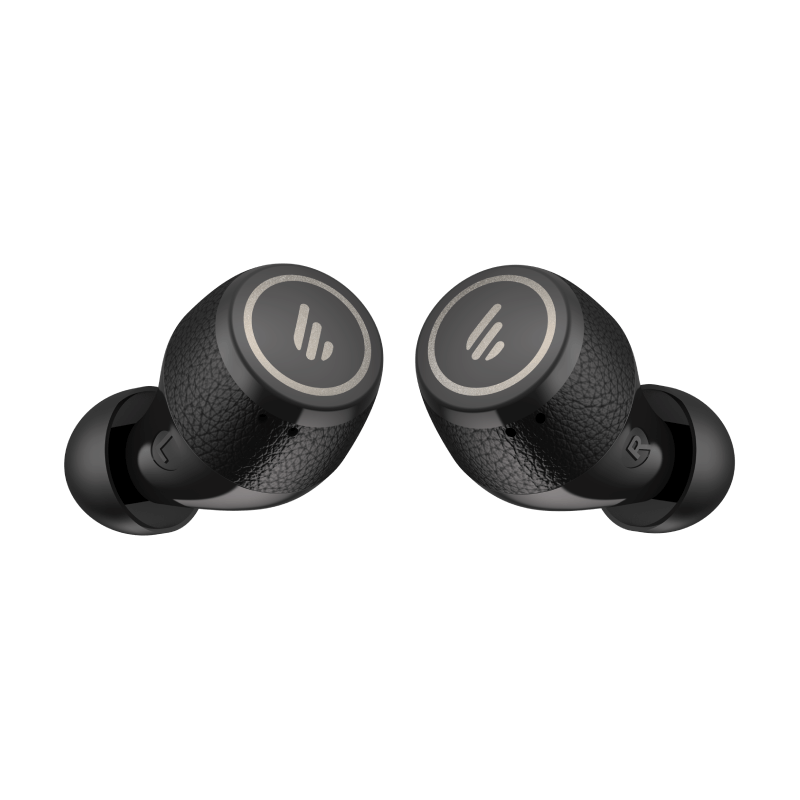
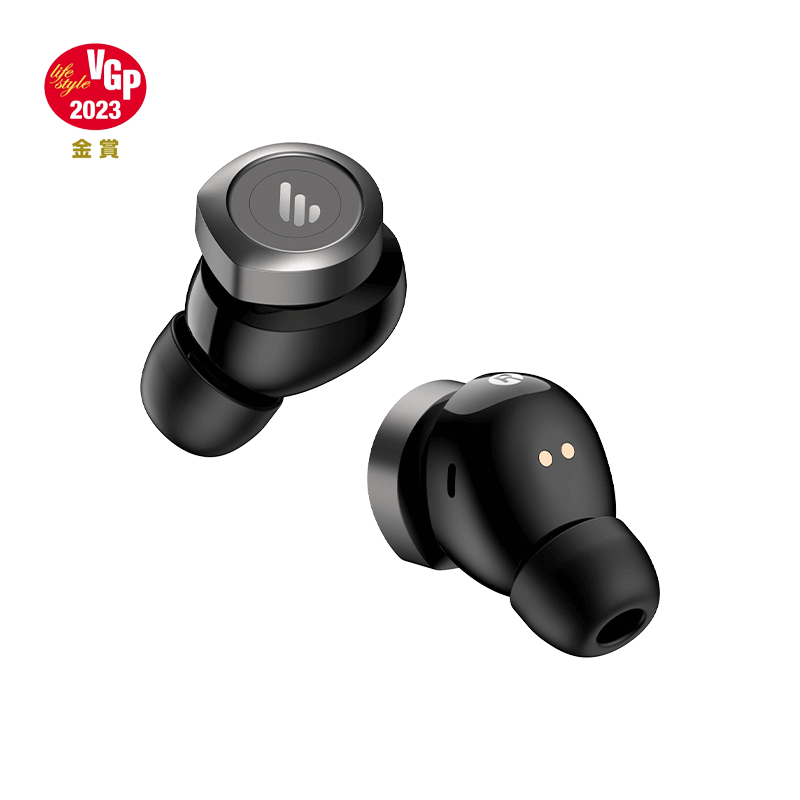
1. Turn on the earbuds
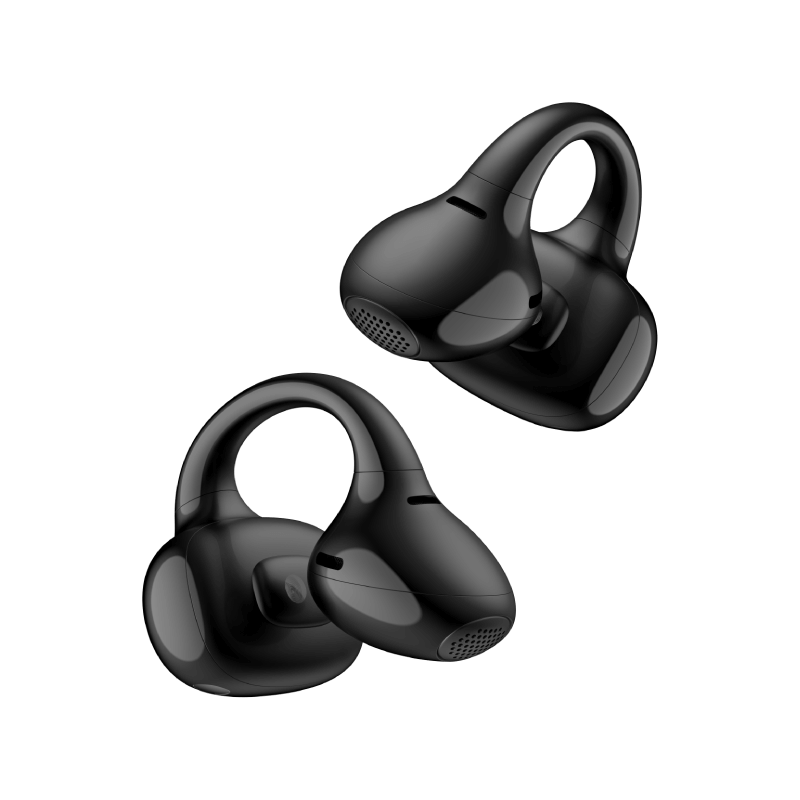
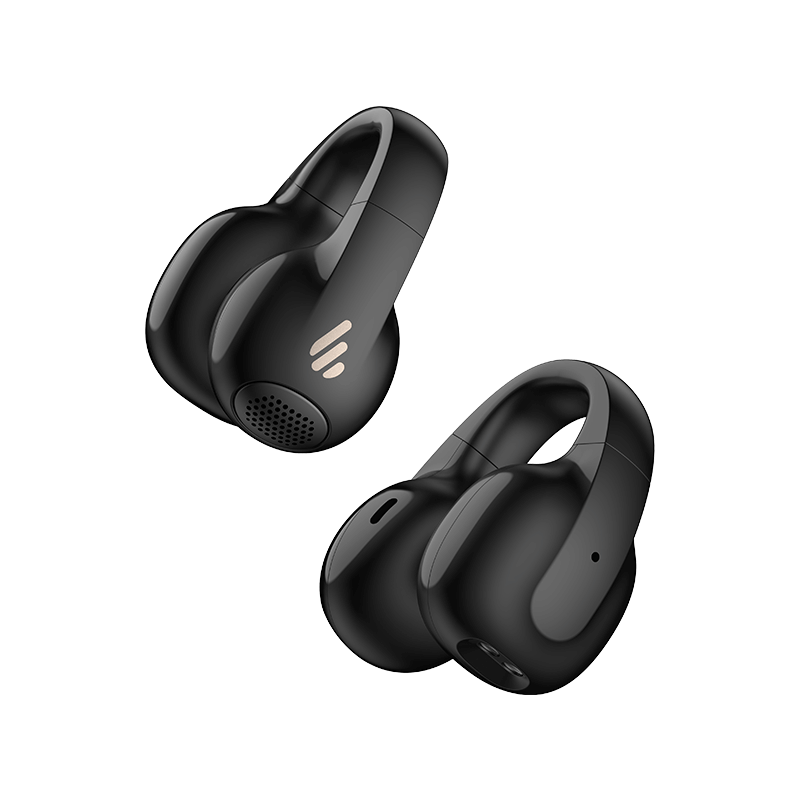
- Remove the earbuds from the charging case; they will automatically power on.
- If they don’t turn on automatically, press and hold the multifunction button or touch area for a few seconds until the indicator light flashes.
2. Enter pairing mode
- If this is the first time using the earbuds, they will automatically enter pairing mode, indicated by a fast-flashing light.
- If they do not enter pairing mode, press and hold the multifunction button for 3-5 seconds until the light starts flashing rapidly.
3. Enable Bluetooth on your device
- On your phone or other Bluetooth-enabled device, go to Settings > Bluetooth and turn on Bluetooth.
- Search for available devices and select "Edifier Comfo C" from the list.
4. Complete the pairing
- Tap on the device name to pair. The system will complete the connection automatically.
5. Confirm the connection
- Once paired successfully, the indicator light on the earbuds will stop flashing and stay steady or flash slowly (depending on the model).
- Your phone or device will show that the earbuds are connected, and you can start using them.
* Additional tips:
If the earbuds are already connected to another device, disconnect them from the previous device before pairing with a new one.
If the earbuds support multipoint connection, you can connect two devices, but pairing must be done one at a time.
1. Place the earbuds in the case and keep it open.
2. Press and hold the button on the case for 3 seconds until the white and orange LED blink.
* Note: For subsequent use, the earbuds will automatically connect to the device used last time.
1. Pair device A with the earbuds manually and keep the earbuds in the case.
2. Re-enter Bluetooth pairing and select "EDIFIER Comfo C" in device B settings to connect.
3. Select "EDIFIER Comfo C" again in device A settings to complete the multipoint connection.
* Note: For subsequent use, the earbuds will automatically reconnect to the two devices used last time.

Descargue la APLICACIÓN EDIFIER Connect para Android o iOS desde los enlaces a continuación.


Información del servicio postventa
Si el producto tiene una falla de rendimiento debido a defectos de calidad durante el período de vigencia de la garantía, puede solicitar el servicio de garantía del producto.