- Altavoces de estantería Todos Altavoces de estantería
- Altavoces inalámbricos Todos Altavoces inalámbricos

- Altavoces de ordenador Todos Altavoces de ordenador
- Monitores de estudio Todos Monitores de estudio


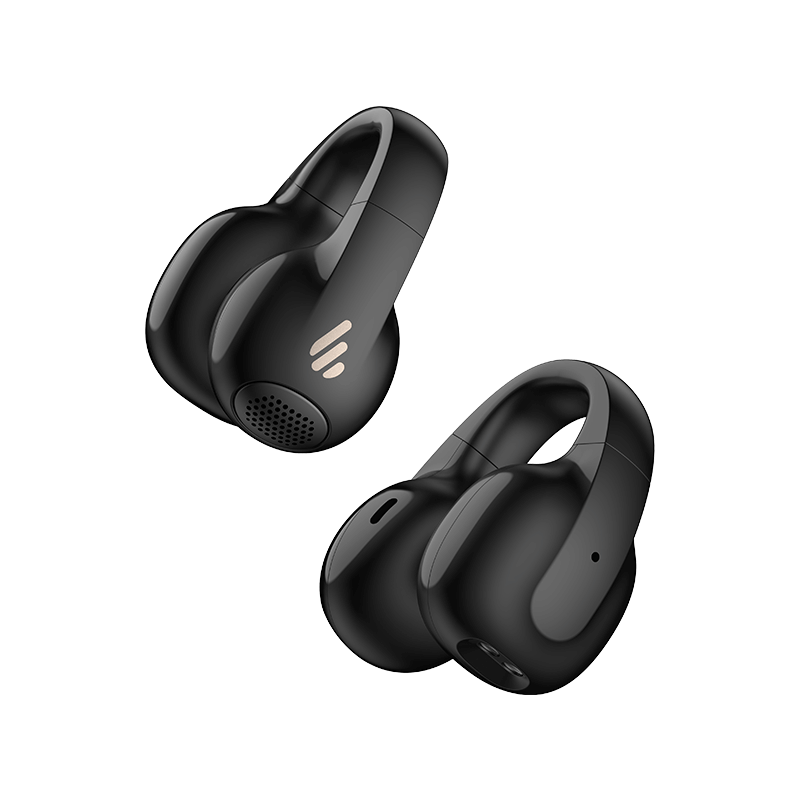
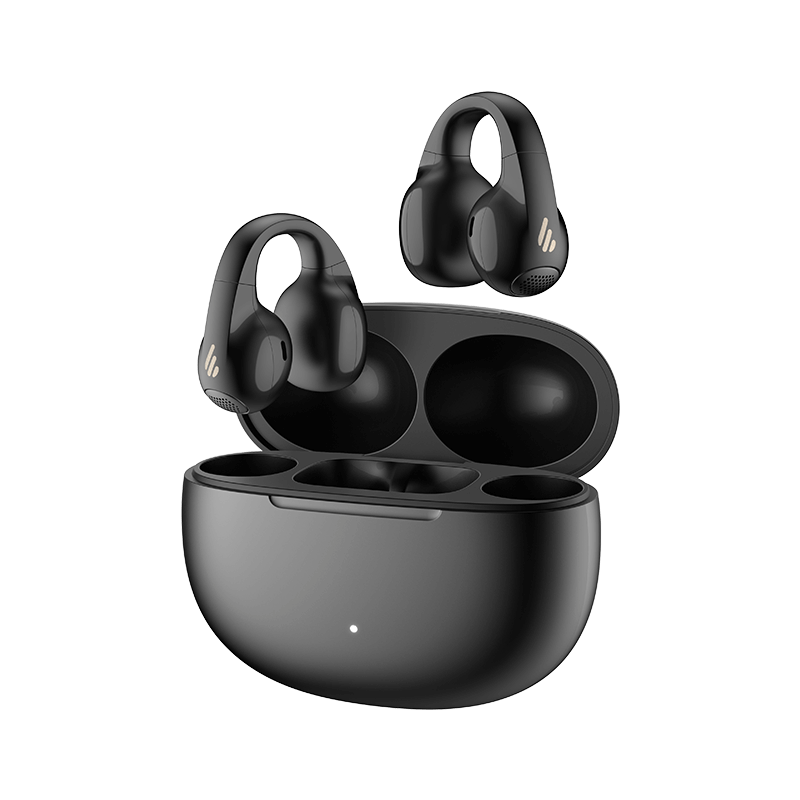
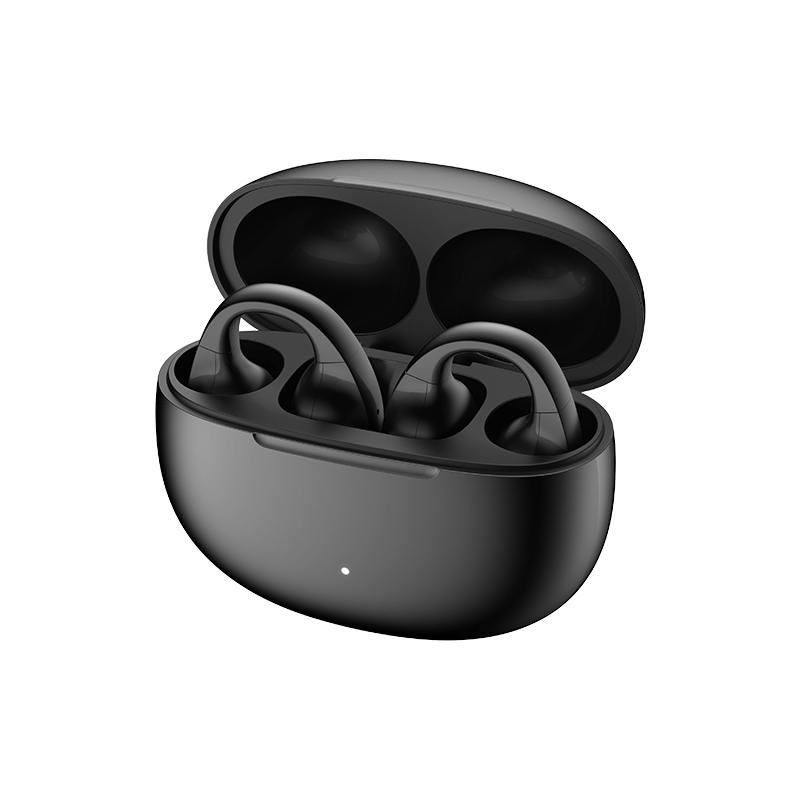
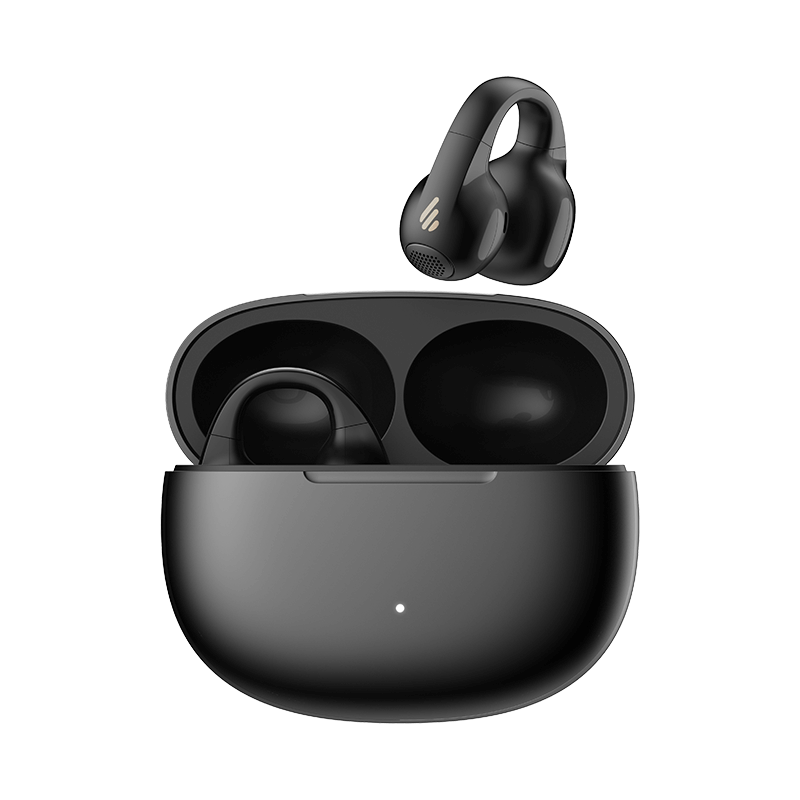
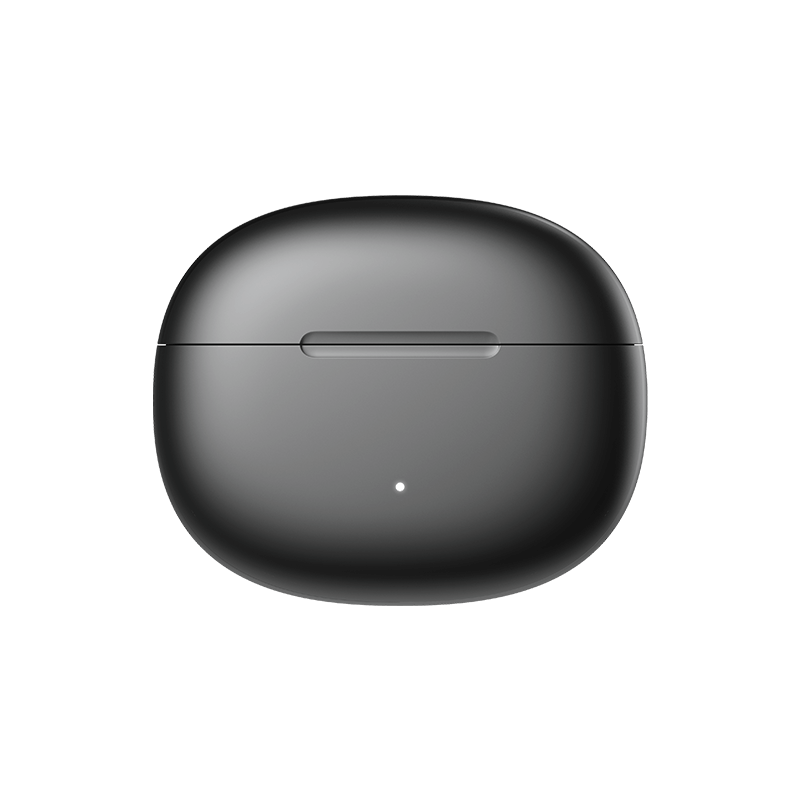
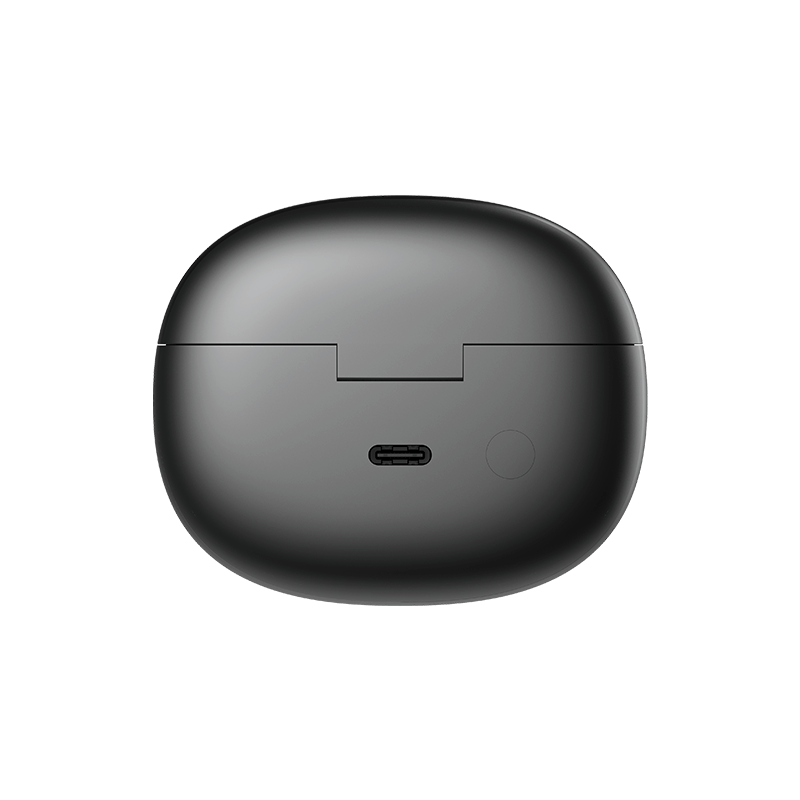
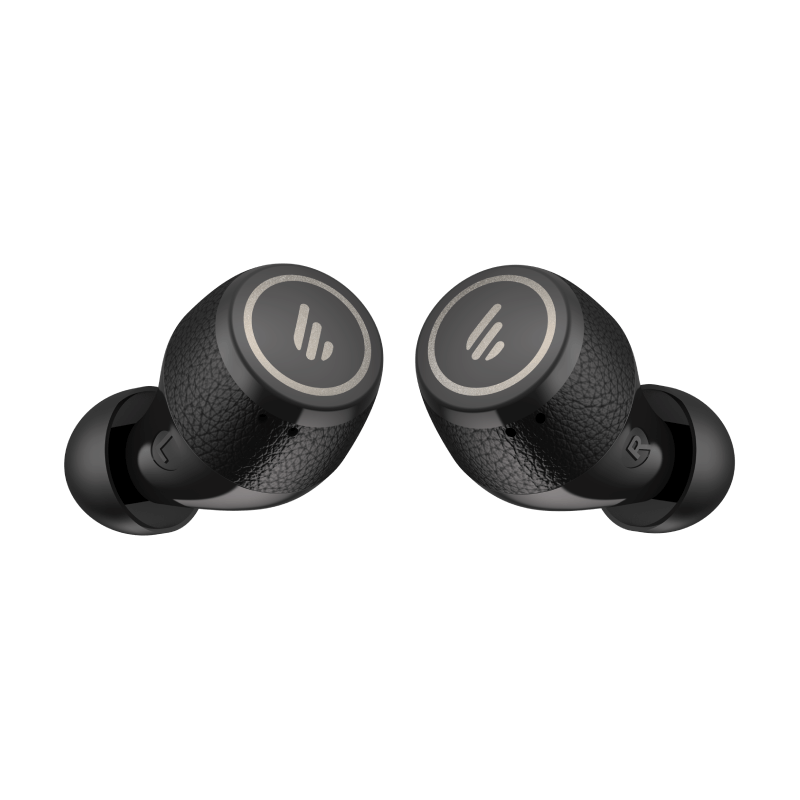
Audífonos True Wireless de diseño open-ear
Color:
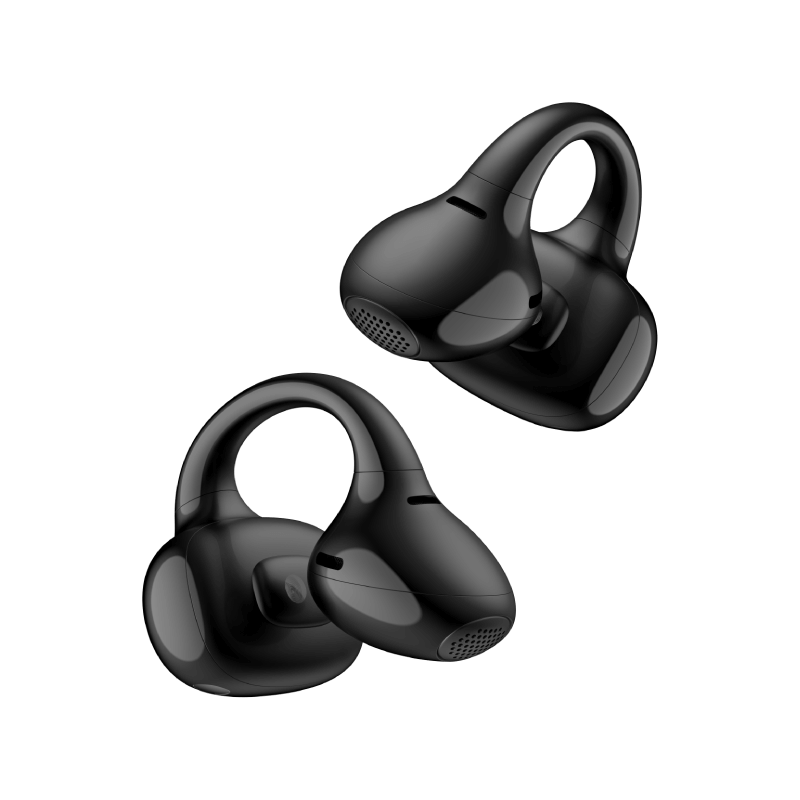
Disfruta de comodidad todo el día con un diseño open-ear tipo clip, ligero y sin presión; olvidarás que incluso los llevas puestos.

Altamente resistente al polvo y capaz de soportar potentes chorros de agua, ofreciendo un rendimiento confiable en distintos entornos.

El diseño simétrico permite usarlos en cualquiera de los oídos, con calibración automática para garantizar una salida de audio precisa.

La avanzada tecnología acústica direccional dirige las ondas sonoras hacia el oído, ofreciendo un audio claro y agradable con un diseño open-ear.

Descarga la app EDIFIER ConneX para personalizar tu experiencia de escucha. Elige tu EQ preferido, renombra tu dispositivo, encuentra tu producto y mucho más.

Conéctate a dos dispositivos a la vez y cambia entre ellos sin interrupciones para una máxima comodidad al hacer multitarea.

Los algoritmos de reducción de ruido con IA aíslan eficazmente el ruido de fondo y captan la voz humana para ofrecer llamadas manos libres nítidas.

Los datos de duración de batería se obtuvieron en el laboratorio de Edifier, probando con decodificación SBC y 80% de volumen. La experiencia real puede variar ligeramente según el entorno de prueba, el equipo, el volumen y el archivo de audio.

Con la tecnología Bluetooth® 5.4, disfruta de una transmisión más rápida, una conexión más sólida y mayor resistencia a las interferencias.

La marca denominativa Bluetooth® y sus logotipos son marcas registradas propiedad de Bluetooth SIG, Inc., y cualquier uso de dichas marcas por parte de EDIFIER se realiza bajo licencia. Otras marcas comerciales y nombres comerciales pertenecen a sus respectivos propietarios.


Sujeta el audífono tipo clip en tu oreja y ajústalo hacia arriba o hacia abajo hasta que la salida de sonido quede dirigida hacia tu canal auditivo.

Clip the earbud onto your auricle and adjust it upwards or downwards until the sound outlet is directed towards your ear canal.


Bluetooth® Version:
V5.4
Rango efectivo:
about 10m
Protocolo Bluetooth:
A2DP, AVRCP, HFP
Codecs de audio compatibles:
SBC
Tiempo de reproducción:
about 7 hours + 21 hours
Puerto de carga:
USB-C
Entrada:
5V ⎓ 200mA (earbuds)
5V ⎓ 1A (charging case)
Tiempo de carga:
1 hours (Earbuds)
1.5 hours (Charging case)
Controlador:
12mm dynamic driver
Respuesta de frecuencia:
20Hz - 20kHz
Nivel de presión sonora:
90 ± 3 dB(A)
IP Rating:
IP56
1. Turn on the earbuds
- Remove the earbuds from the charging case; they will automatically power on.
- If they don’t turn on automatically, press and hold the multifunction button or touch area for a few seconds until the indicator light flashes.
2. Enter pairing mode
- If this is the first time using the earbuds, they will automatically enter pairing mode, indicated by a fast-flashing light.
- If they do not enter pairing mode, press and hold the multifunction button for 3-5 seconds until the light starts flashing rapidly.
3. Enable Bluetooth on your device
- On your phone or other Bluetooth-enabled device, go to Settings > Bluetooth and turn on Bluetooth.
- Search for available devices and select "Edifier Comfo C" from the list.
4. Complete the pairing
- Tap on the device name to pair. The system will complete the connection automatically.
5. Confirm the connection
- Once paired successfully, the indicator light on the earbuds will stop flashing and stay steady or flash slowly (depending on the model).
- Your phone or device will show that the earbuds are connected, and you can start using them.
* Additional tips:
If the earbuds are already connected to another device, disconnect them from the previous device before pairing with a new one.
If the earbuds support multipoint connection, you can connect two devices, but pairing must be done one at a time.
1. Place the earbuds in the case and keep it open.
2. Press and hold the button on the case for 3 seconds until the white and orange LED blink.
* Note: For subsequent use, the earbuds will automatically connect to the device used last time.
1. Pair device A with the earbuds manually and keep the earbuds in the case.
2. Re-enter Bluetooth pairing and select "EDIFIER Comfo C" in device B settings to connect.
3. Select "EDIFIER Comfo C" again in device A settings to complete the multipoint connection.
* Note: For subsequent use, the earbuds will automatically reconnect to the two devices used last time.