- ブックシェルフスピーカー すべて ブックシェルフスピーカー
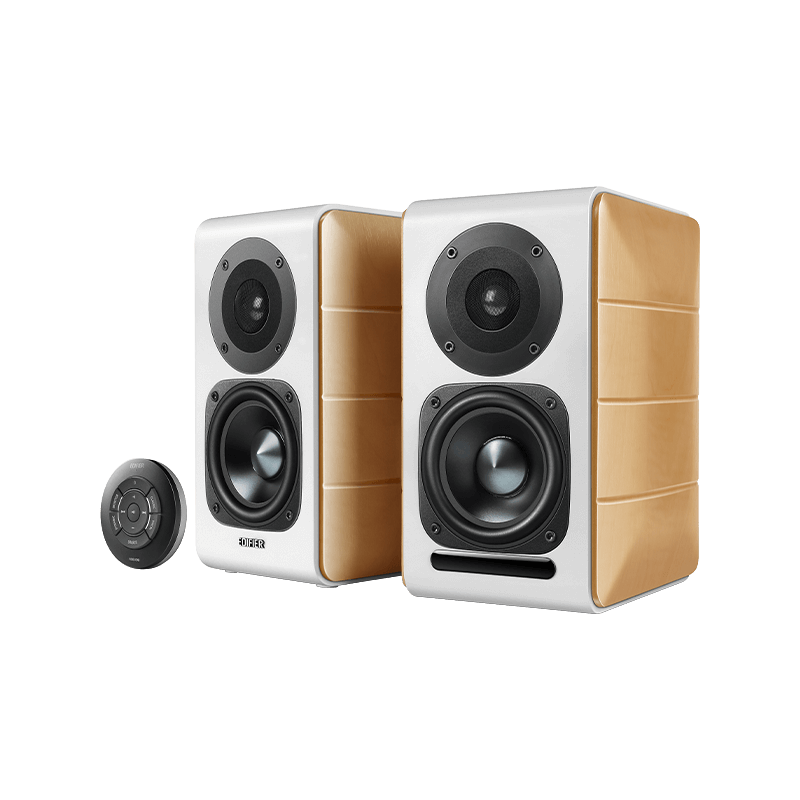
- ワイヤレススピーカー すべて ワイヤレススピーカー
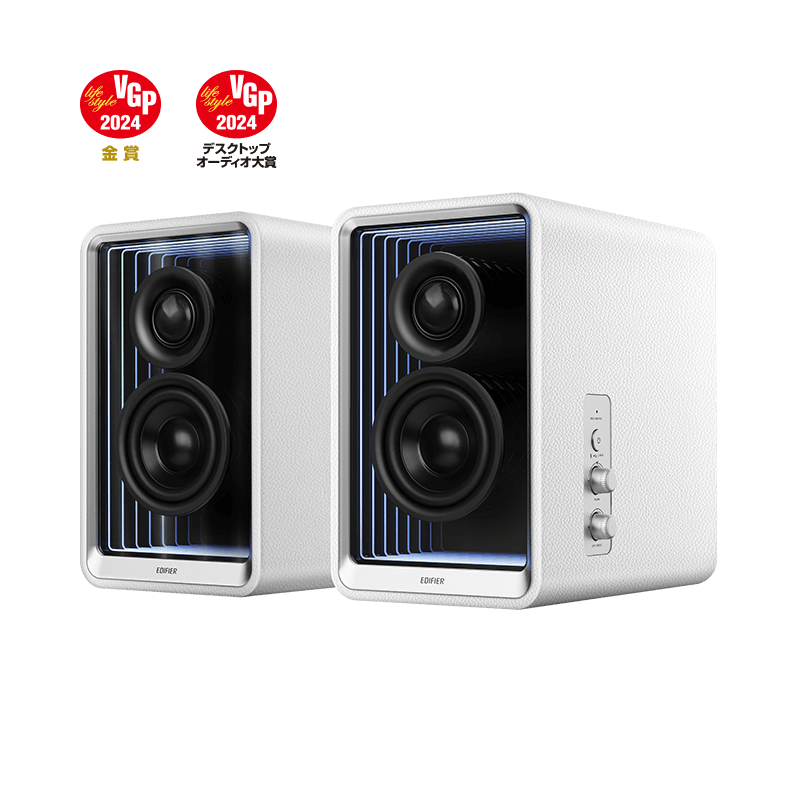
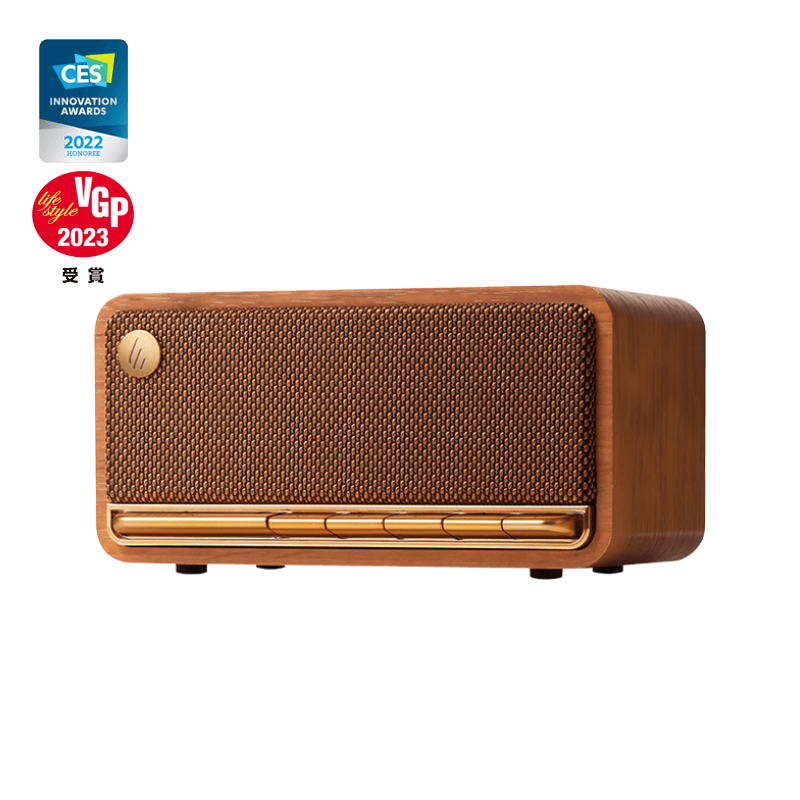
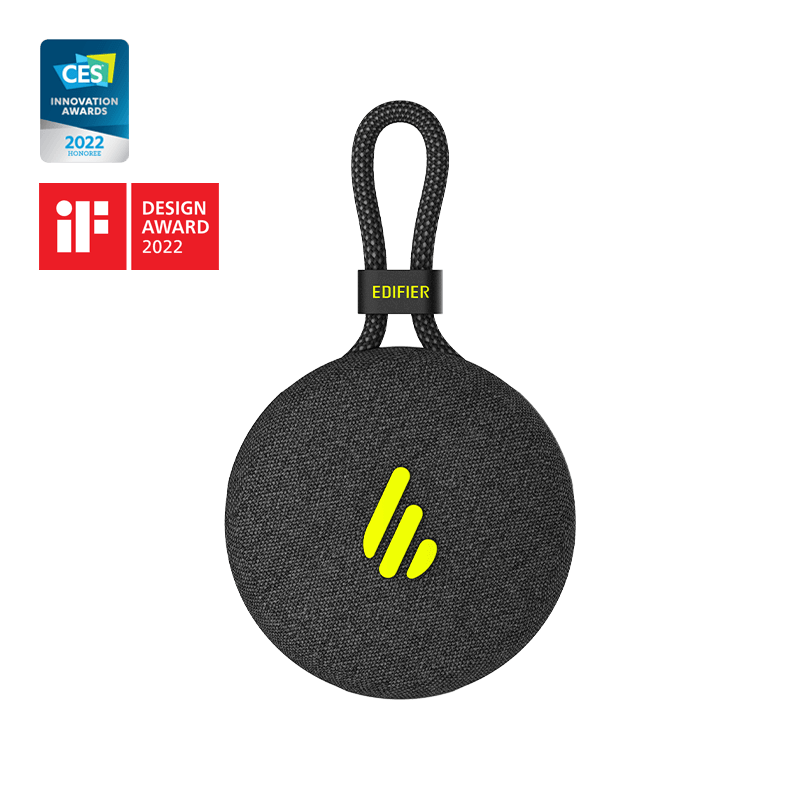
- コンピュータースピーカー すべて コンピュータースピーカー
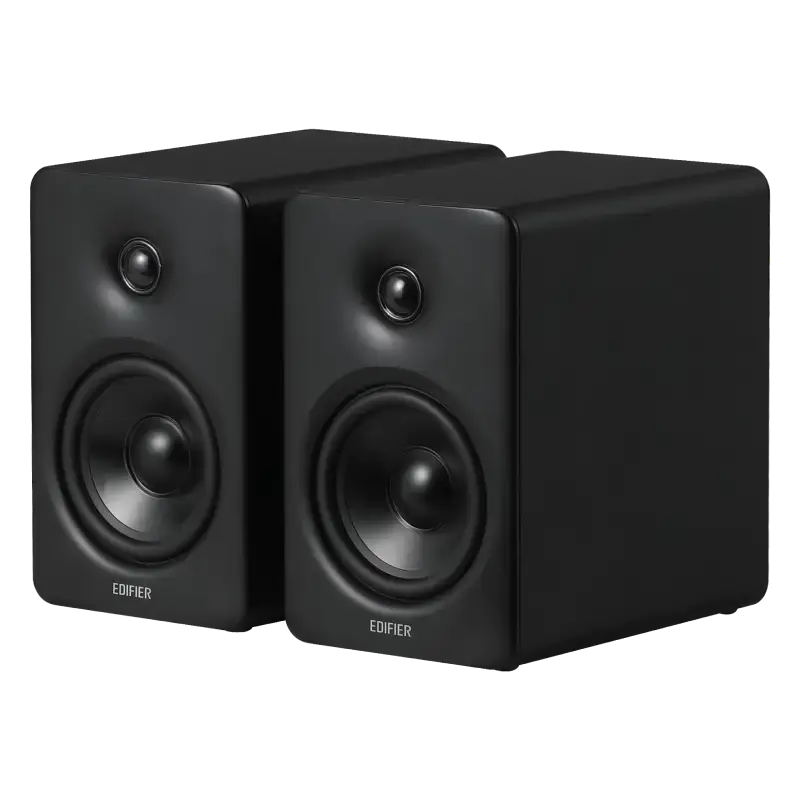

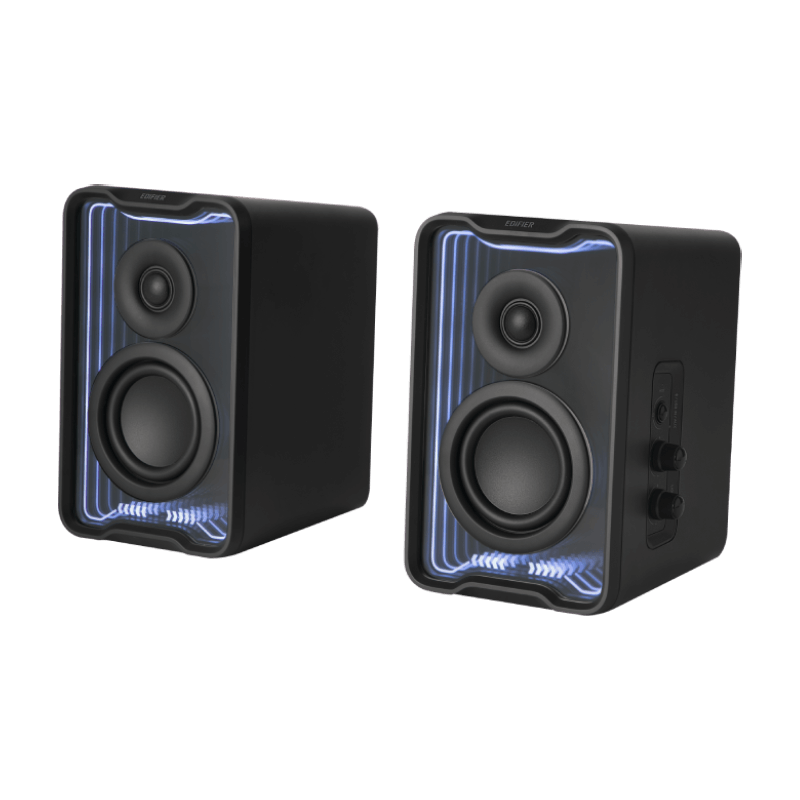
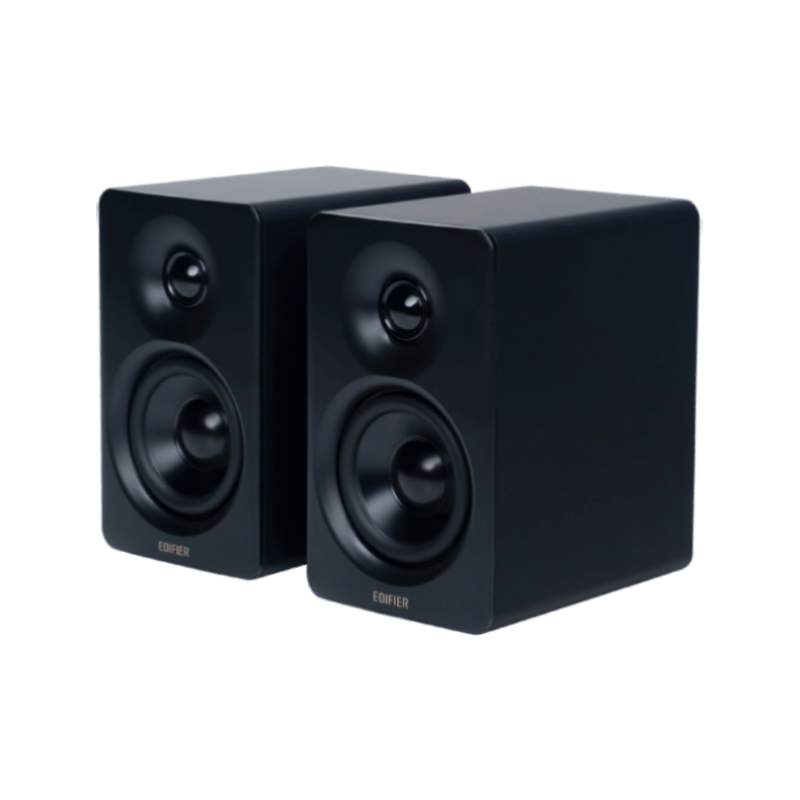
- スタジオモニター すべて スタジオモニター
- サブウーファー すべて サブウーファー


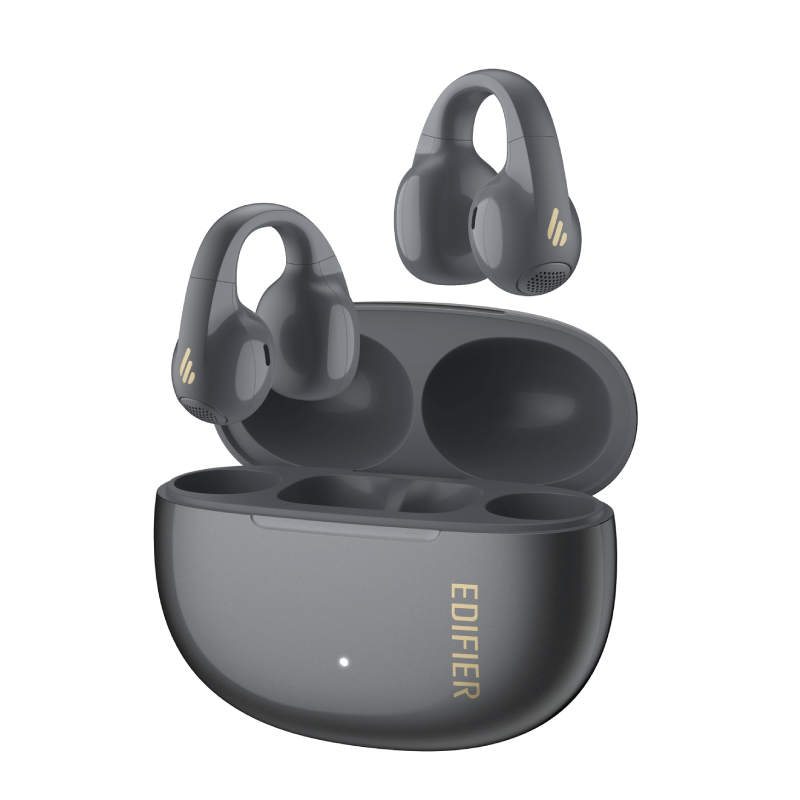
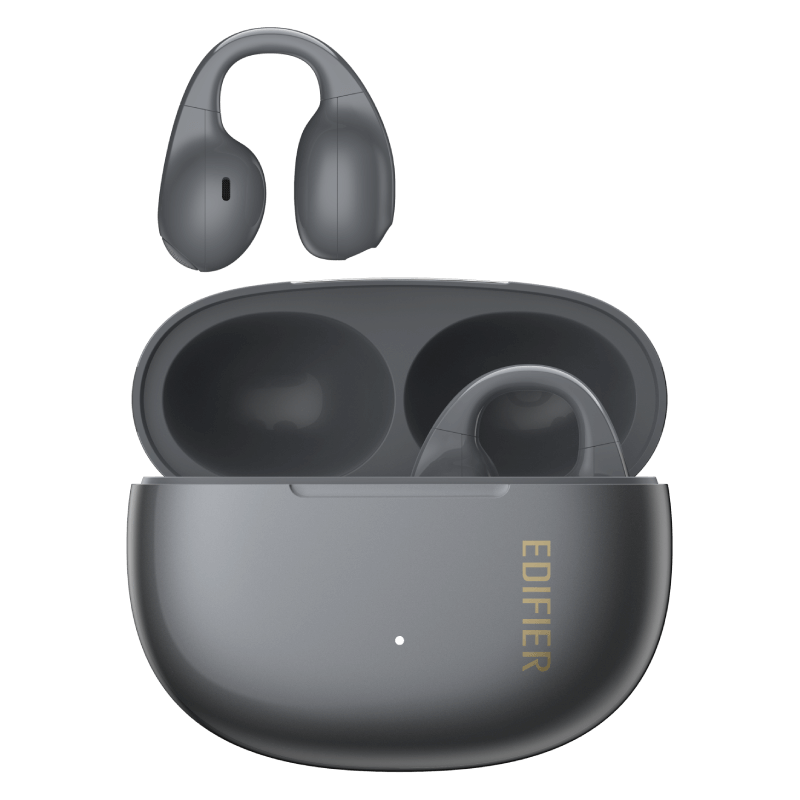
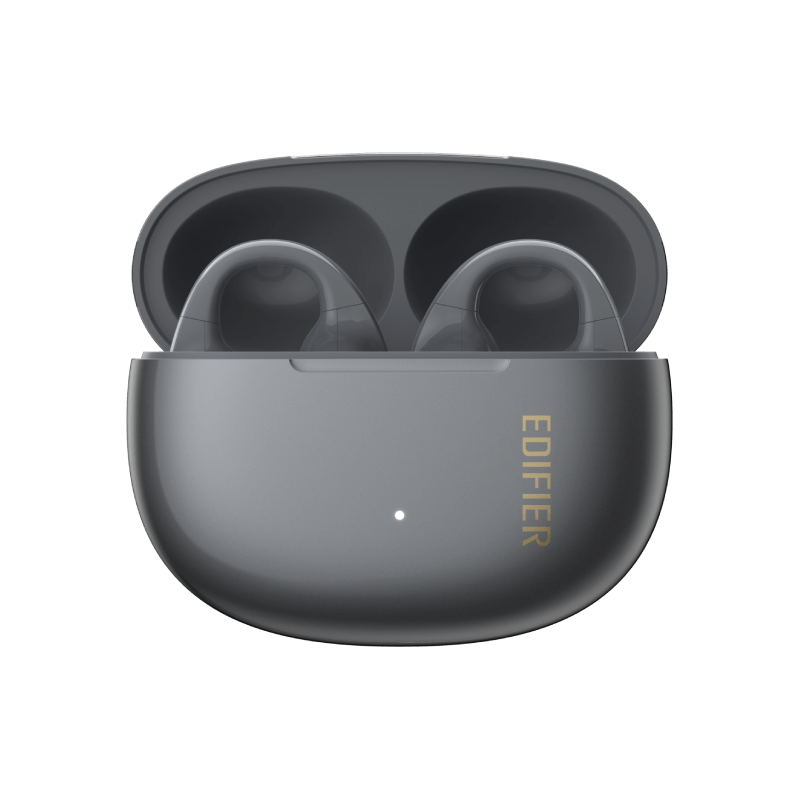
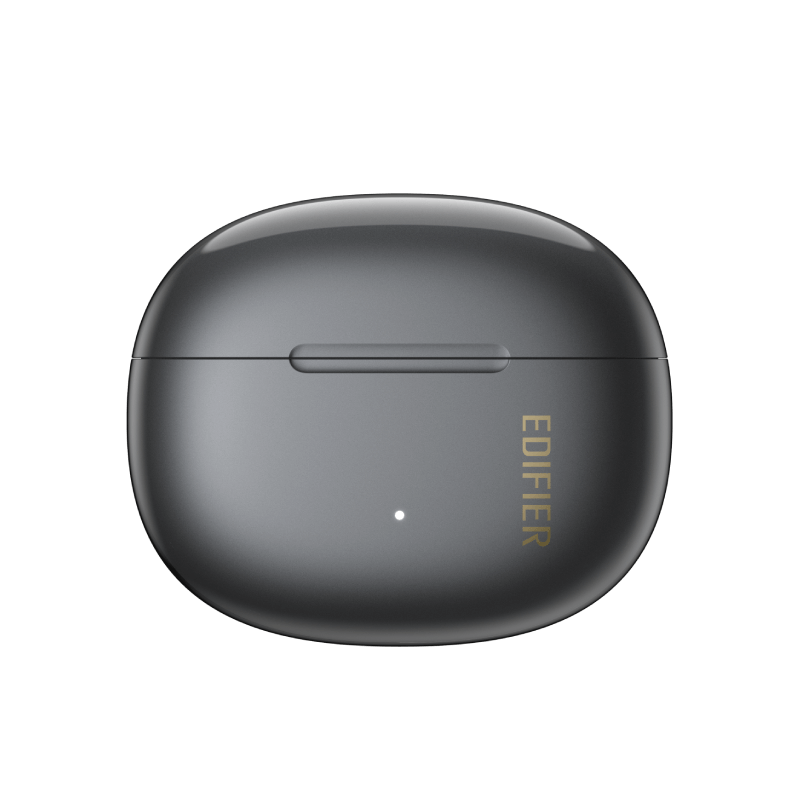
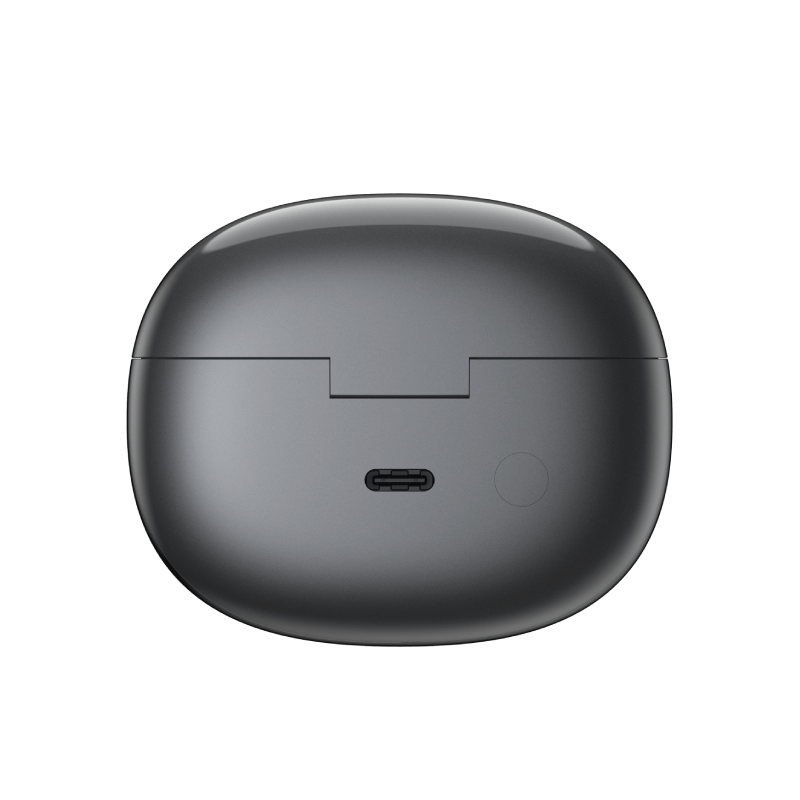
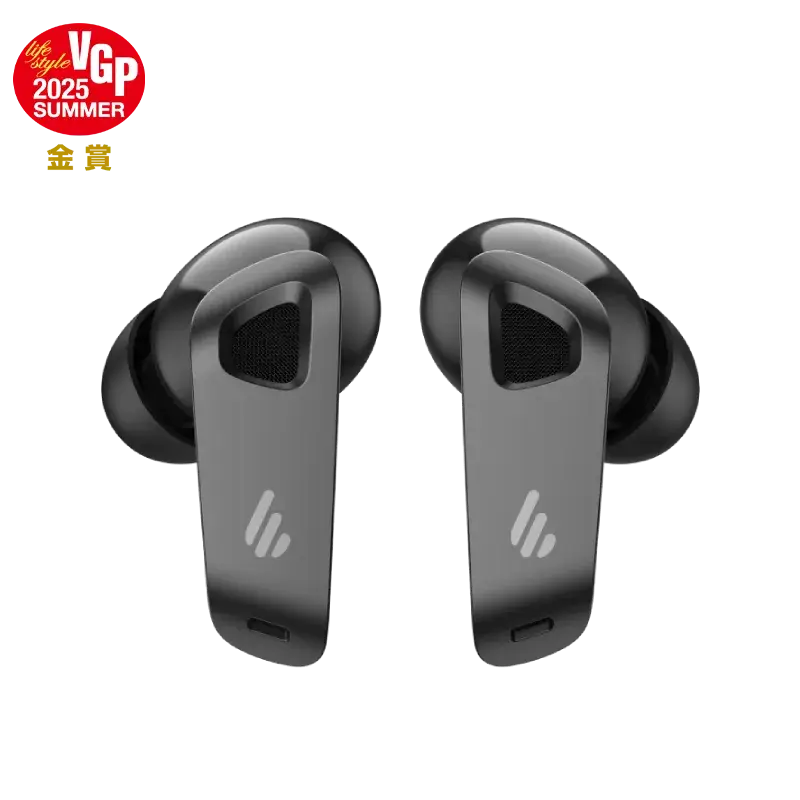
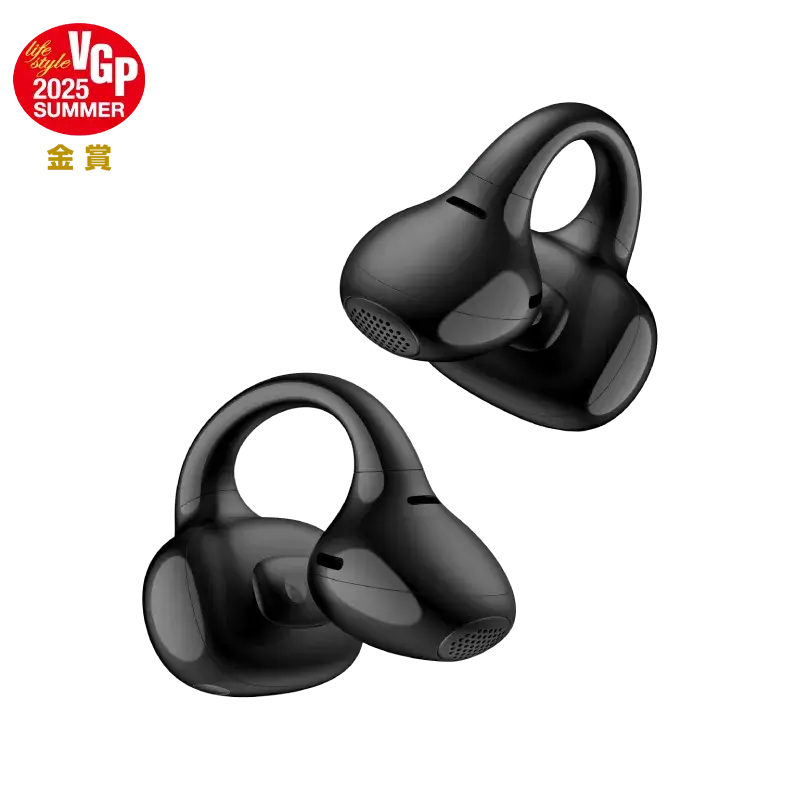
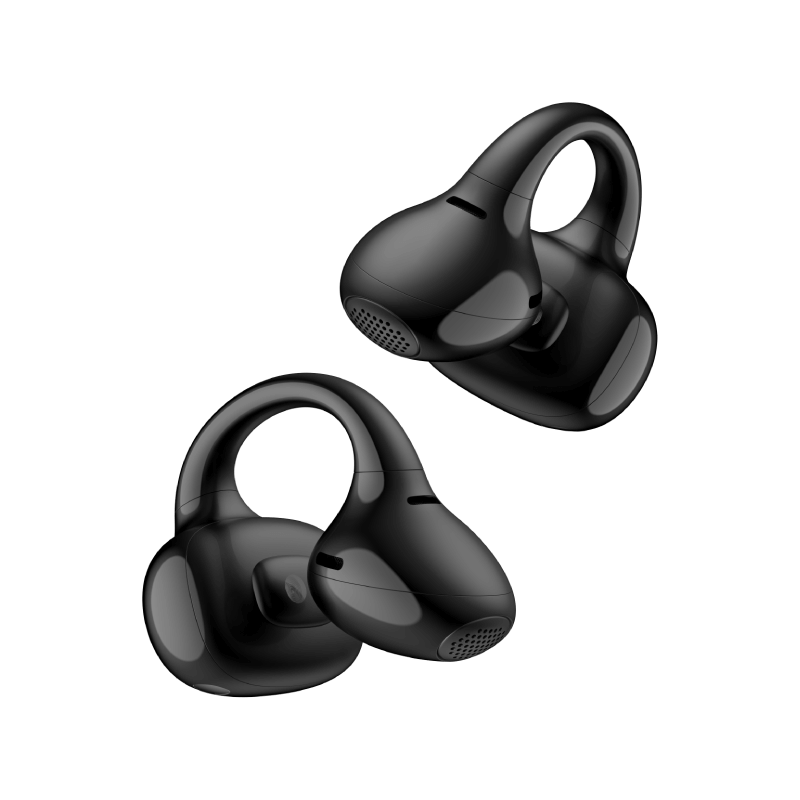
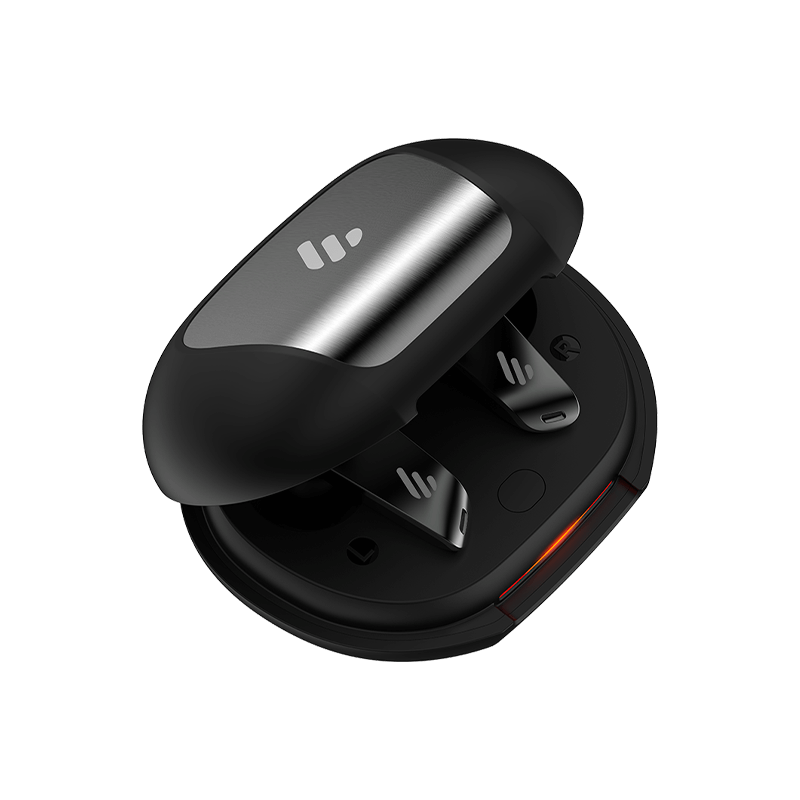
Open-ear True Wireless Earbuds
Color:
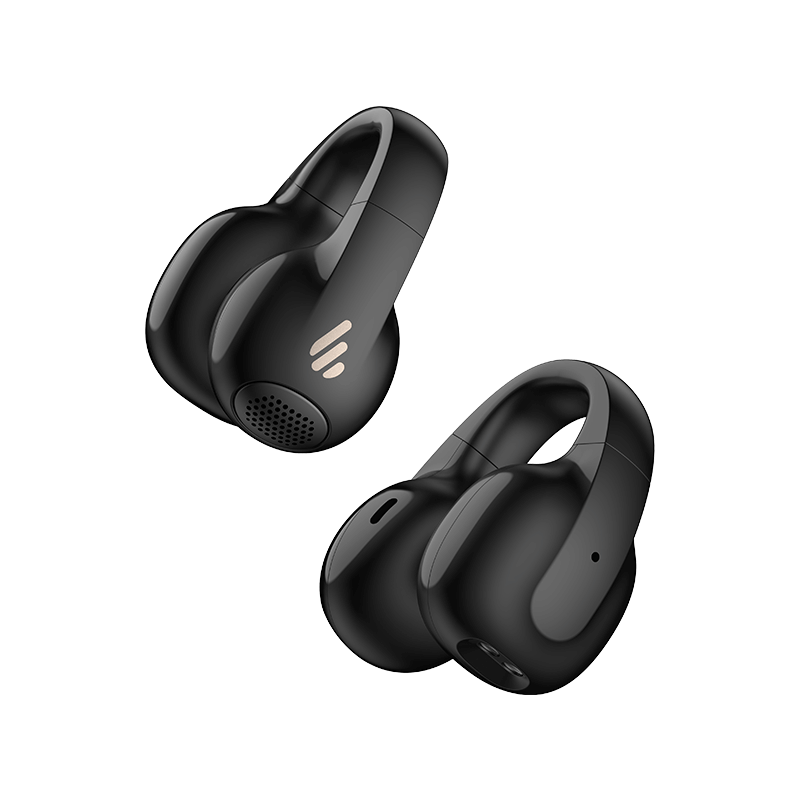
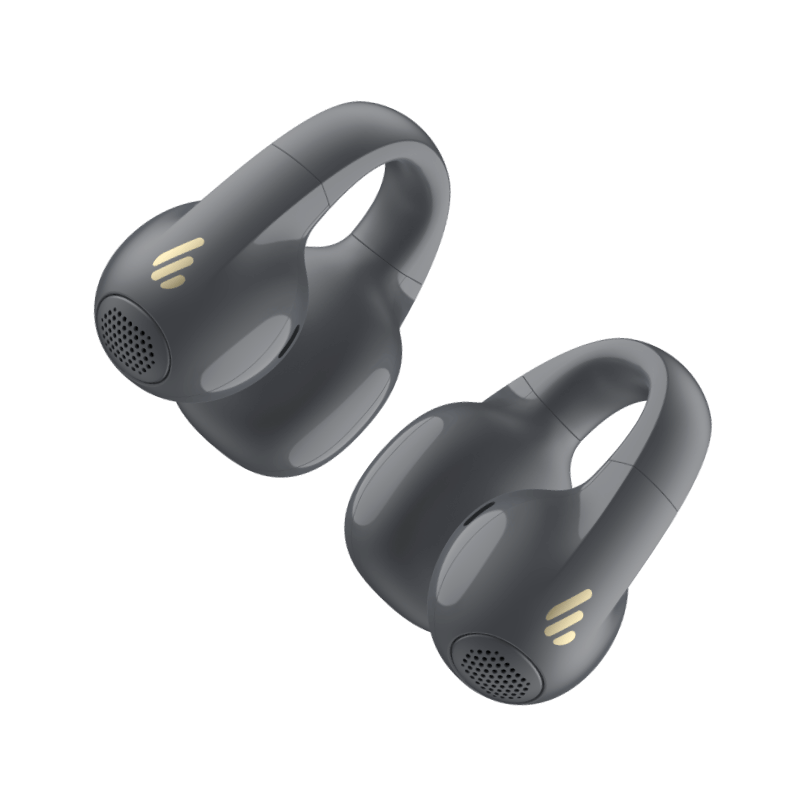
Experience all-day comfort with an open-ear clip-on design that’s light and pressure-free, you'll forget you're even wearing them.

Highly resistant to dust and capable of withstanding powerful water jets, offering dependable performance in various environments.

The symmetrical design supports wearing in either ear, with automatic calibration to ensure accurate audio output.

Advanced directional acoustic technology directs sound waves into the ear, delivering clear and enjoyable audio with an open-ear design.

Download the EDIFIER ConneX App to personalize your listening experience. Choose your preferred EQ, rename your device, find your product, and more.

Connect to two devices at once and switch seamlessly between them for ultimate multitasking convenience.

AI noise reduction algorithms effectively isolate background noise, capturing human voices for crystal-clear hands-free calls.

* The battery life data was obtained in the Edifier Lab by testing with SBC decoding and 80% volume. Actual experience may vary slightly depending on the testing environment, equipment, volume, and audio file.

With Bluetooth® 5.4 technology, enjoy faster transmission, stronger connectivity, and resistance to interference.

* The Bluetooth® word mark and logos are registered trademarks owned by Bluetooth SIG, Inc., and any use of such marks by EDIFIER is under license.
Other trademarks and trade names are those of their respective owners.


Take out an earbud and find the sound outlet.

Clip the earbud onto your auricle and adjust it upwards or downwards until the sound outlet is directed towards your ear canal.


Bluetooth®バージョン:
V5.4
有効範囲:
about 10m
Bluetoothプロトコル:
A2DP, AVRCP, HFP
対応オーディオコーデック:
SBC
再生時間:
about 7 hours + 21 hours
充電ポート:
USB-C
入力:
5V ⎓ 200mA (earbuds)
5V ⎓ 1A (charging case)
充電時間:
1 hours (Earbuds)
1.5 hours (Charging case)
ドライバーユニット:
12mm dynamic driver
周波数特性:
20Hz - 20kHz
出力音圧レベル:
90 ± 3 dB(A)
IP等級:
IP56
1. Turn on the earbuds
- Remove the earbuds from the charging case; they will automatically power on.
- If they don’t turn on automatically, press and hold the multifunction button or touch area for a few seconds until the indicator light flashes.
2. Enter pairing mode
- If this is the first time using the earbuds, they will automatically enter pairing mode, indicated by a fast-flashing light.
- If they do not enter pairing mode, press and hold the multifunction button for 3-5 seconds until the light starts flashing rapidly.
3. Enable Bluetooth on your device
- On your phone or other Bluetooth-enabled device, go to Settings > Bluetooth and turn on Bluetooth.
- Search for available devices and select "Edifier Comfo C" from the list.
4. Complete the pairing
- Tap on the device name to pair. The system will complete the connection automatically.
5. Confirm the connection
- Once paired successfully, the indicator light on the earbuds will stop flashing and stay steady or flash slowly (depending on the model).
- Your phone or device will show that the earbuds are connected, and you can start using them.
* Additional tips:
If the earbuds are already connected to another device, disconnect them from the previous device before pairing with a new one.
If the earbuds support multipoint connection, you can connect two devices, but pairing must be done one at a time.
1. Place the earbuds in the case and keep it open.
2. Press and hold the button on the case for 3 seconds until the white and orange LED blink.
* Note: For subsequent use, the earbuds will automatically connect to the device used last time.
1. Pair device A with the earbuds manually and keep the earbuds in the case.
2. Re-enter Bluetooth pairing and select "EDIFIER Comfo C" in device B settings to connect.
3. Select "EDIFIER Comfo C" again in device A settings to complete the multipoint connection.
* Note: For subsequent use, the earbuds will automatically reconnect to the two devices used last time.