Background
The EU Data Act establishes harmonised rules on fair access to and use of data. It entered into force on 11 January 2024 and will apply from 12 September 2025 across EU Member States. It aims to ensure that users of a connected product or related service in the EU can access, in a timely manner, the raw data and pre-processed data generated by the use of that connected product or related service, and that those users can use the data, including by sharing it with third parties of their choice. It imposes an obligation on data holders to make data available to users and to third parties of the user’s choice in certain circumstances. It also ensures that data holders make data available to data recipients in the EU under fair, reasonable, and non-discriminatory terms and conditions, and in a transparent manner.
1.Basic Information:
Manufacturers of connected products:
1, Edifier International Limited
Address: P. O. Box 6264 General Post Office, Hong Kong
2, Beijing Edifier Technology Co., Ltd.
Address: 815, Floor 8, Shuangqiao Building, No.68, North Fourth Ring West Road, Haidian District, 100080 Beijing, P.R. China
Factory:
Dongguan Edifier Technology Co., Ltd.
Address: No.2 Gongyedong Road, Songshan Lake Sci.&Tech. Industry Park, Dongguan, 523808 Guangdong, P.R. China
Providers of related services: Dongguan Edifier Technology Co., Ltd.
Address: No.2 Gongyedong Road, Songshan Lake Sci.&Tech. Industry Park, Dongguan, 523808 Guangdong, P.R. China
Connected Product:
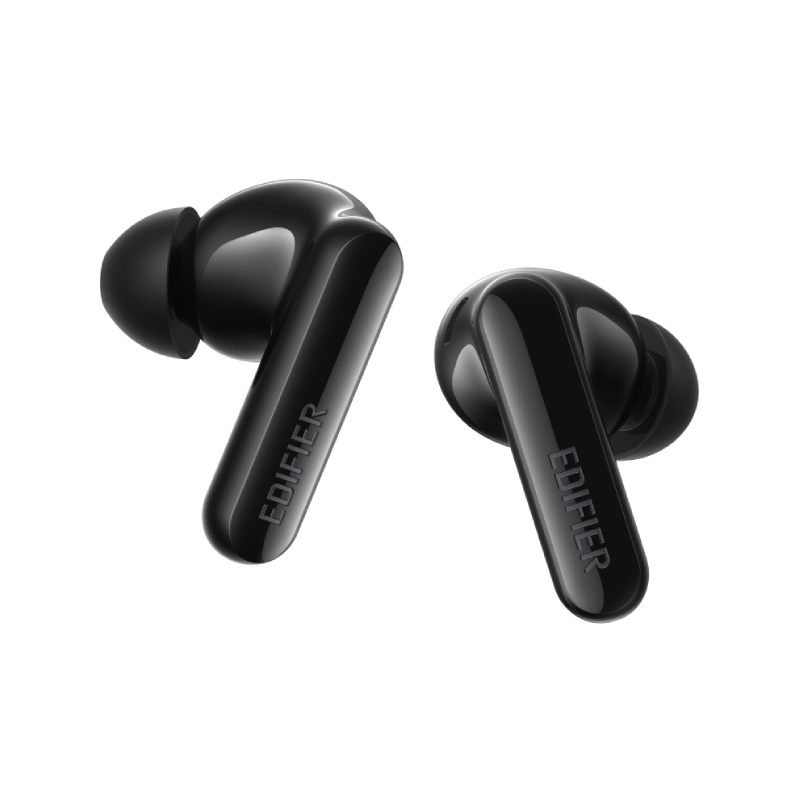
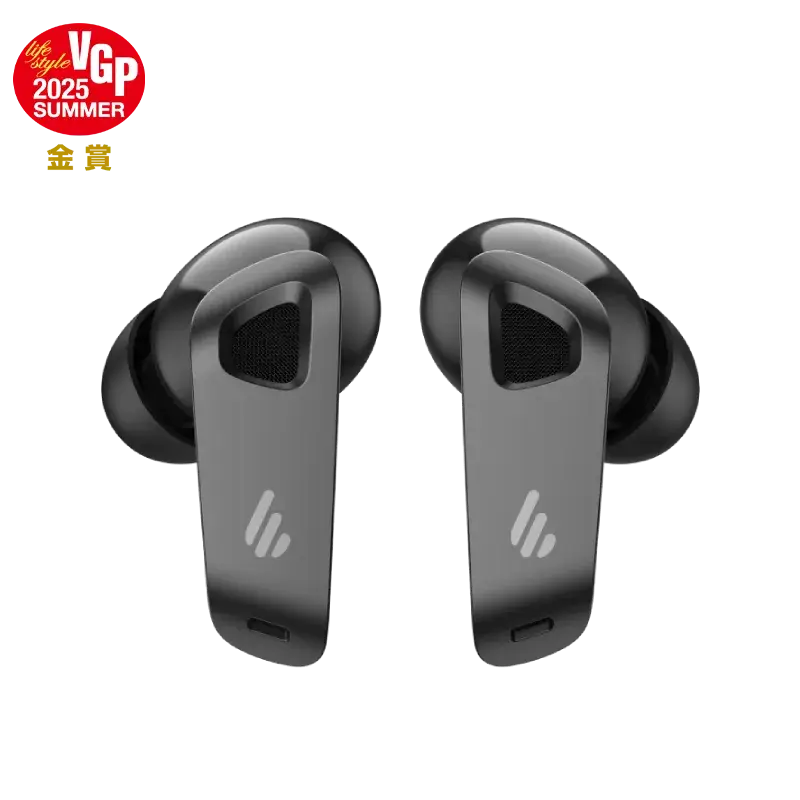
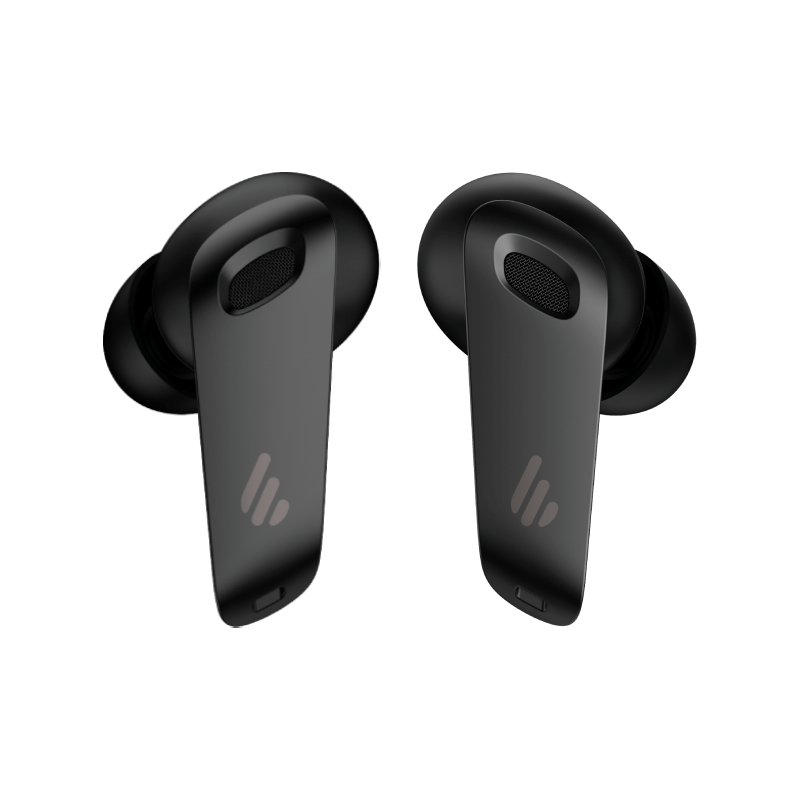
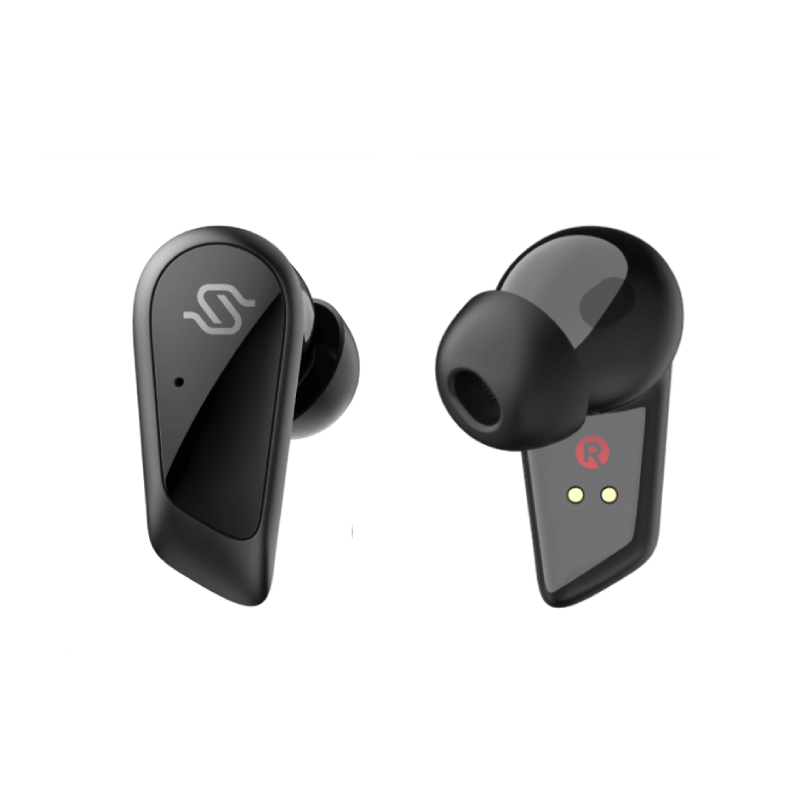
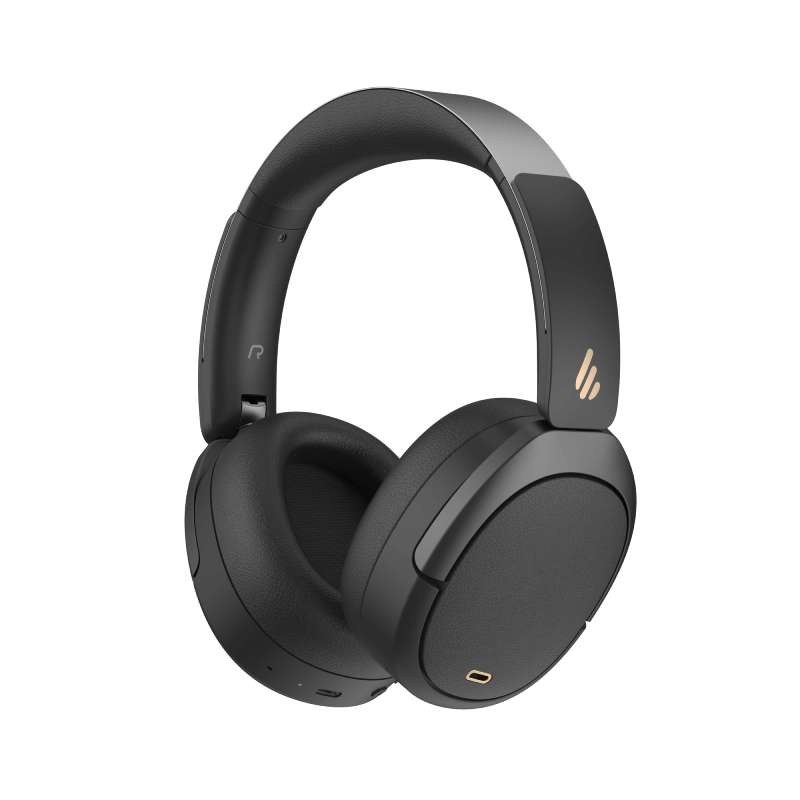
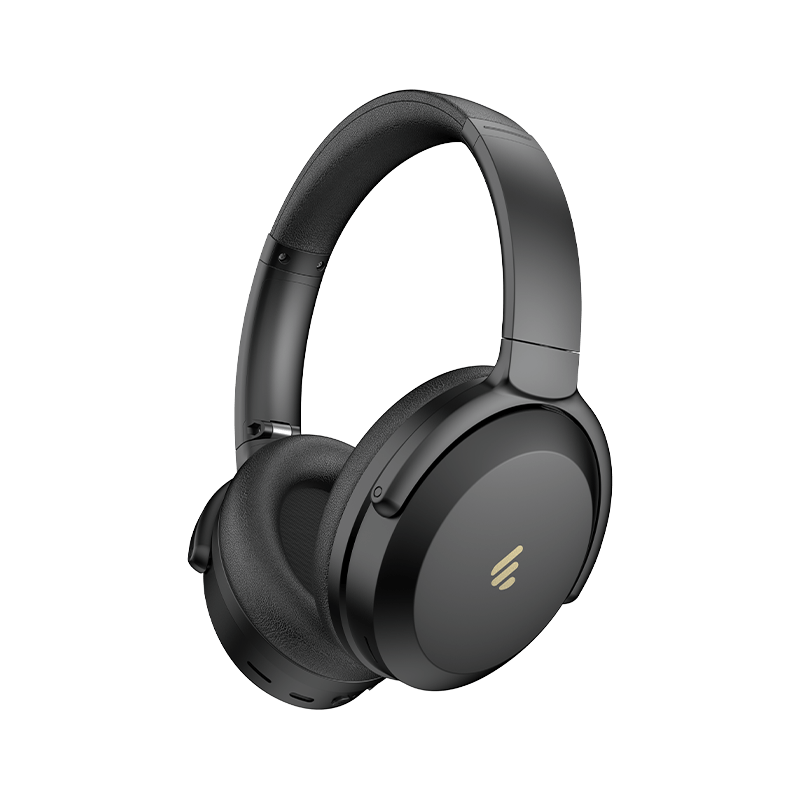
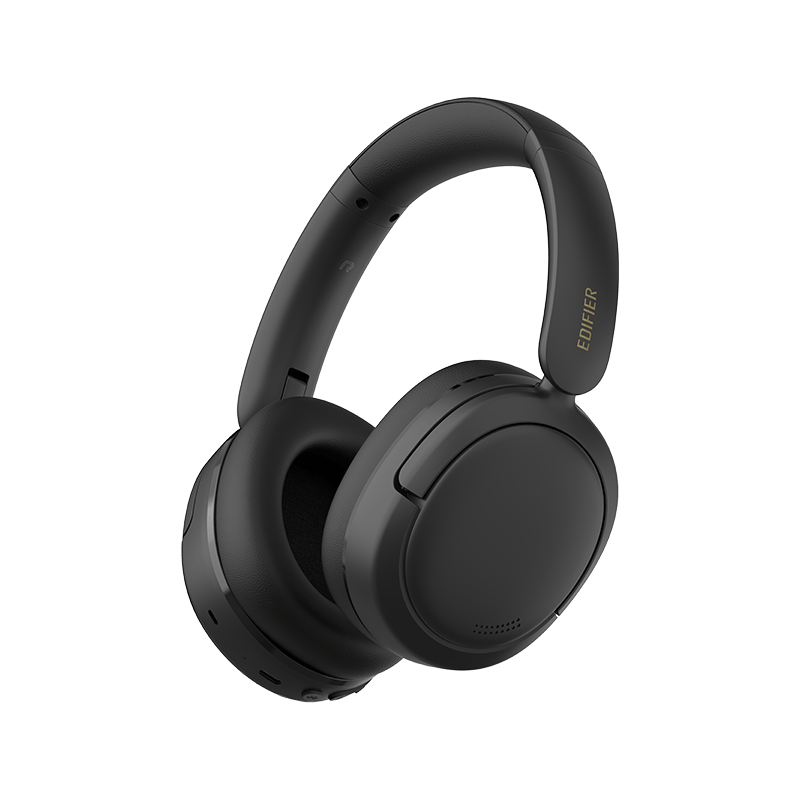
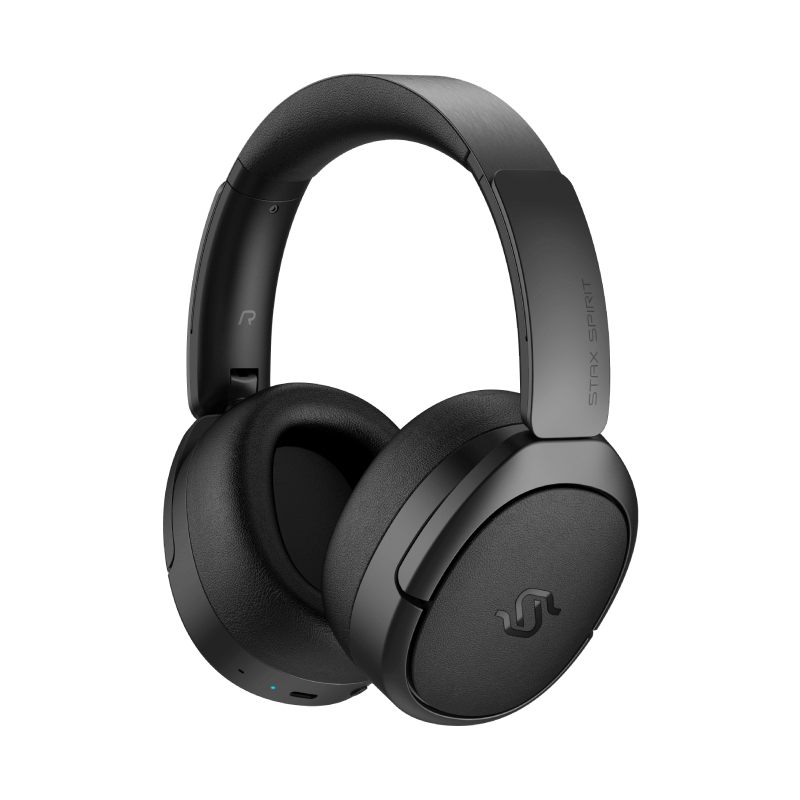
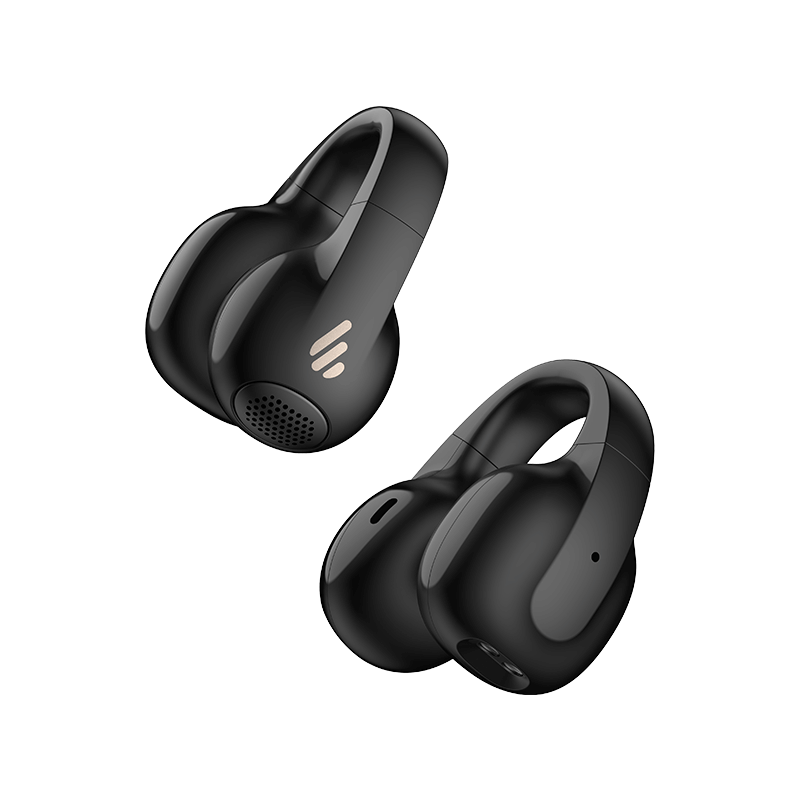
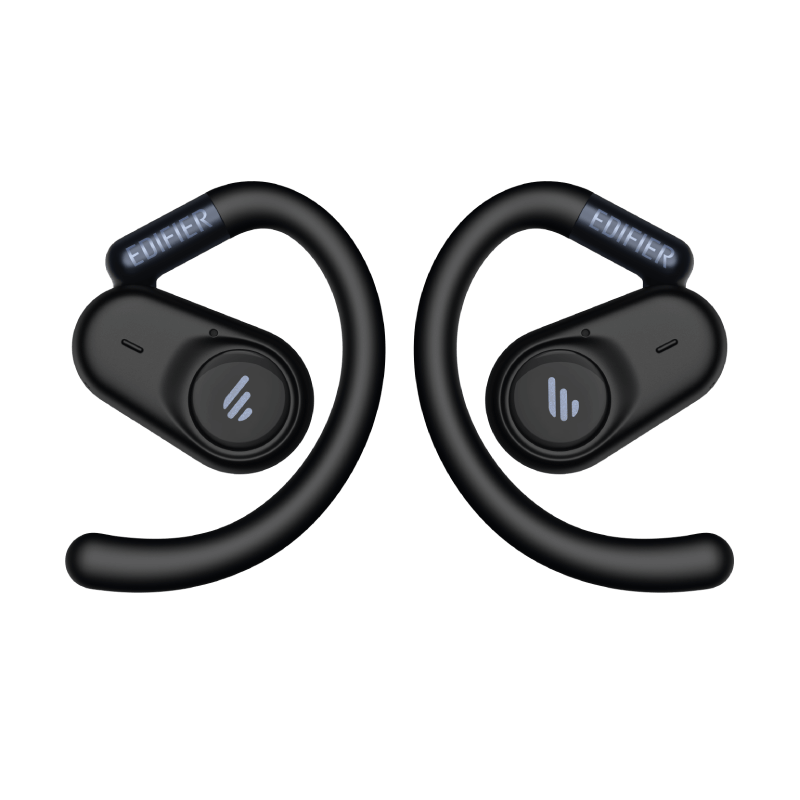
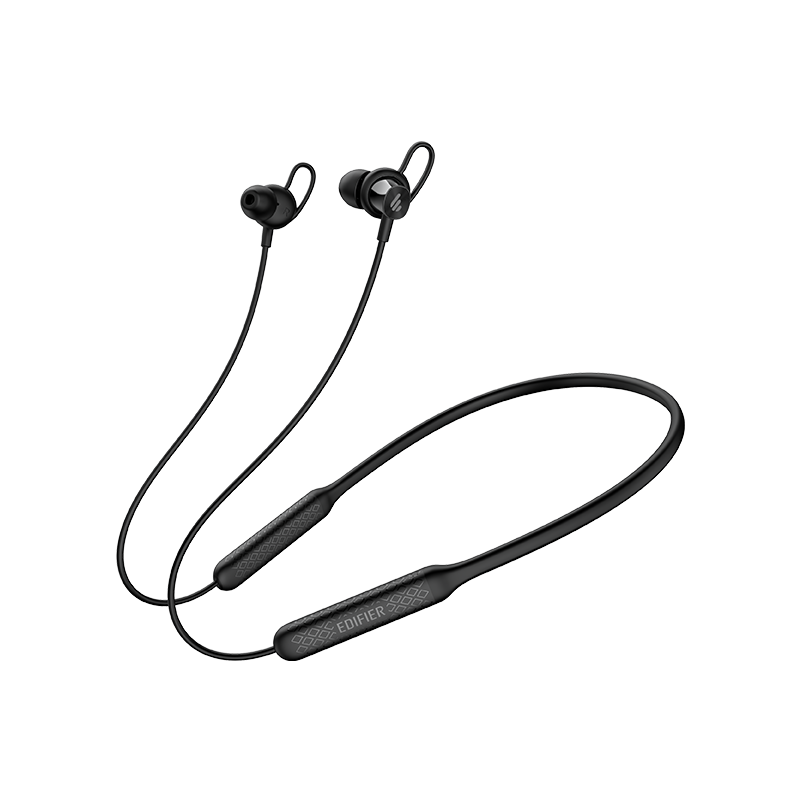
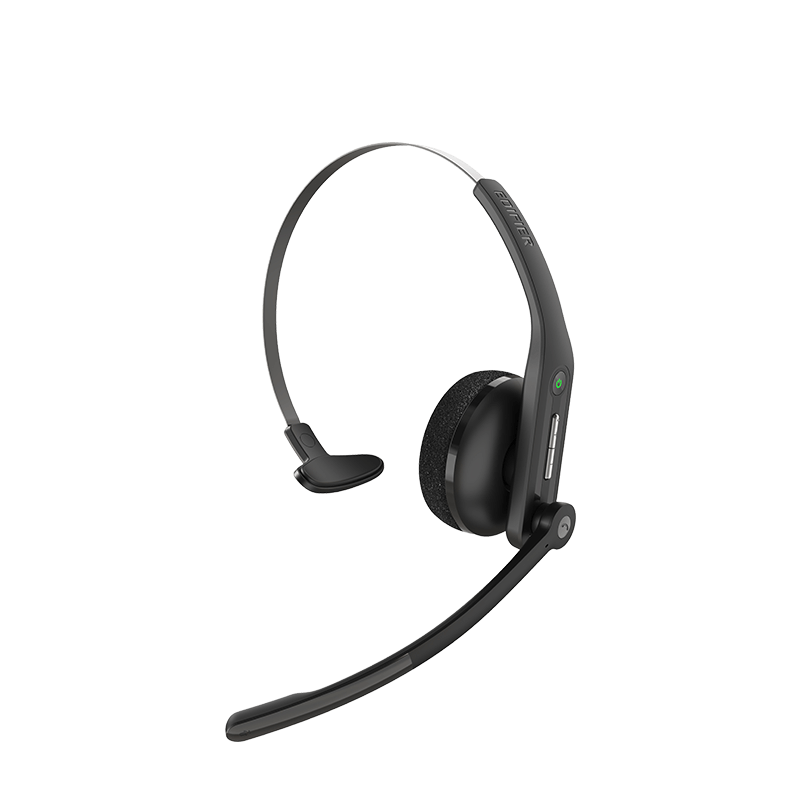
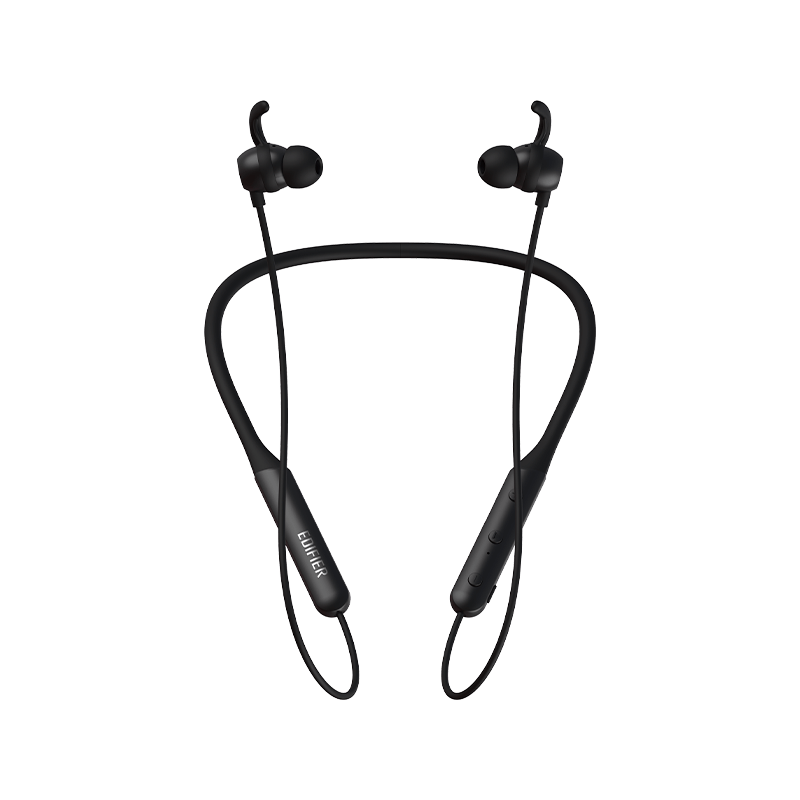
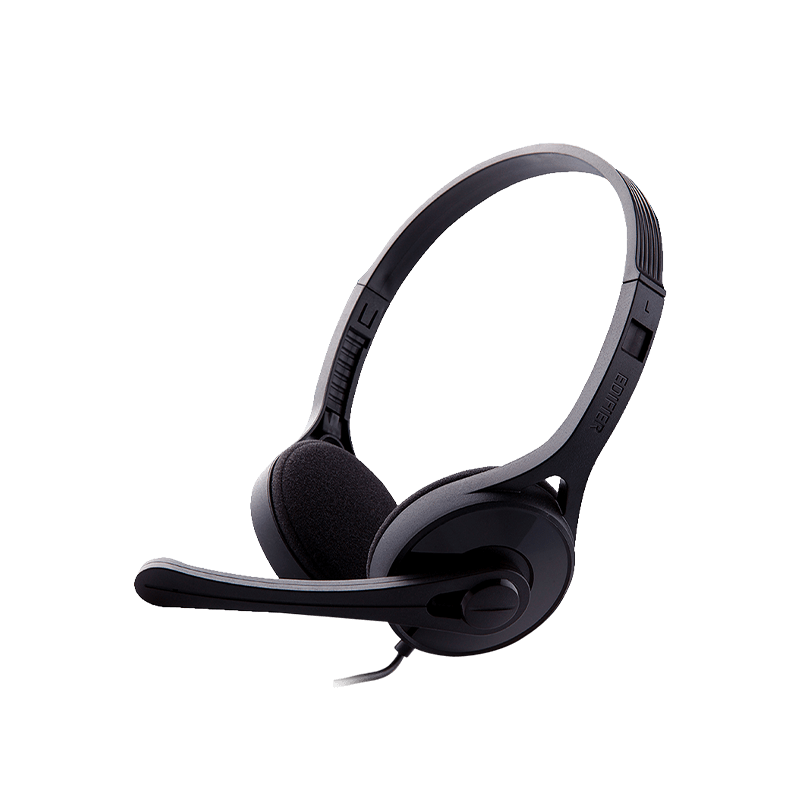
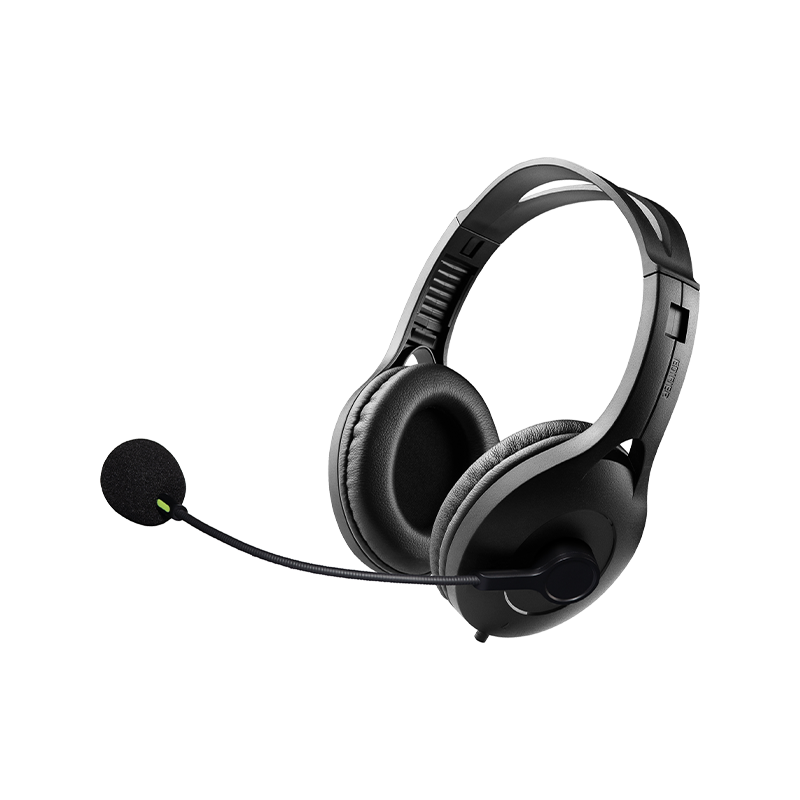
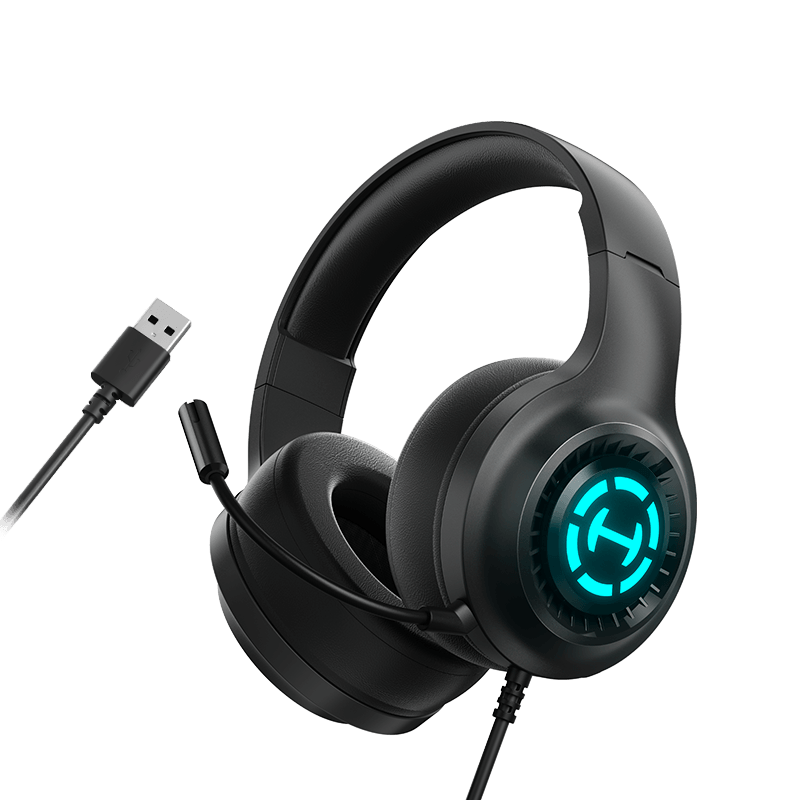
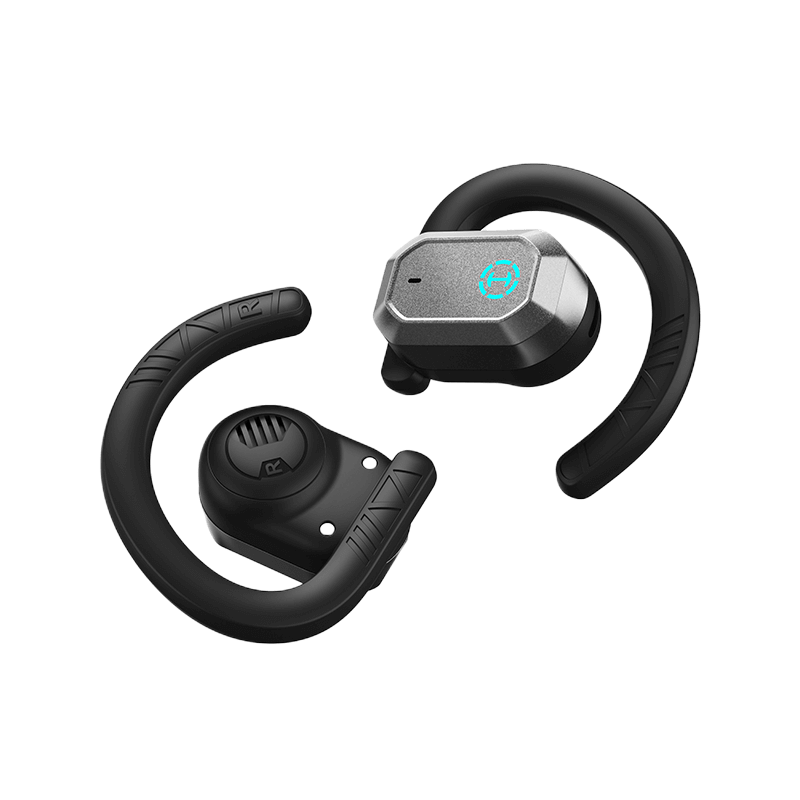
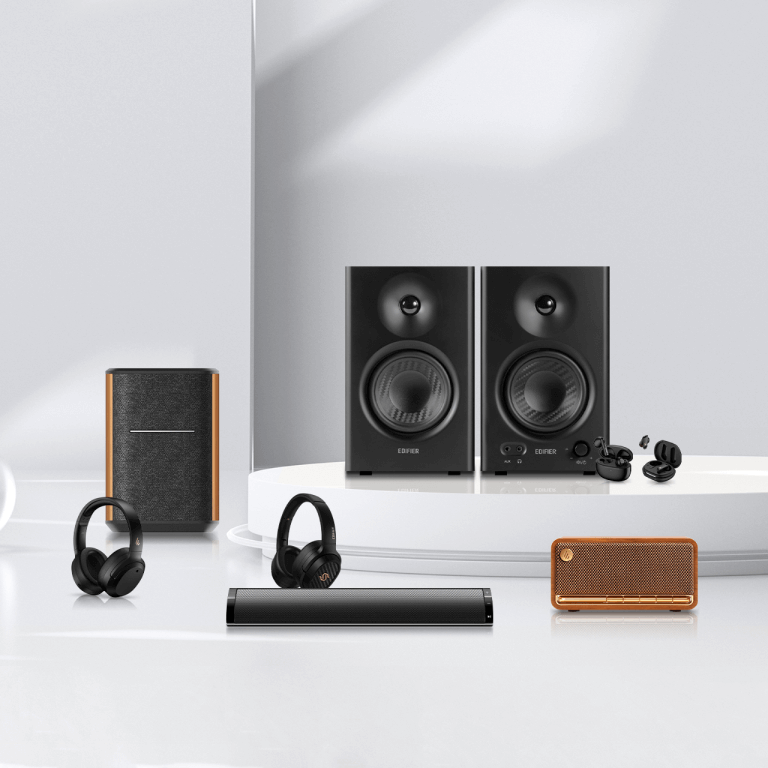
Earphones:EDF200184, LolliClip, EDF200040, W800BT Plus, EDF200062, W600BT, EDF200071, S3, EDF200102, WH950NB, EDF200114, TWS1 Pro 2, EDF200081, W100T, EDF200136, X5 Pro, EDF280027, W260NC, EDF200211, LolliClip Lite, EDF200118, W820NB Plus, EDF200123, X2s, EDF200132, S5, EDF200163, W830NB, EDF200149, W800BT Pro, EDF200137, S10, EDF200172, NeoDots, EDF200168, WH700NB Pro, EDF200174, H9, EDF200161, Comfo C, EDF200165, NeoBuds Plus, EDF200173, W800BT SE, EDF280041, W200T, EDF200170, X1 Lite, EDF280044, ES850NB, EDF200193, Comfo Flex, EDF200175, A6, EDF200182, X3 Pro, EDF200120, K750W, EDF200206, W80, EDF200185, NeoBuds Planar, EDF200169, W280NB Pro, EDF200186, NeoBuds Pro 3, EDF200200, Comfo Q, EDF200208, X2 Plus, EDF200214, WH950NB, EDF200203, X5 Pro, EDF200220, W820NB Plus, EDF200199, EvoBuds Pro, EDF200202, EvoBuds, EDF200241, CC300, EDF280055, JoyBuds, EDF200254, Comfo Bass, EDF200255, WH950NB Pro, EDF200244, WH880NB, EDF200256, EDF200257, EDF200258, EDF200259, EDF200260, Comfo Bass Pro, EDF200261, EDF200262, EDF200263, EDF200264, EDF200265, X2 Pro, EDF200266, EDF200267, EDF200268, EDF200269, EDF200270, EDF200271, EDF200272, EDF200273, EDF200274, EDF200275, EDF200276, EDF200277, EDF200278, EDF200279, EDF200280, EDF200281, EDF200282, EDF200283, EDF200284, EDF200285, EDF200286, EDF200287, EDF200288, EDF200289, EDF200290, EDF200291, EDF200292, EDF200293, EDF200294, EDF200295, EDF200296, EDF200297, EDF200298, EDF200299, EDF200300, EDF280057, EDF280058, EDF280059, EDF280060, EDF280061, EDF280062, EDF280063, EDF280064, EDF280065, EDF280066, EDF280067, EDF280068, EDF280069, EDF280070, EDF280071, EDF280072, EDF280073, EDF280074, EDF280075, EDF280076, EDF280077, EDF280078, EDF280079, EDF280080, EDF280081.
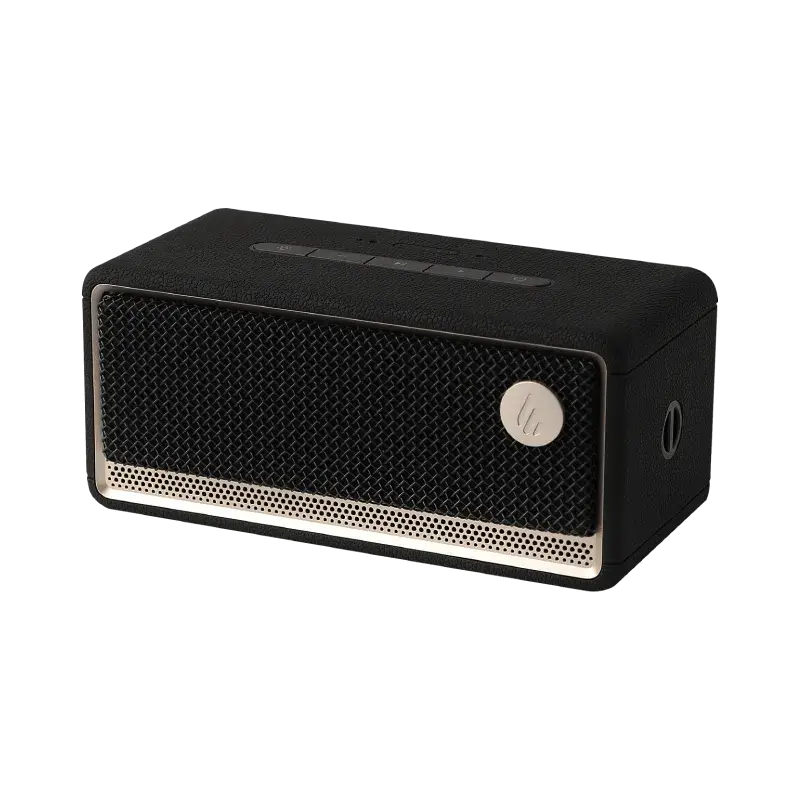
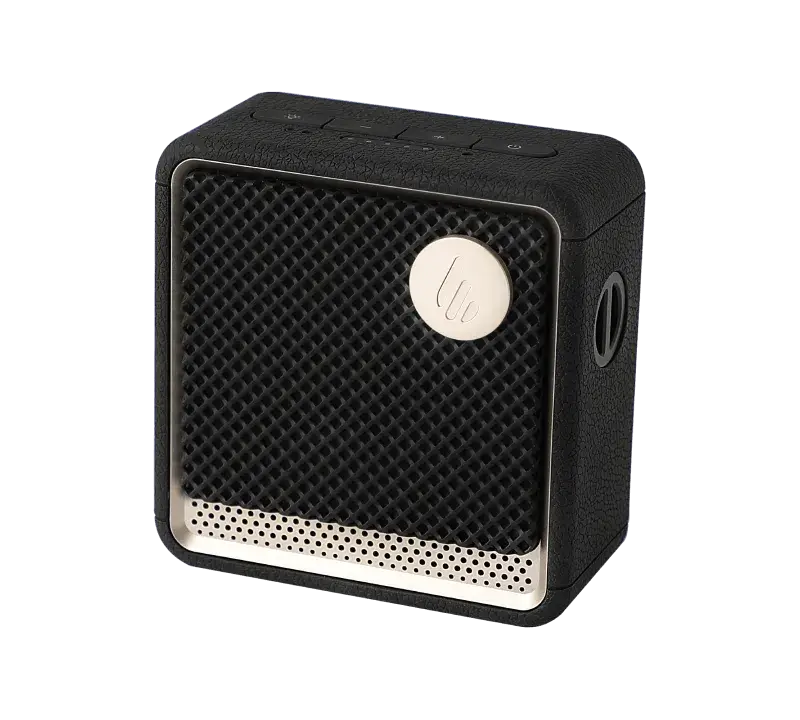
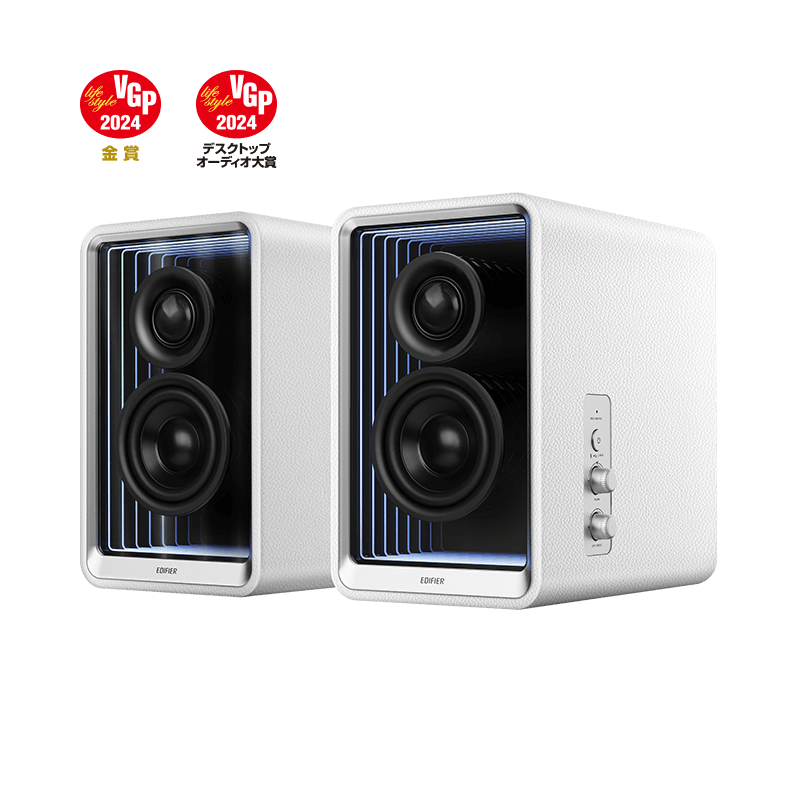
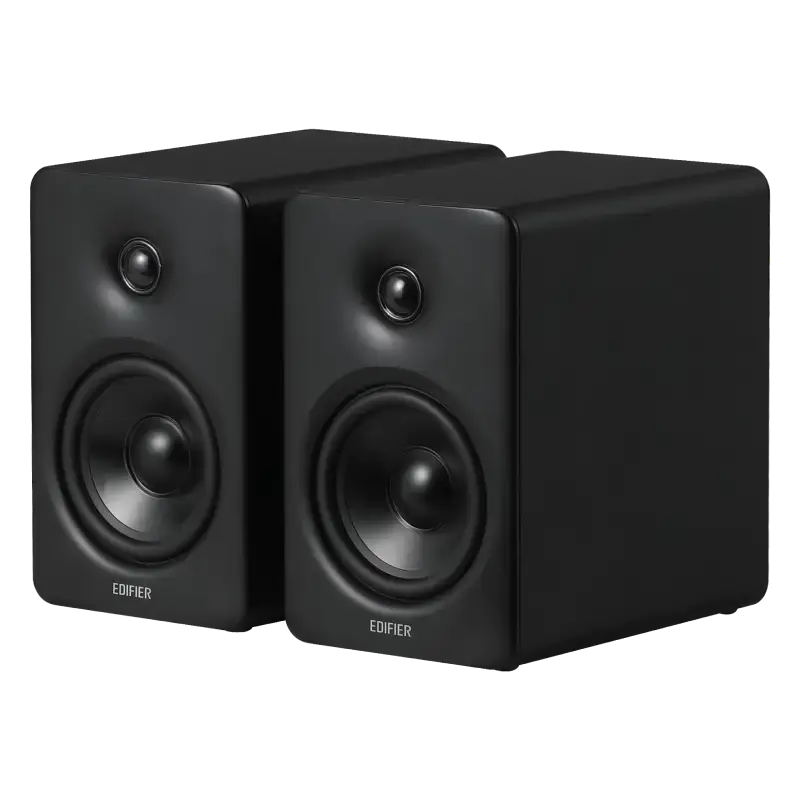
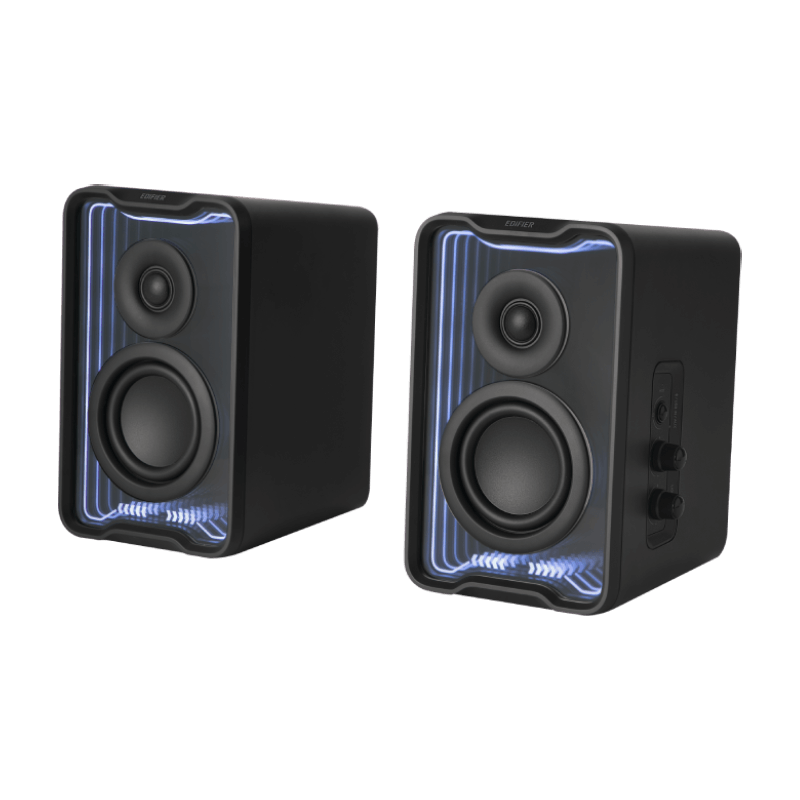
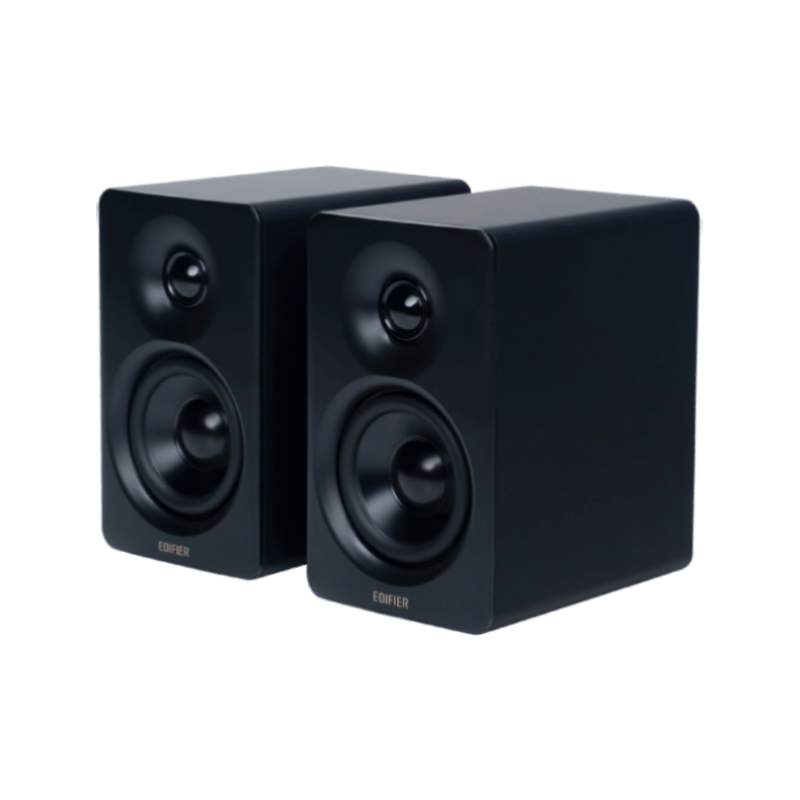
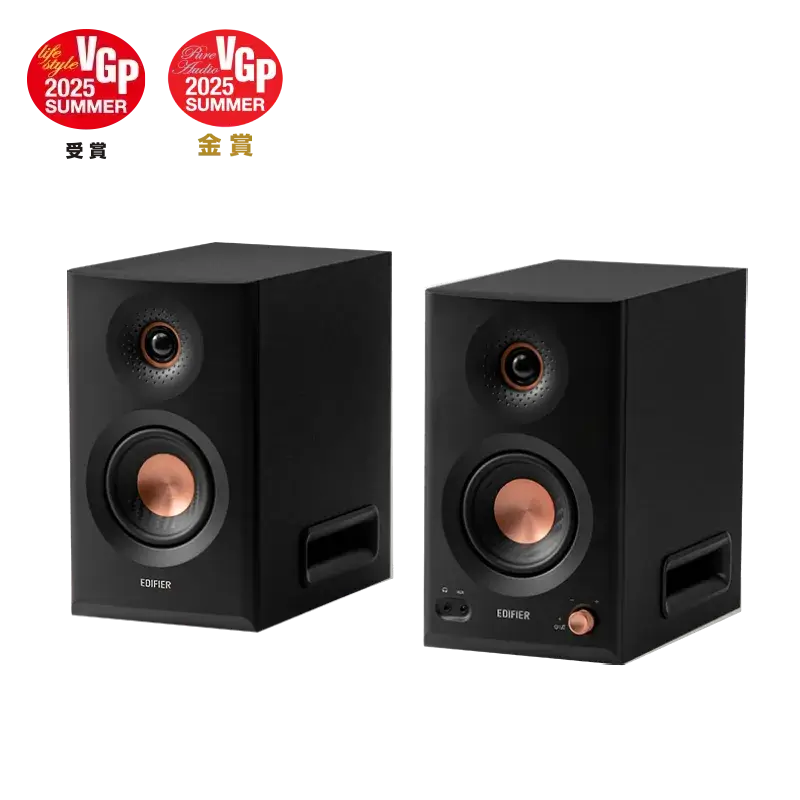
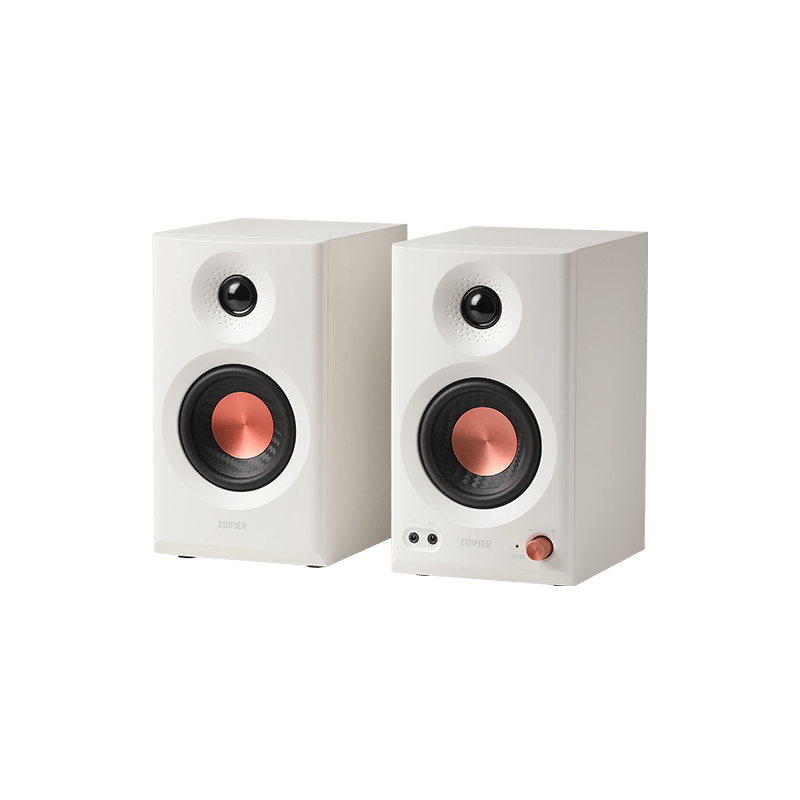
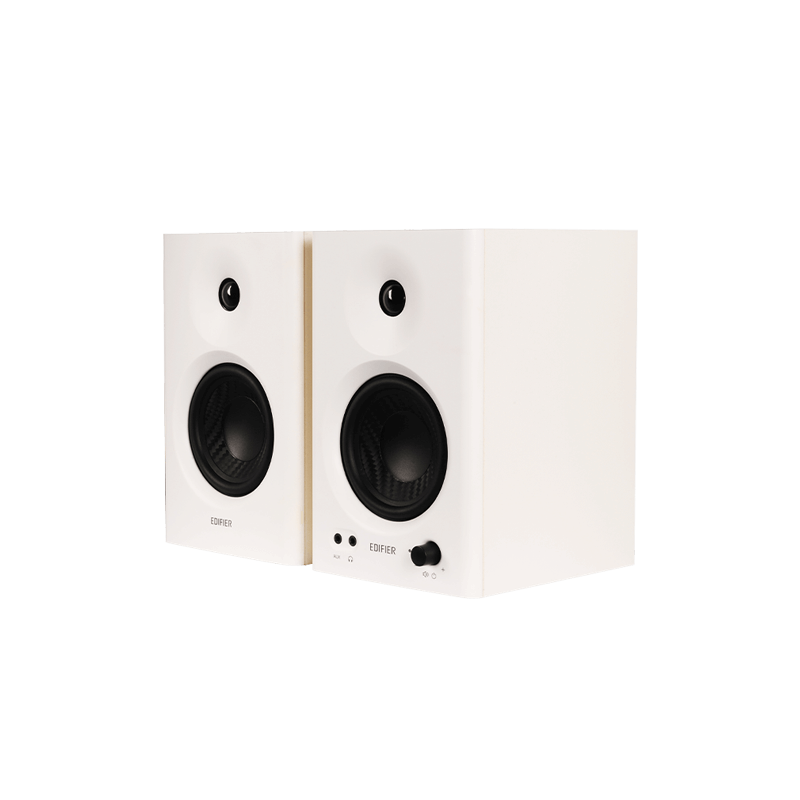
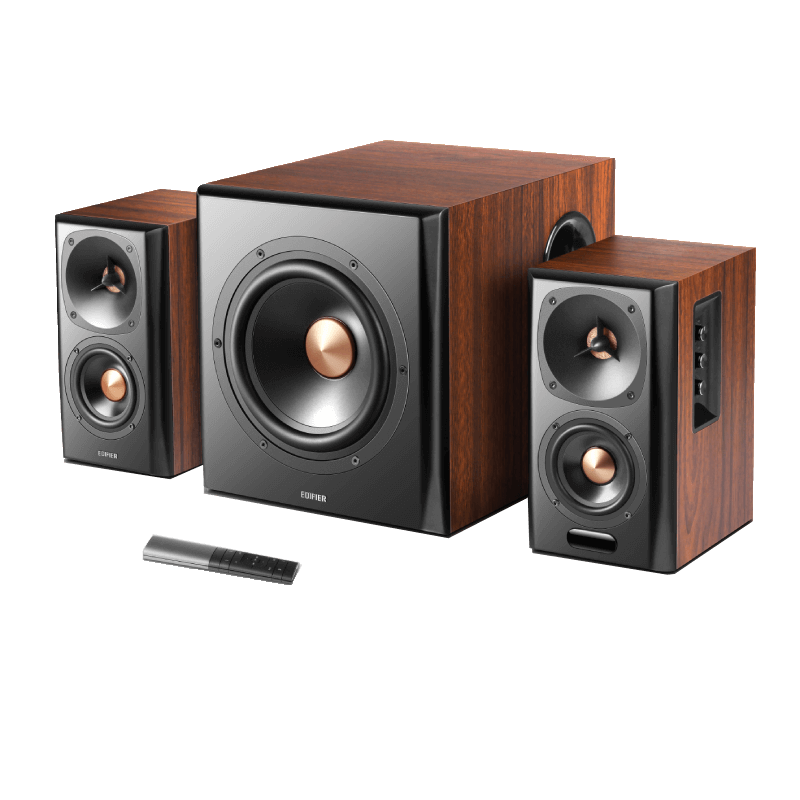
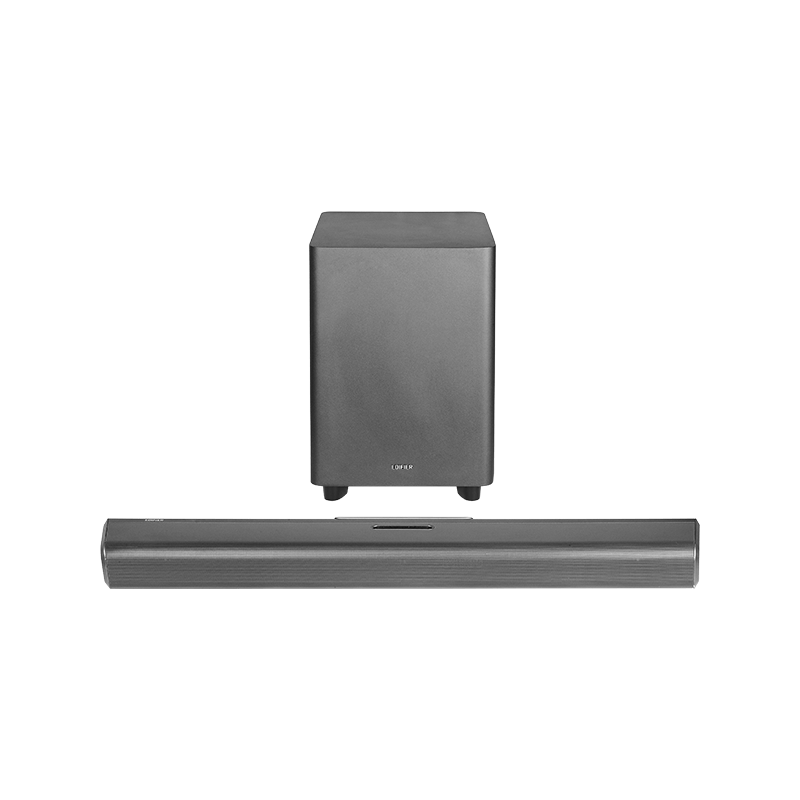
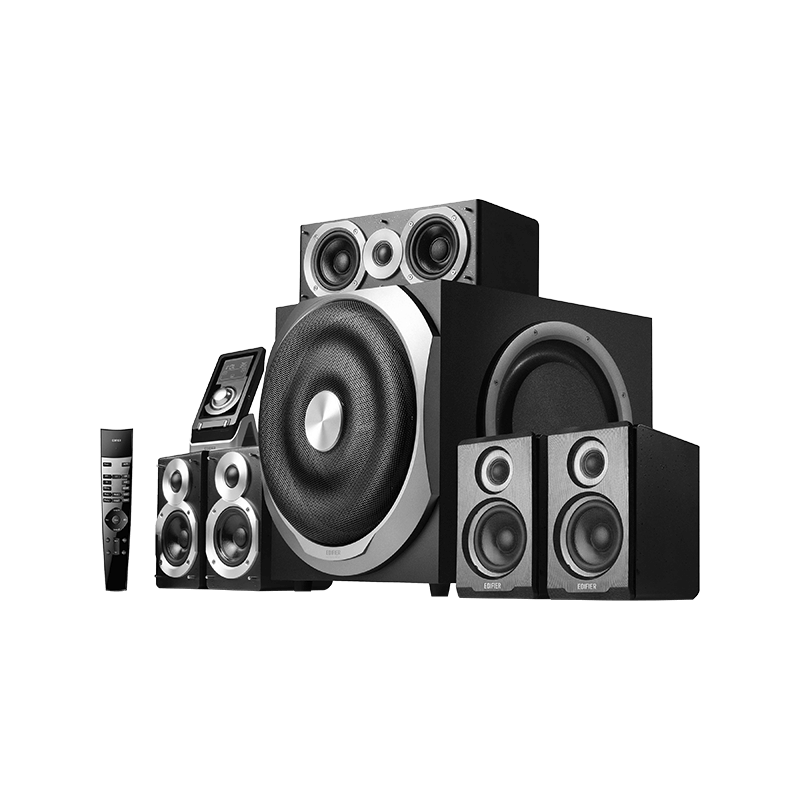
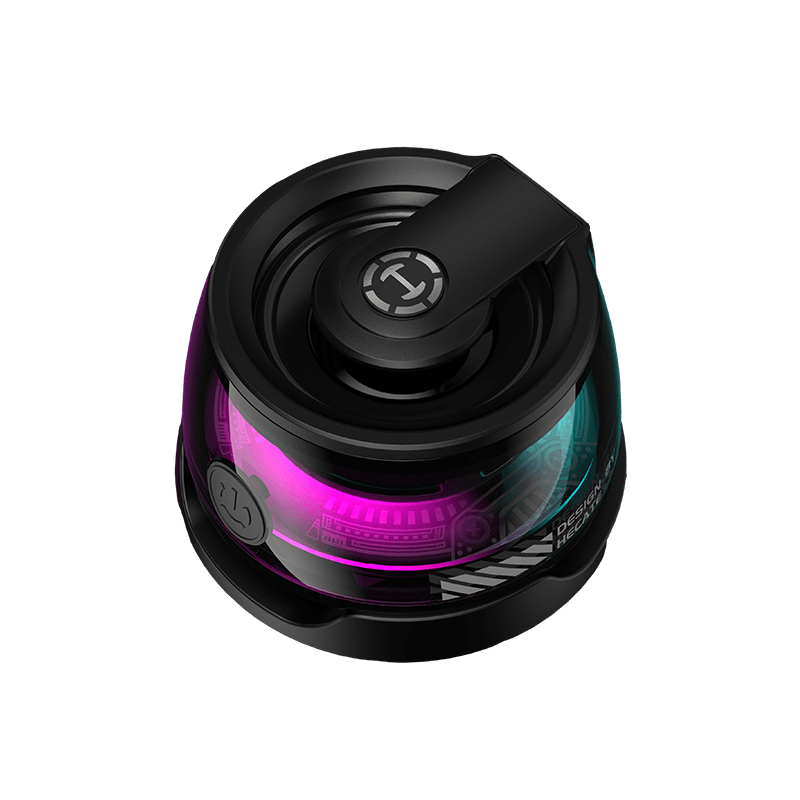
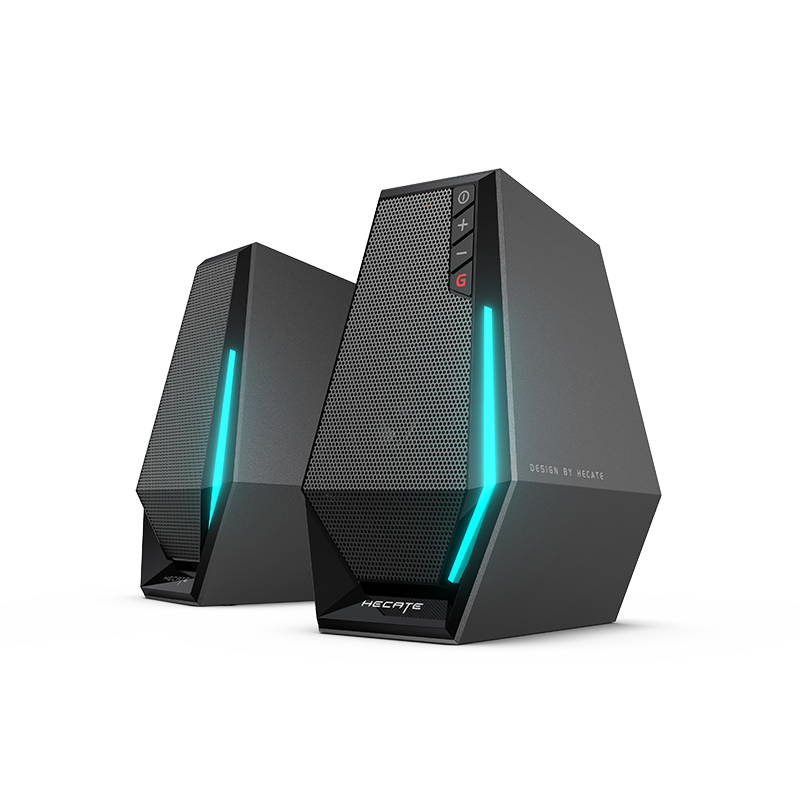
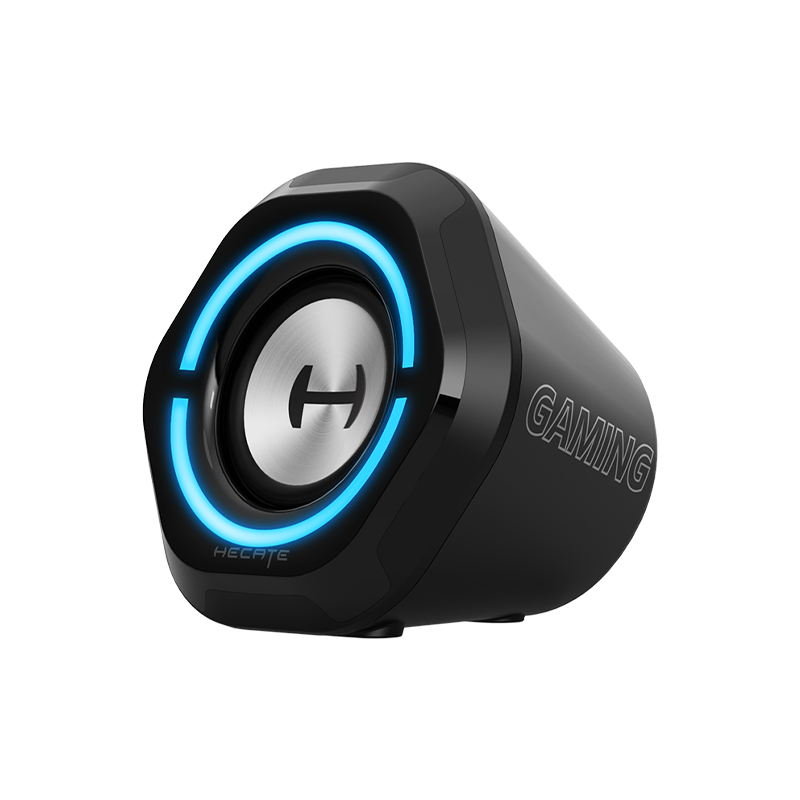
Speakers: EDF100092, S300, M2290, M2290BT, M1370BT, R1010BT, R2000DB, S2000 Pro, e235, B3,B7, A200, MODEL-1, EDF100004, S350DB, S351DB, S880DB, EV01S 5.8G module, M2280BT, S50DB, S70DB, EDF100063, CX7, R1580MB, S90HD, A100, A100S, A80, A300, XM3BT, S3000PRO, R2750DB, S360DB, R1080BT, G2000, X230,S1000MKⅡ, S2000MKⅢ, B8, MP120, G7000, R1700BTs, EDF100005, MP260, EDF100006, MP380, A300Pro, G1000, EDF100001, R33BT, EDF100002, D12, EDF100007, R2850DB, M201BT, EDF100015, MF5P, M206BT, EDF100021, R2000DB, EDF100009, M601DB, EDF100016, R1280DB, EDF100035, R1380DB, EDF100008, MS50A, EDF100025, R1080BT, EDF100023, R1855DB, EDF100022, R1850DB, EDF100030, R501BT, P100X, EDF100017, R1700BT, EDF701001, G5000, EDF100011, R1280DBs, EDF100019, MP230, EDF100037, MG300, EDF100018, MP100 Plus, EDF100039, R19BT, EDF100042, S880DB, EDF100040, S350DB, EDF100041, S351DB, EDF100043, S360DB, EDF100038, MF200, EDF100027, S1000W, EDF100047, R1010BT, EDF100012, R33BT+, EDF180008, MF3, EDF100026, B700, EDF100048, R1580MB, EDF701005, G1500, EDF100049, R2750DB, NANOBASS X4, NANOBASS X4C, EDF286001, QD35, EDF100065, MP85, EDF701008, G1500 MAX, EDF701007, G1500 BAR, EDF100060, MG250, EDF180003, A3-8s, EDF180013, PP205, EDF286005, QR65, EDF100072, e25HD, EDF100078, S3000MKII, EDF100080, D32, EDF100082, R990BT, EDF286008, QS30, EDF100076, S880DB MKII, BASS ENGINE 17, EDF100088, MP125, EDF100074, M60, EDF100081, MR3, DOUBLE FOUR PLUS BG-80, EDF286012, QR30, EDF286009, ES20, EDF2860010, ES60, EDF286006, ES300, EDF286013, QS20, EDF100094, MP330, EDF100099, MR5, EDF286014, QD25, A200T, EDF100120, M90, EDF100110, R20BT, EDF100102, R2750DB MKII, EDF100121, S355DB, A60, EDF100112, MR4.5, MR4 MKII, EDF100122, EDF100123, EDF100124, EDF100125, EDF100126, EDF100127, EDF100128, EDF100129, EDF100130, EDF100131, EDF100132, EDF100133, EDF100134, EDF100135, EDF100136, EDF100137, EDF100138, EDF100139, EDF100140, EDF100141, EDF100142, EDF100143, EDF100144, EDF100145, EDF100146, EDF100147, EDF100148, EDF100149, EDF100150, EDF286015, EDF286016, EDF286017, EDF286018, EDF286019, EDF286020, EDF286021, EDF286022, EDF286023, EDF286024, EDF286025, EDF286026, EDF286027, EDF286028, EDF286029, EDF286030, EDF286031, EDF286032, EDF286033, EDF286034, EDF286035, EDF286036, EDF286037, EDF286038, EDF100161, EDF100162, EDF100163, EDF100164, EDF100165, EDF100166, EDF100167, EDF100168, EDF100169, EDF100170.
Related services:
Earphones: EDIFIER ConneX
Speakers: EDIFIER ConneX, EDIFIER Home, EDIFIER TempoHub
Data holder: Dongguan Edifier Technology Co., Ltd.
Address: No.2 Gongyedong Road, Songshan Lake Sci.&Tech. Industry Park, Dongguan, 523808 Guangdong, P.R. China
Third-party enterprises that receiving data: Google
This service adopts Google Analytics and Google Maps. Google will collect and process user-related data, including:
Device and network information: IP address, browser/device model, system version, language and time zone settings, unique device identifiers.
Behavioral usage data: page access records, operation clicks, session duration, access source and browsing tracks.
Location information: approximate location inferred by network, and precise GPS location if authorized by users, as well as map interaction, address query and routing operation data.
Local storage data: relevant cookie and cache data for statistics and service running.
The above data is used for traffic statistics, map function provision, service optimization and security maintenance, and shall be processed in accordance with Google’s privacy regulations.
Third-party enterprises that providing data:N/A
2.Details of the product data:
Bluetooth headphones& Bluetooth earbuds
Data | Category of Data | Type of Data | Nature | Format | Purpose of the data use | Estimated Volume | Collection Frequency | Capable of generating data continuously and in real-time | where the data is stored
| duration of the data retention | how the user may access the data | how the user may retrieve the data | how the user may erase the data | Exportable | Export Method |
Heart Rate | Personal Data | Physiological Data | Heart rate (e.g., 72 beats/min), and measurement time | Number (value + unit) | Used to display the user's physiological health data | 64-128 bytes/entry | Collected in real time when the user measures with the headphones | Used to display the user's physiological health data | On-APP | Retained during the account's existence; deleted in accordance with the privacy policy after account cancellation | APP Health Center - Heart Rate & Blood Oxygen Interface | Viewable in the APP Health Center - Heart Rate & Blood Oxygen Interface | Uninstall the app | No | None |
Blood Oxygen | Personal Data | Physiological Data | blood oxygen saturation (e.g., 98%), and measurement time | Number (value + unit) | Used to display the user's physiological health data | 64-128 bytes/entry | Collected in real time when the user measures with the headphones | Used to display the user's physiological health data | On-APP | Retained during the account's existence; deleted in accordance with the privacy policy after account cancellation | APP Health Center - Heart Rate & Blood Oxygen Interface | Viewable in the APP Health Center - Heart Rate & Blood Oxygen Interface | Uninstall the app | No |
None
|
Active noise cancellation mode setting | Personal data | User Info | Customer usage data | Hex | Used for configuring Active noise cancellation Swtich mode | 1KB | None | Yes | On-device | None | APP Product Connection Homepage | Viewable and modifiable in the APP Product Connection Homepage - Active noise cancellation Interface | APP Settings - Restore factory settings Interface | No | None |
Sports related to running and brisk walking | Personal data | User Info | Customer usage data | Hex | Used for displaying sports data | 1KB | None | Yes | On-device | None | APP Sports Page - Sports related to running and brisk walking Interface | Viewable and modifiable in the APP Sports Page - Set running or brisk walking to start Interface | APP Settings - Restore factory settings Interface | No | None |
Volume setting | Personal data | User Info | Customer usage data | Hex | Used for configuring volume | 1KB | None | Yes | On-device | None | No | No | APP Settings - Restore factory settings Interface | No | None |
Audio codec setting | Personal data | User Info | Customer usage data | Hex | Used for configuring Audio codec | 1KB | None | Yes | On-device | None | APP Settings - High definition audio codec Settings Interface | Viewable and modifiable in the APP Settings - High definition audio codec Interface | APP Settings - Restore factory settings Interface | No | None |
Sound mode setting | Personal data | User Info | Customer usage data | Hex | Used for configuring sound mode | 1KB | None | Yes | On-device | None | APP Sound Effect Settings - Sound Effect Settings Interface | Viewable and modifiable in the APP Sound Effect Settings - Sound Effect Interface | APP Settings - Restore factory settings Interface | No | None |
Scene mode setting | Personal data | User Info | Customer usage data | Hex | Used for configuring Scene mode | 1KB | None | Yes | On-device | None | APP Scene mode Sound Effect Settings - Scene Sound Effect Settings Interface | Viewable and modifiable in The APP Scene mode Sound Effect Settings - Scene Sound Effect Interface | APP Settings - Restore factory settings Interface | No | None |
Battery level | Personal data | User Info | Customer usage data | Hex | Used for displaying Battery level | 1KB | None | Yes | On-device | None | APP Product Connection Homepage | APP Product Connection Homepage | APP Settings - Restore factory settings Interface | No | None |
Health usage reminder | Personal data | User Info | Customer usage data | Hex | Used for reminder of usage time | 1KB | None | Yes | On-device | None | APP Settings - Health usage reminder Settings Interface | Viewable and modifiable in the APP Settings - Health usage reminder Interface | APP Settings - Restore factory settings Interface | No | None |
Control settings | Personal data | User Info | Customer usage data | Hex | Used for configuring L/R double-click or single click function | 1KB | None | Yes | On-device | None | APP Settings - Control settings Interface | Viewable and modifiable in the APP Settings - Control settings Interface | APP Settings - Restore factory settings Interface | No | None |
Key tapping sensitivity | Personal data | User Info | Customer usage data | Hex | Used for Configuring tapping sensitivity | 1KB | None | Yes | On-device | None | APP Settings - Key tapping sensitivity Interface | Viewable and modifiable in the APP Settings - Key tapping sensitivity Interface | APP Settings - Restore factory settings Interface | No | None |
In-ear detection | Personal data | User Info | Customer usage data | Hex | Used for Configuring In-ear detection function | 1KB | None | Yes | On-device | None | APP Settings - In-ear detection Interface | Viewable and modifiable in the APP Settings - In-ear detection Interface | APP Settings - Restore factory settings Interface | No | None |
Prompt tone Volumn control | Personal data | User Info | Customer usage data | Hex | Used for Configuring tapping prompt tone | 1KB | None | Yes | On-device | None | APP Settings - Prompt tone Interface | Viewable and modifiable in the APP Settings - Prompt tone Interface | APP Settings - Restore factory settings Interface | No | None |
Scheduled shutdown | Personal data | User Info | Customer usage data | Hex | Used for Configuring shutdown time | 1KB | None | Yes | On-device | None | APP Settings - Scheduled shutdown Interface | Viewable and modifiable in the APP Settings - Scheduled shutdown Interface | APP Settings - Restore factory settings Interface | No | None |
Speaker
Data | Category of Data | Type of Data | Nature | Format | Purpose of the data use | Estimated Volume | Collection Frequency | Capable of generating data continuously and in real-time | where the data is stored
| duration of the data retention | how the user may access the data | how the user may retrieve the data | how the user may erase the data | Exportable | Export Method |
Volume setting | Personal data | User Info | Customer usage data | Hex | Used for configuring volume | 1KB | None | Yes | On-device | None | No | No | APP Settings - Restore factory settings Interface | No | None |
Sound mode setting | Personal data | User Info | Customer usage data | Hex | Used for configuring sound mode | 1KB | None | Yes | On-device | None | No | No | APP Settings - Restore factory settings Interface | No | None |
Channel Control settings | Personal data | User Info | Customer usage data | Hex | Used for configuring L/R channel | 1KB | None | Yes | On-device | None | No | No | APP Settings - Restore factory settings Interface | No | None |
mode setting | Personal data | User Info | Customer usage data | Hex | Used for mode | 1KB | None | Yes | On-device | None | No | No | APP Settings - Restore factory settings Interface | No | None |
Prompt tone | Personal data | User Info | Customer usage data | Hex | Used for Configuring tapping prompt tone | 1KB | None | Yes | On-device | None | No | No | APP Settings - Restore factory settings Interface | No | None |
Bluetooth paired devices list | Personal data | User Info | Customer usage data | Hex | Used for Configuring Bluetooth paired devices | 4KB | None | Yes | On-device | None | No | No | APP Settings - Restore factory settings Interface | No | None |
Dual Bluetooth connection | Personal data | User Info | Customer usage data | Hex | Used for Configuring Dual Bluetooth connection | 1KB | None | Yes | On-device | None | No | No | APP Settings - Restore factory settings Interface | No | None |
Scheduled shutdown | Personal data | User Info | Customer usage data | Hex | Used for Configuring shutdown time | 1KB | None | Yes | On-device | None | No | No | APP Settings - Restore factory settings Interface | No | None |
Power saving mode | Personal data | User Info | Customer usage data | Hex | Used for Configuring Power saving mode | 1KB | None | Yes | On-device | None | No | No | APP Settings - Restore factory settings Interface | No | None |
Information on your terms of use:
Privacy Policy Link: https://manual-os.edifier.com/en/instruction/EdifierPrivacyPolicy_EN.html
User Agreement Link: NA
Information on the quality of the service: Our products utilize services such as Bluetooth and WIFI.
3.Details of the related services data:
EDIFIER ConneX
Data | Category of Data | Type of Data | Examples/Nature | Format | Estimated Volume | Collection Frequency | purpose of the data use | where the data is stored | duration of the data retention | how the user may access the data | how the user may retrieve the data | whether will allow third parties to use the data | Exportable | Export Method |
User ID | Personal Data | User Identification Information | A unique identifier automatically assigned by the system (e.g., UID123456) | String | 32-64 bytes | Collected once upon user registration | Used for unique user account identification, login verification, and service association | Company Server Database (AWS Cloud - Ohio) | Retained during the account's existence; deleted in accordance with the privacy policy after account cancellation | APP Personal Center - Account Settings Interface | Viewable in the APP Personal Center - Account Settings Interface | No | Yes | In the "Information on how the user can request that the data" section of this page, provide a download entry point. |
Device Location Information | Personal Data | Location Data | Device latitude and longitude information (e.g., 39.9042° N, 116.4074° E) | Number (latitude and longitude coordinates) | 64-128 bytes/entry | Collected once each time the device connects to or disconnects from the APP. | Logs connection/disconnection locations for user review. | Company Server Database (AWS Cloud - Ohio) | Retained during the account's existence; deleted in accordance with the privacy policy after account cancellation | APP Settings - Privacy - Location Information Interface | Historical records viewable in the APP Personal Center- Device Location | No | Yes | In the "Information on how the user can request that the data" section of this page, provide a download entry point. |
User Avatar | Personal Data | User Image Information | Default avatar (system-built-in) or user-uploaded image (e.g., avatar.png) | Image Format (PNG/JPG) | 100KB-2MB | Collected upon user registration (default avatar) and when the user actively modifies it | Used for account identification and personal center display | Company Server Database (AWS Cloud - Ohio) | Retained during the account's existence; deleted in accordance with the privacy policy after account cancellation | APP Personal Center - Avatar Settings Interface | Viewable and downloadable in the APP Personal Center - Avatar Settings Interface | No | Yes | In the "Information on how the user can request that the data" section of this page, provide a download entry point. |
Email | Personal Data | User Contact Information | User registration email (e.g., user@example.com) | String | 20-50 bytes | Collected once upon user registration; re-collected when modified | Used for account login verification, password retrieval, and service notification pushes | Company Server Database (AWS Cloud - Ohio) | Retained during the account's existence; deleted in accordance with the privacy policy after account cancellation | APP Personal Center - Account Security Interface | Viewable in the APP Personal Center - Account Security Interface | No | Yes | In the "Information on how the user can request that the data" section of this page, provide a download entry point. |
Translation History Data | Personal Data | User Operation History Data | Translated text, and translation time of the user's translation (e.g., Translated: Hi, Time: 2026-04-10) | Text | 100 bytes-1KB/entry | Collected in real time each time the user uses the translation function | Used to save the user's translation records for easy viewing and reuse later | Company Server Database (AWS Cloud - Ohio) | Retained during the account's existence; deleted in accordance with the privacy policy after account cancellation | APP Translation Interface - History Records Option | Viewable and copyable in the APP Translation Interface - History Records Option | No | Yes | In the "Information on how the user can request that the data" section of this page, provide a download entry point. |
Custom Sound Effect Data | Personal Data | User Custom Setting Data | Sound effect parameter settings (e.g., Bass +5, Treble +3, Equalizer Mode: Rock) | Number + String (Parameter Combination) | 64-128 bytes | Collected and updated in real time when the user adjusts sound effects | Used to save the user's custom sound effect settings for automatic loading next time | Application Local Database (APP Local Database) | Stored locally until the app is uninstalled or deleted by the user | APP Sound Effect Settings - Custom Sound Effect Interface | Viewable and modifiable in the APP Sound Effect Settings - Custom Sound Effect Interface | No | Yes | Exported as QR code via share in custom sound effects interface |
Hearing Protection Password | Personal Data | User Security Password Data | User-defined password (e.g., 123456, abc123) | Encrypted String | 32-64 bytes (after encryption) | Collected once when the user sets it; re-collected when modified | Used to unlock the hearing protection function and verify user identity | Company Server Database (AWS Cloud - Ohio) | Retained during the account's existence; deleted in accordance with the privacy policy after account cancellation | APP Hearing Protection Settings Interface (viewable after identity verification) | Modifiable and resettable in the APP Hearing Protection Settings Interface | No | Yes | In the "Information on how the user can request that the data" section of this page, provide a download entry point. |
Account Activity Logs / Usage Traces | Personal Data | User Operation Log Data | Login time, operation content, accessed data, and device information (e.g., 2026-04-10 10:00 Login, Device: iPhone 15) | Text + Timestamp | 128-256 bytes/entry | Collected in real time and automatically during the user's use of the service | Used for service optimization, fault troubleshooting, security auditing, and ensuring user usage security | Company Server Database (AWS Cloud - Ohio) | Retained during the account's existence; deleted in accordance with the privacy policy after account cancellation | Only authorized personnel can access it in accordance with regulatory requirements; users cannot view it directly | Users cannot obtain it directly; they may contact customer service to apply for viewing their own relevant logs (identity verification required) | No | Yes | In the "Information on how the user can request that the data" section of this page, provide a download entry point. |
EDIFIER Home:
Data | Category of Data | Type of Data | Examples/Nature | Format | Estimated Volume | Collection Frequency | purpose of the data use | where the data is stored | duration of the data retention | how the user may access the data | how the user may retrieve the data | whether will allow third parties to use the data | Exportable | Export Method |
User ID | Personal Data | User Identification Information | A unique identifier automatically assigned by the system (e.g., UID123456) | String | 32-64 bytes | Collected once upon user registration | Used for unique user account identification, login verification, and service association | Company Server Database (AWS Cloud - Ohio) | Retained during the account's existence; deleted in accordance with the privacy policy after account cancellation | APP Personal Center - Account Settings Interface | Viewable in the APP Personal Center - Account Settings Interface | No | Yes | In the "Information on how the user can request that the data" section of this page, provide a download entry point. |
User Avatar | Personal Data | User Image Information | Default avatar (system-built-in) or user-uploaded image (e.g., avatar.png) | Image Format (PNG/JPG) | 100KB-2MB | Collected upon user registration (default avatar) and when the user actively modifies it | Used for account identification and personal center display | Company Server Database (AWS Cloud - Ohio) | Retained during the account's existence; deleted in accordance with the privacy policy after account cancellation | APP Personal Center - Avatar Settings Interface | Viewable and downloadable in the APP Personal Center - Avatar Settings Interface | No | Yes | In the "Information on how the user can request that the data" section of this page, provide a download entry point. |
Email | Personal Data | User Contact Information | User registration email (e.g., user@example.com) | String | 20-50 bytes | Collected once upon user registration; re-collected when modified | Used for account login verification, password retrieval, and service notification pushes | Company Server Database (AWS Cloud - Ohio) | Retained during the account's existence; deleted in accordance with the privacy policy after account cancellation | APP Personal Center - Account Security Interface | Viewable in the APP Personal Center - Account Security Interface | No | Yes | In the "Information on how the user can request that the data" section of this page, provide a download entry point. |
Account Activity Logs / Usage Traces | Personal Data | User Operation Log Data | Login time, operation content, accessed data, and device information (e.g., 2026-04-10 10:00 Login, Device: iPhone 15) | Text + Timestamp | 128-256 bytes/entry | Collected in real time and automatically during the user's use of the service | Used for service optimization, fault troubleshooting, security auditing, and ensuring user usage security | Company Server Database (AWS Cloud - Ohio) | Retained during the account's existence; deleted in accordance with the privacy policy after account cancellation | Only authorized personnel can access it in accordance with regulatory requirements; users cannot view it directly | Users cannot obtain it directly; they may contact customer service to apply for viewing their own relevant logs (identity verification required) | No | Yes | In the "Information on how the user can request that the data" section of this page, provide a download entry point. |
EDIFIER TempoHub:
Data | Category of Data | Type of Data | Examples/Nature | Format | Estimated Volume | Collection Frequency | purpose of the data use | where the data is stored | duration of the data retention | how the user may access the data | how the user may retrieve the data | whether will allow third parties to use the data | Exportable | Export Method |
User ID | Personal Data | User Identification Information | A unique identifier automatically assigned by the system (e.g., UID123456) | String | 32-64 bytes | Collected once upon user registration | Used for unique user account identification, login verification, and service association | Company Server Database (AWS Cloud - Ohio) | Retained during the account's existence; deleted in accordance with the privacy policy after account cancellation | APP Personal Center - Account Settings Interface | Viewable in the APP Personal Center - Account Settings Interface | No | Yes | In the "Information on how the user can request that the data" section of this page, provide a download entry point. |
User Avatar | Personal Data | User Image Information | Default avatar (system-built-in) or user-uploaded image (e.g., avatar.png) | Image Format (PNG/JPG) | 100KB-2MB | Collected upon user registration (default avatar) and when the user actively modifies it | Used for account identification and personal center display | Company Server Database (AWS Cloud - Ohio) | Retained during the account's existence; deleted in accordance with the privacy policy after account cancellation | APP Personal Center - Avatar Settings Interface | Viewable and downloadable in the APP Personal Center - Avatar Settings Interface | No | Yes | In the "Information on how the user can request that the data" section of this page, provide a download entry point. |
Email | Personal Data | User Contact Information | User registration email (e.g., user@example.com) | String | 20-50 bytes | Collected once upon user registration; re-collected when modified | Used for account login verification, password retrieval, and service notification pushes | Company Server Database (AWS Cloud - Ohio) | Retained during the account's existence; deleted in accordance with the privacy policy after account cancellation | APP Personal Center - Account Security Interface | Viewable in the APP Personal Center - Account Security Interface | No | Yes | In the "Information on how the user can request that the data" section of this page, provide a download entry point. |
Custom Sound Effect Data | Personal Data | User Custom Setting Data | Sound effect parameter settings (e.g., Bass +5, Treble +3, Equalizer Mode: Rock) | Number + String (Parameter Combination) | 64-128 bytes | Collected and updated in real time when the user adjusts sound effects | Used to save the user's custom sound effect settings for automatic loading next time | Application Local Database (APP Local Database) | Stored locally until the app is uninstalled or deleted by the user | APP Sound Effect Settings - Custom Sound Effect Interface | Viewable and modifiable in the APP Sound Effect Settings - Custom Sound Effect Interface | No | No | No |
Account Activity Logs / Usage Traces | Personal Data | User Operation Log Data | Login time, operation content, accessed data, and device information (e.g., 2026-04-10 10:00 Login, Device: iPhone 15) | Text + Timestamp | 128-256 bytes/entry | Collected in real time and automatically during the user's use of the service | Used for service optimization, fault troubleshooting, security auditing, and ensuring user usage security | Company Server Database (AWS Cloud - Ohio) | Retained during the account's existence; deleted in accordance with the privacy policy after account cancellation | Only authorized personnel can access it in accordance with regulatory requirements; users cannot view it directly | Users cannot obtain it directly; they may contact customer service to apply for viewing their own relevant logs (identity verification required) | No | Yes | In the "Information on how the user can request that the data" section of this page, provide a download entry point. |
Identity of the data holder
Trading Full Name: Beijing Edifier Technology Co., Ltd.
Geographical Address: 815, Floor 8, Shuangqiao Building, No.68, North Fourth Ring West Road, Haidian District, 100080 Beijing, P.R. China
Means of communication with the data holder
Email: datasec@edifier.com
The user can send their requirements to the email address,if they need the manufacturer to provide technical support, product inquiries, maintenance, or usage guidance, etc.
Information on how the user can request that the data
Information on how the user can request that the data is shared with a third party
Email: datasec@edifier.com
Please send us your own email address and the third party’s email address. We will then transfer your personal data to that third-party email address within 15 working days.
Right to lodge a complaint
Email: datasec@edifier.com
If users have any after-sales issues or need to make a complaint, they can send the questions directly to the email address.
Information on trade secrets: The products we offer do not include the company's trade secrets.
The duration of the contract between the user and the prospective data holder
The contract and corresponding service take effect upon user’s product purchase and account activation. The service is provided on an ongoing basis and shall terminate automatically once the user cancels their account voluntarily.
The arrangements for terminating such a contract
Users may terminate the contractual relationship with the data holder at any time.Account cancellation can be submitted via official mobile App, web platform or designated service email.After the account is successfully cancelled, the operator will completely delete or anonymize the user’s personal data within 30 calendar days, except for data required to be retained by laws and regulations.