
Beware of Fake Websites Impersonating Our Brand

Learn More
Recommended

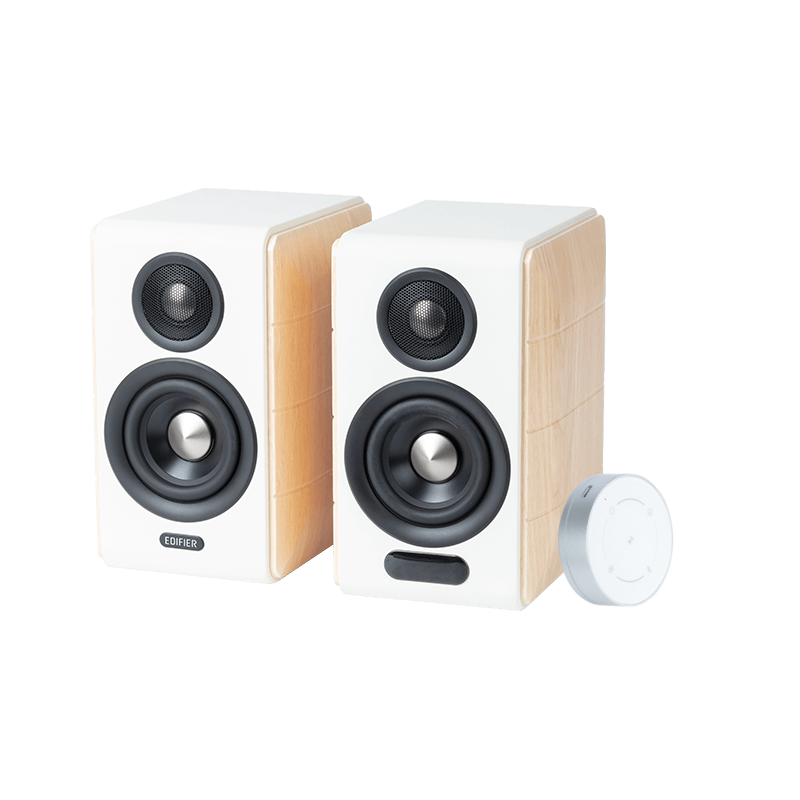
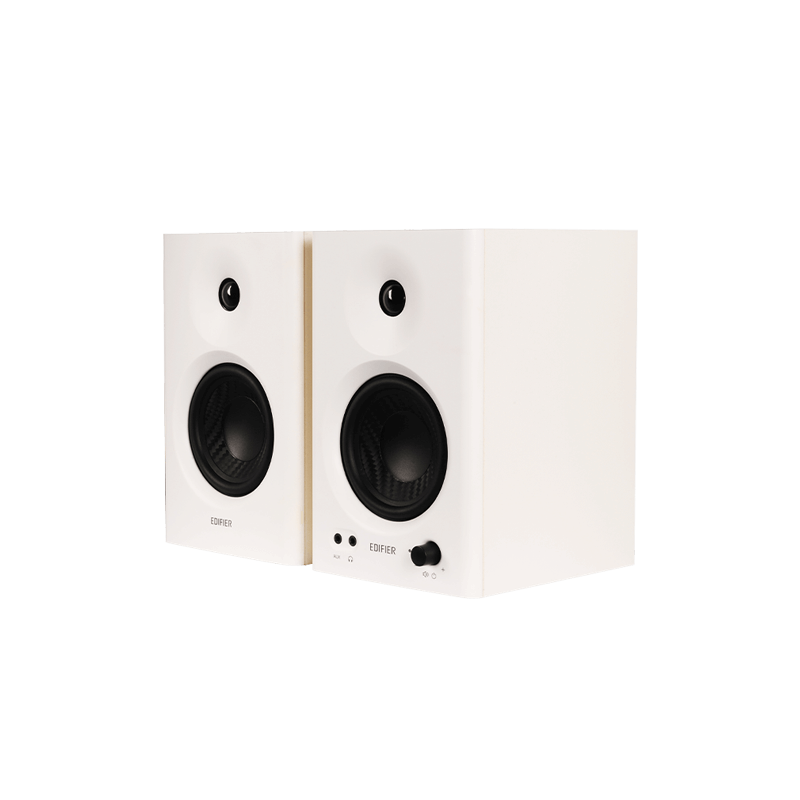
MR5

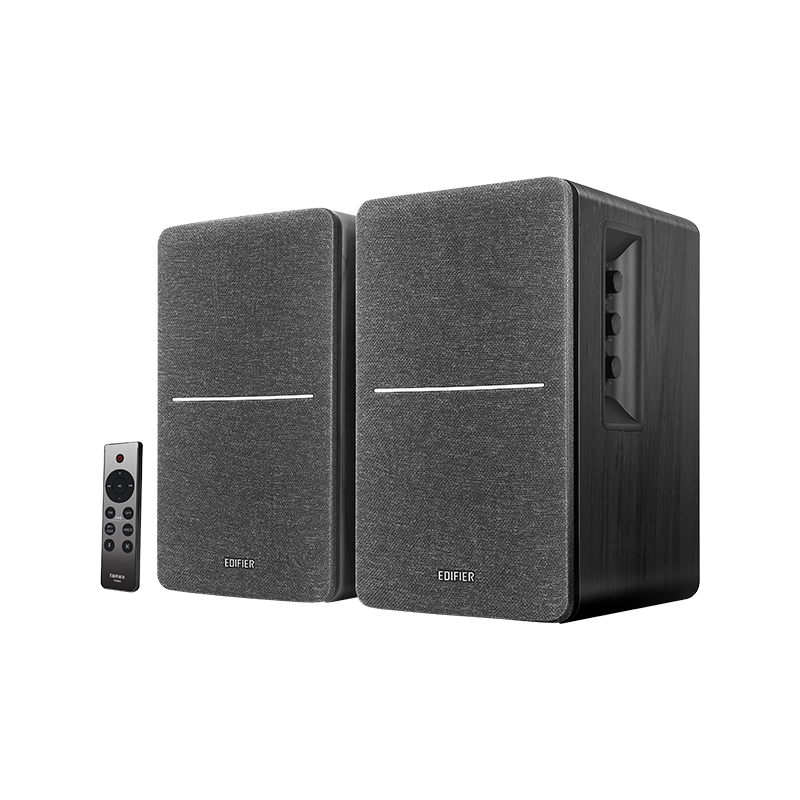
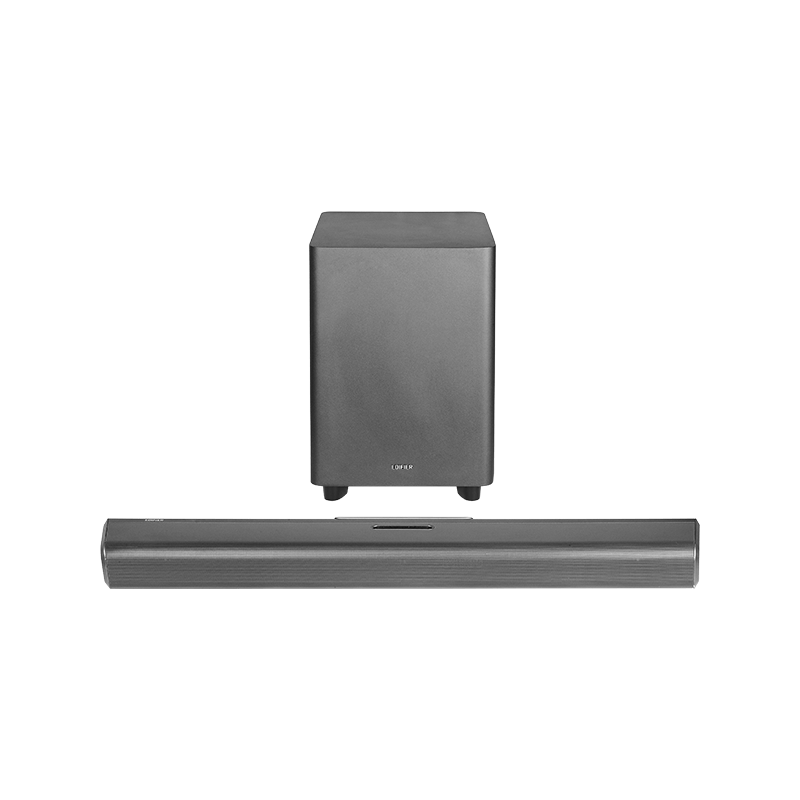
ES850NB

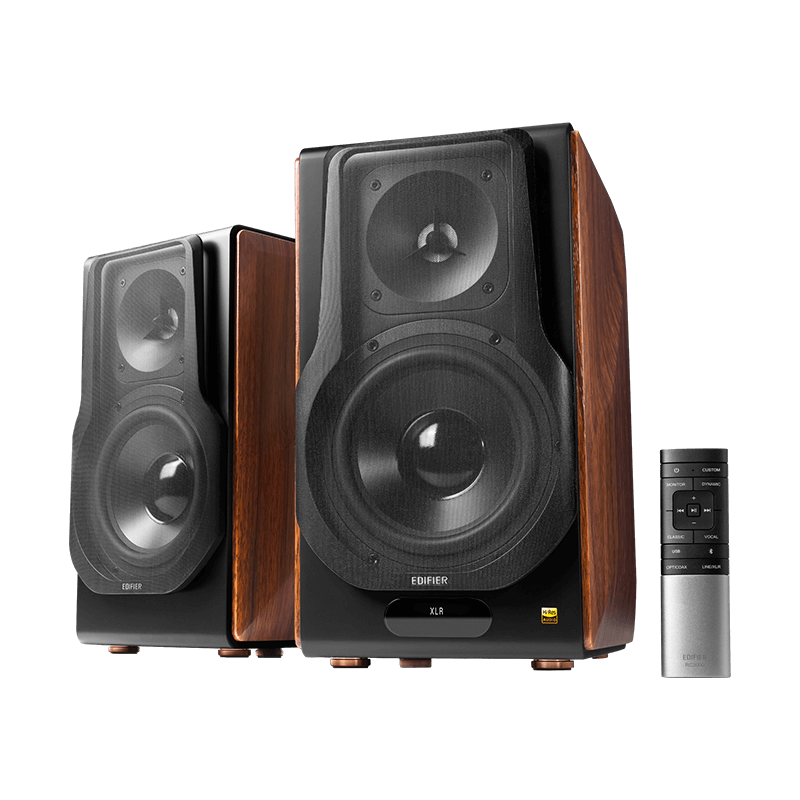
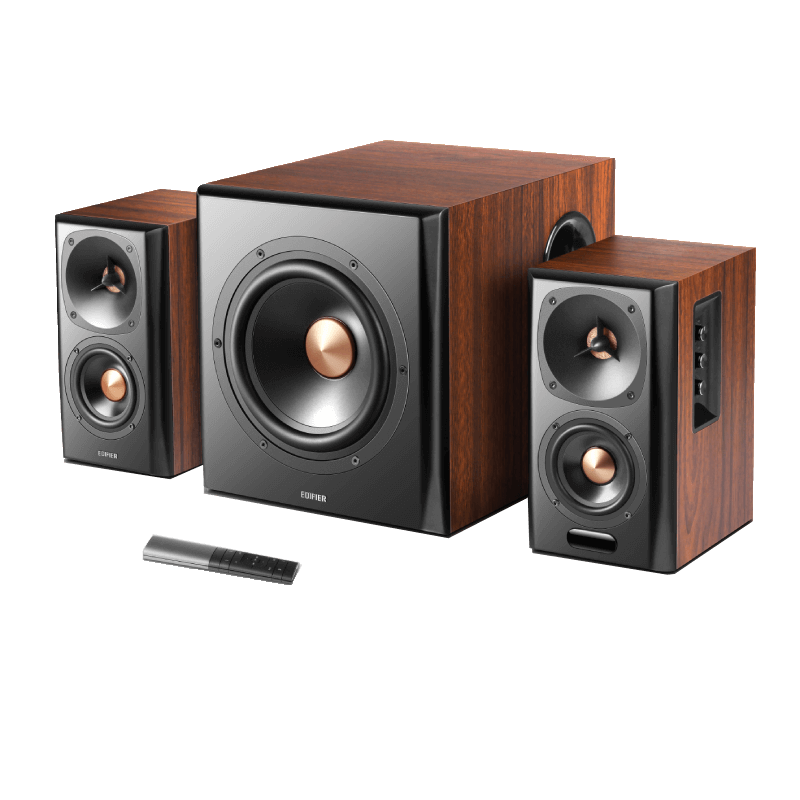
S880DB MKII

Popular Searches
Back
Home Select a type Select a model Support

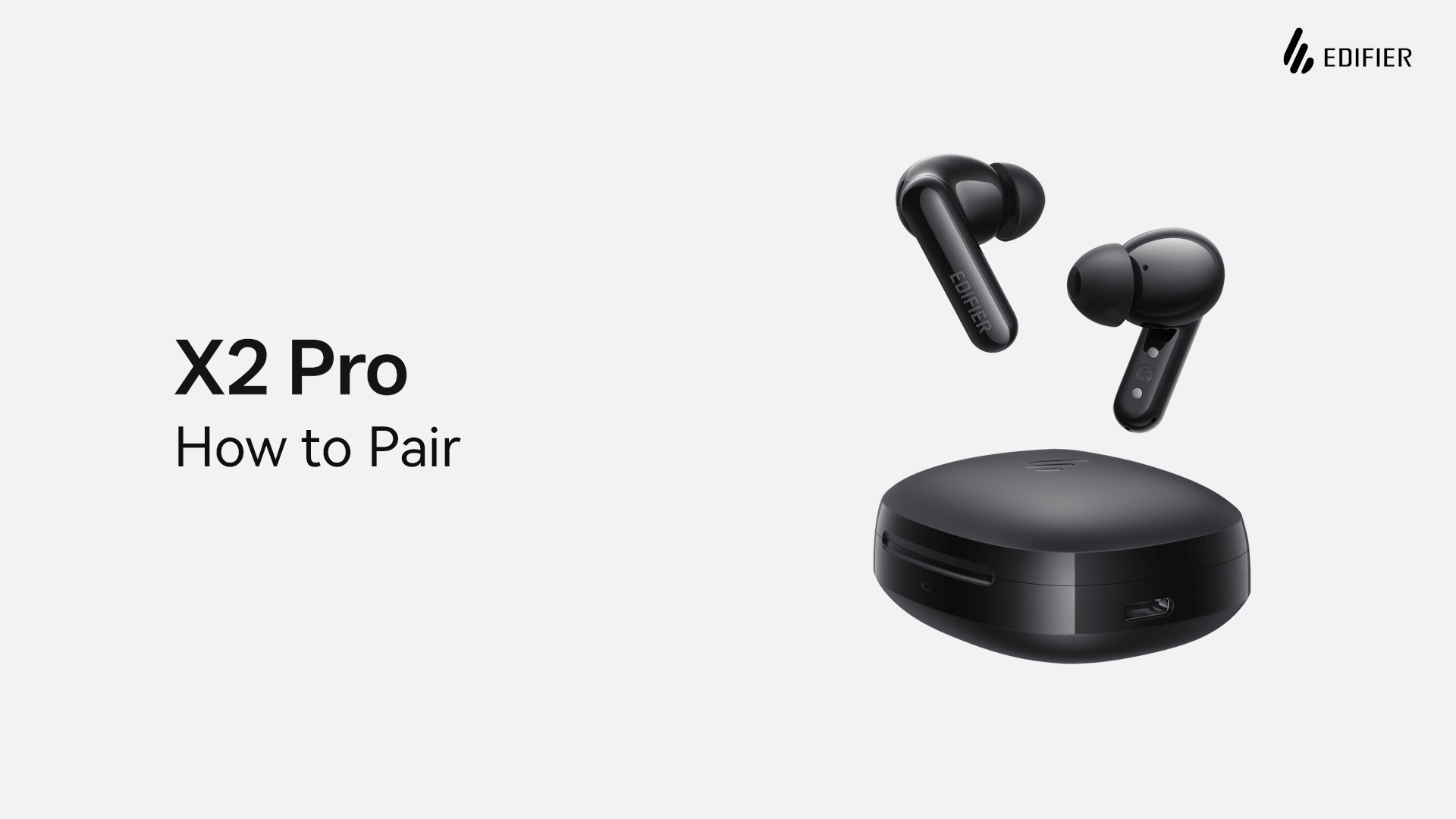
X2 Pro

Learn More
FAQ
Videos
Documents & Firmwares
EDIFIER ConneX APP
Warranty information
Contact us
FAQ
How do I connect my X2 Pro to dual Bluetooth devices? (Multipoint Connection)

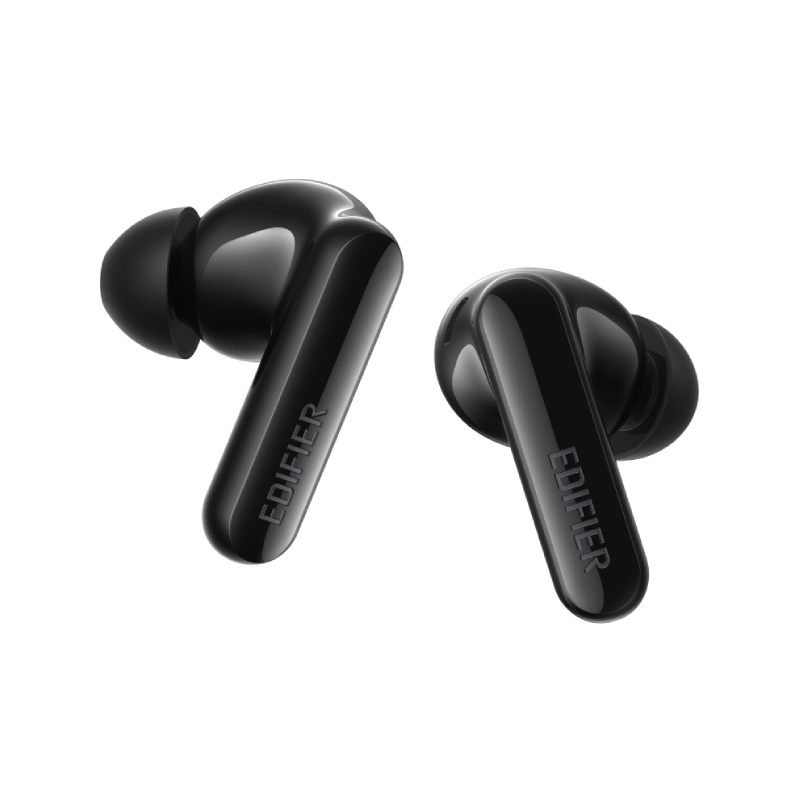
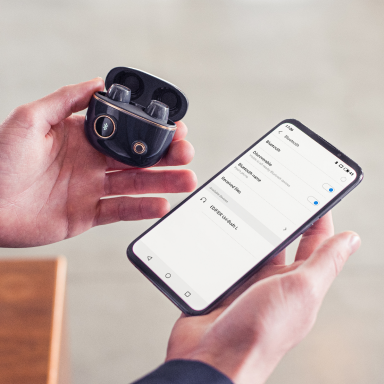
X2 Pro supports mulitipoint connection, allowing you to switch seamlessly between two devices (e.g., your phone and laptop). Follow these steps:
1.Pair the earbuds with Device A manually and keep the earbuds in the charging case.
2.Press and hold the button on the case for 3 seconds to re-enter pairing mode.
3.Search for and connect to "X2 Pro" on Device B.
4.Go back to the Bluetooth settings on Device A and re-select "X2 Pro" to complete the dual connection.

How do I reset the earbuds?

If you experience connection issues, you can reset your earbuds to factory settings:
1.Place both earbuds into the charging case and keep the lid open.
2.Triple press the button on the case.
3.The white LED will blink, indicating the reset is in progress. Once complete, the earbuds will automatically enter pairing mode for a fresh connection.

Videos

How to Pair X2 Pro Earbuds

How to Use the App for X2 Pro

How to control your X2 Pro earbuds

How to Reset Your X2 Pro Earbuds

Documents & Firmwares
EDIFIER ConneX APP

Download the APP for Android and iOS from links below.

Warranty information

After-sales service information

If the product has a performance failure during the effective warranty period, you may apply for product warranty service.

Learn More

Contact us

Customer Support

Email us