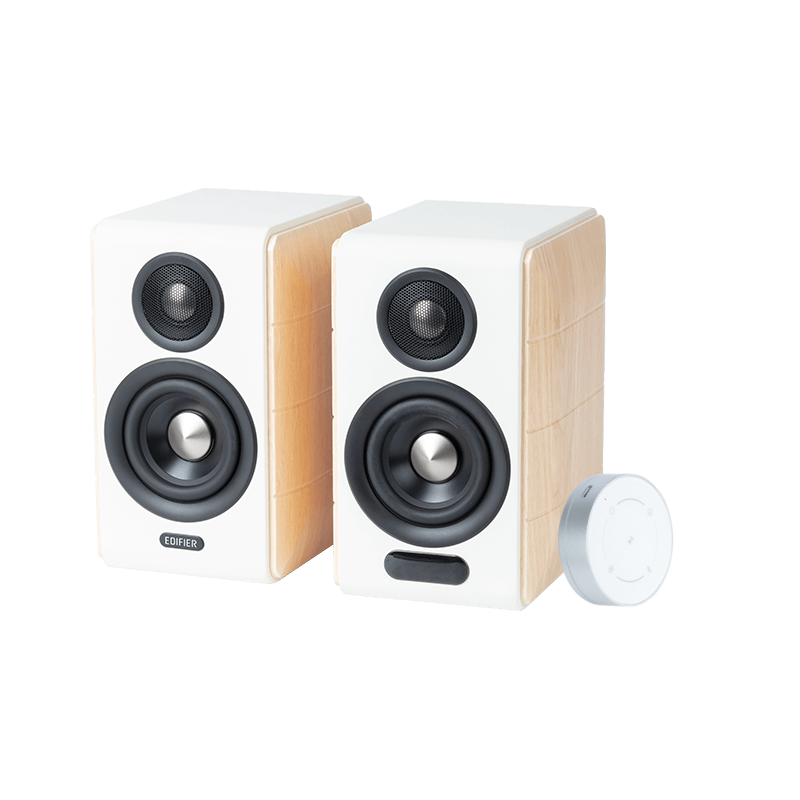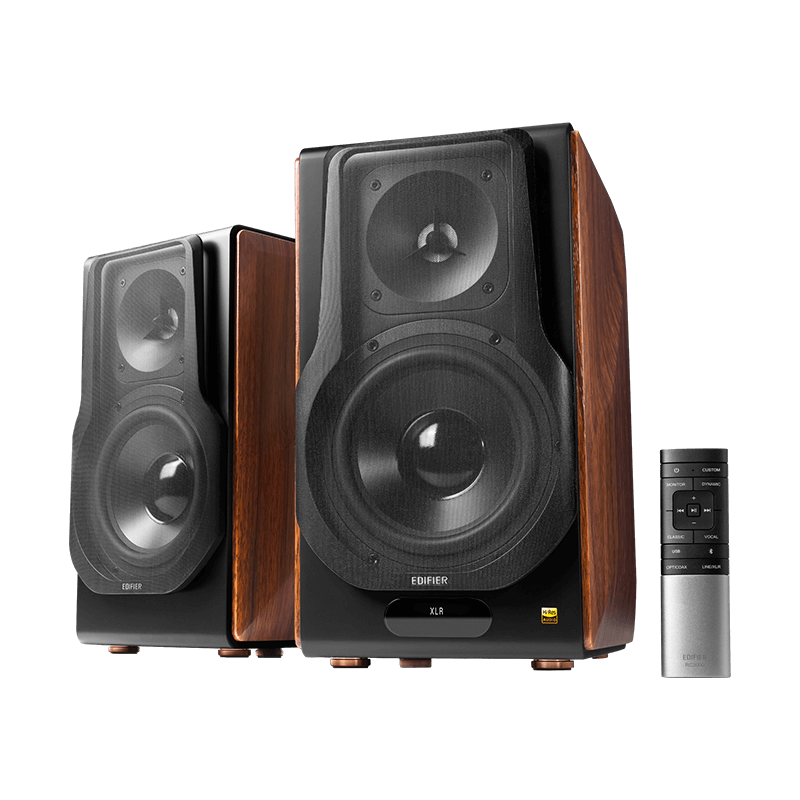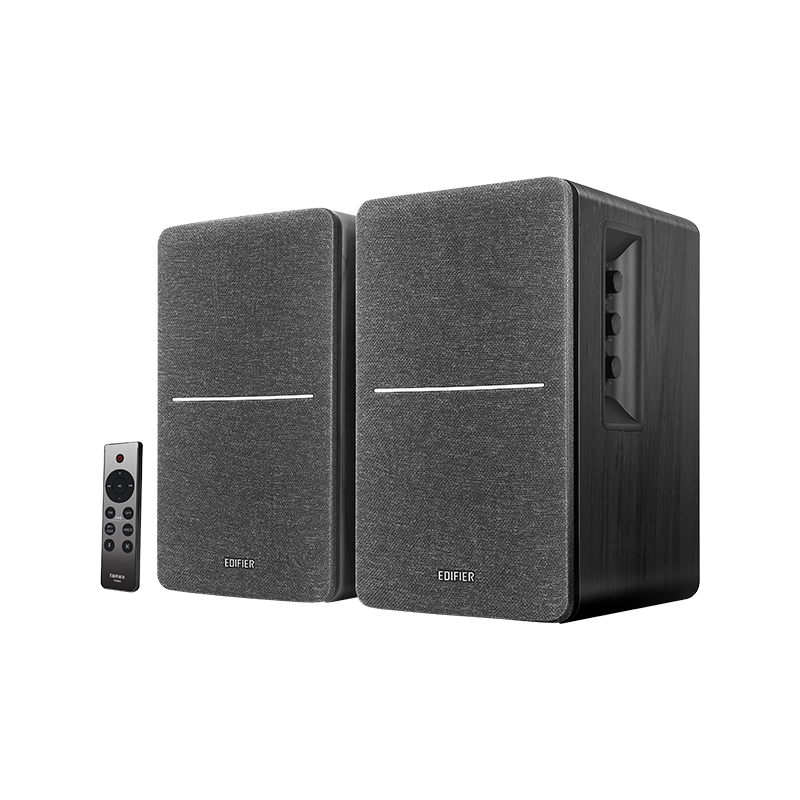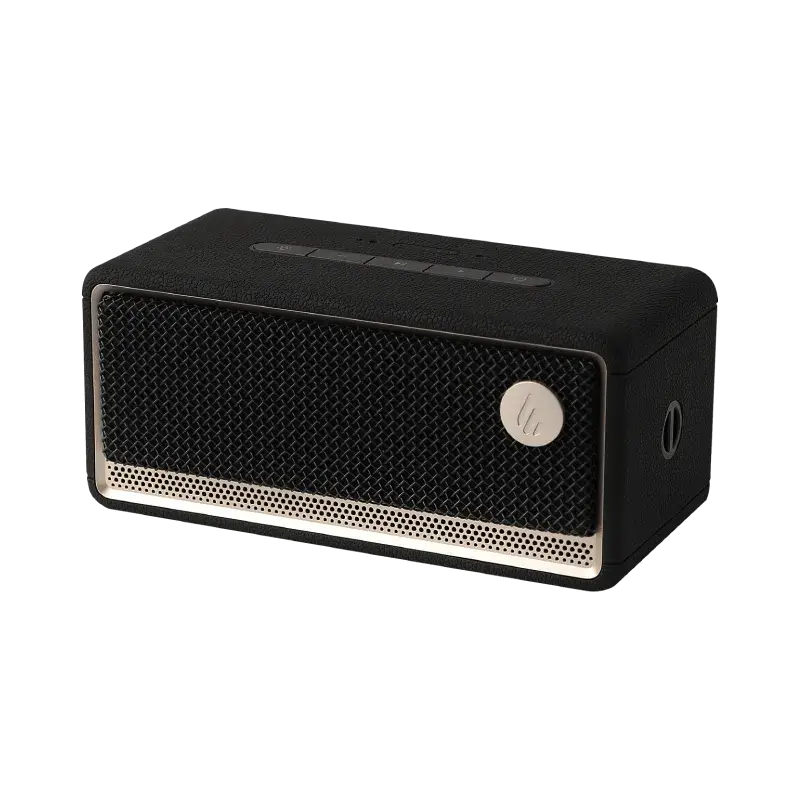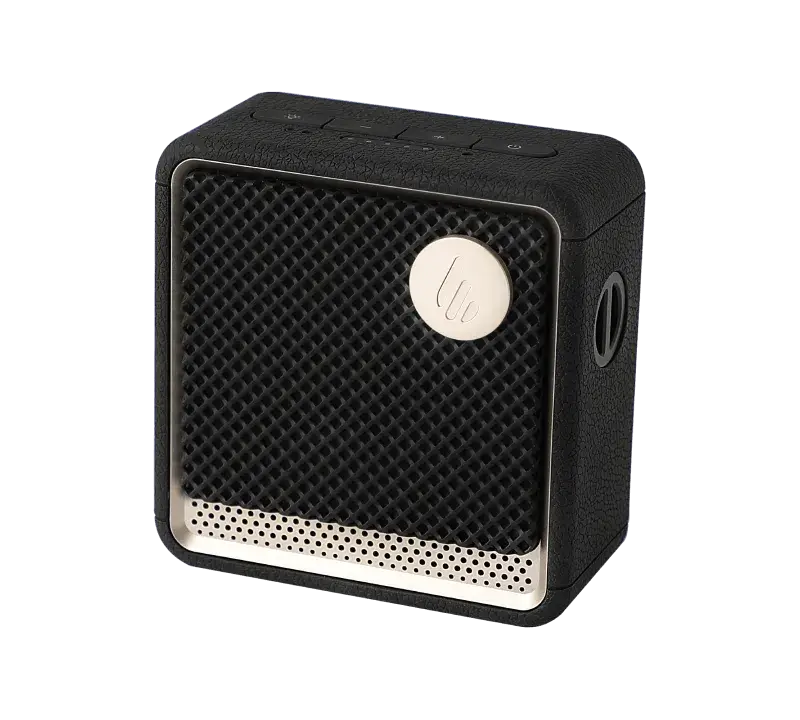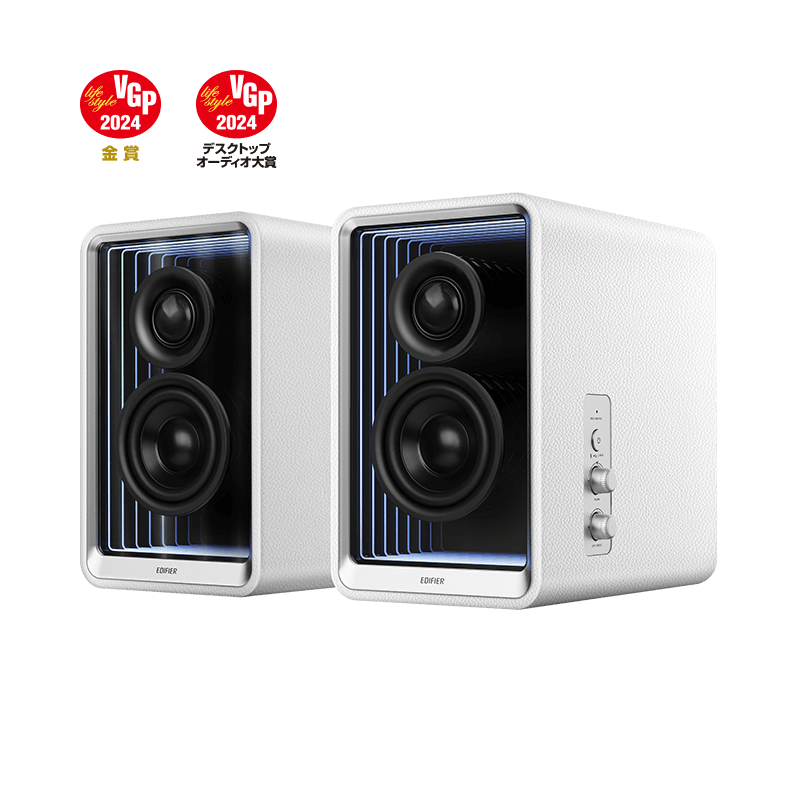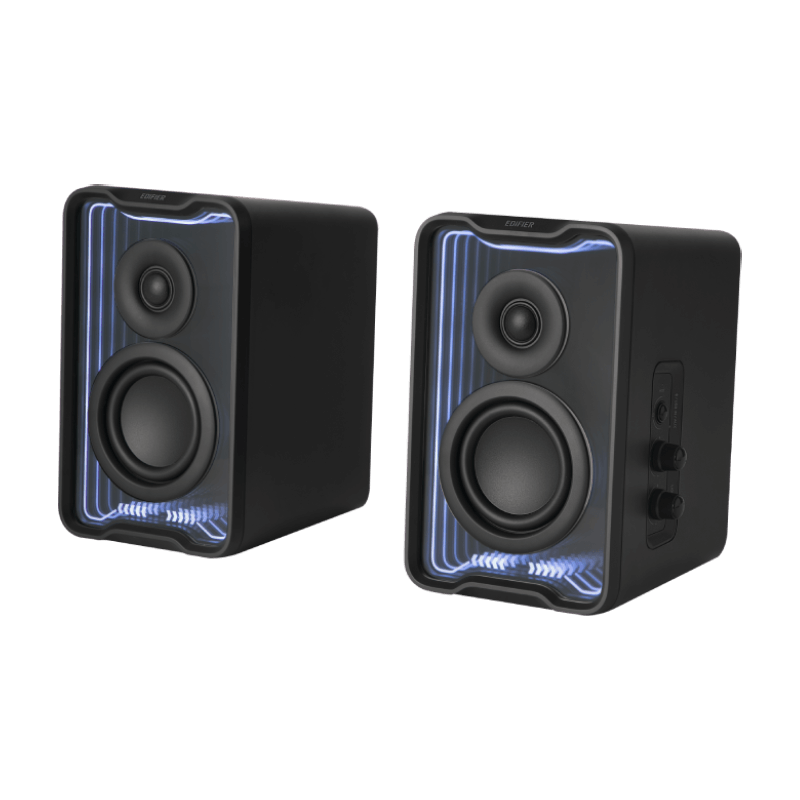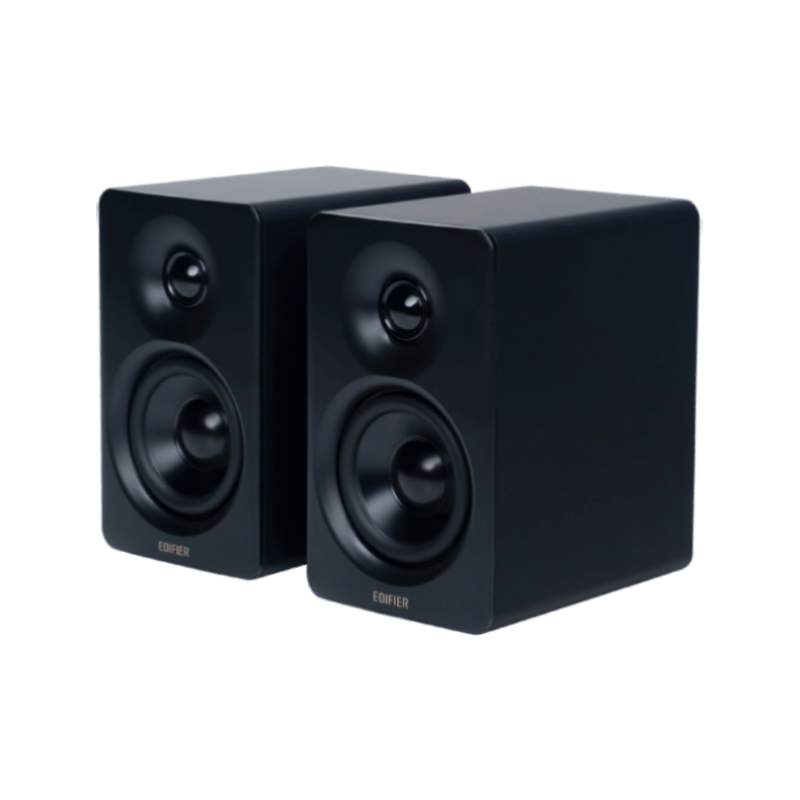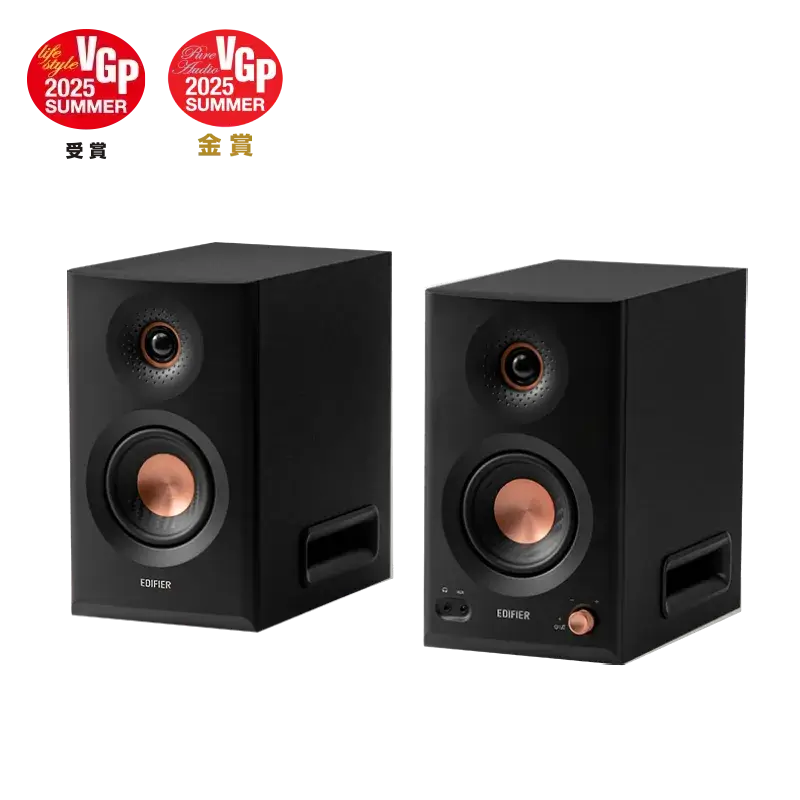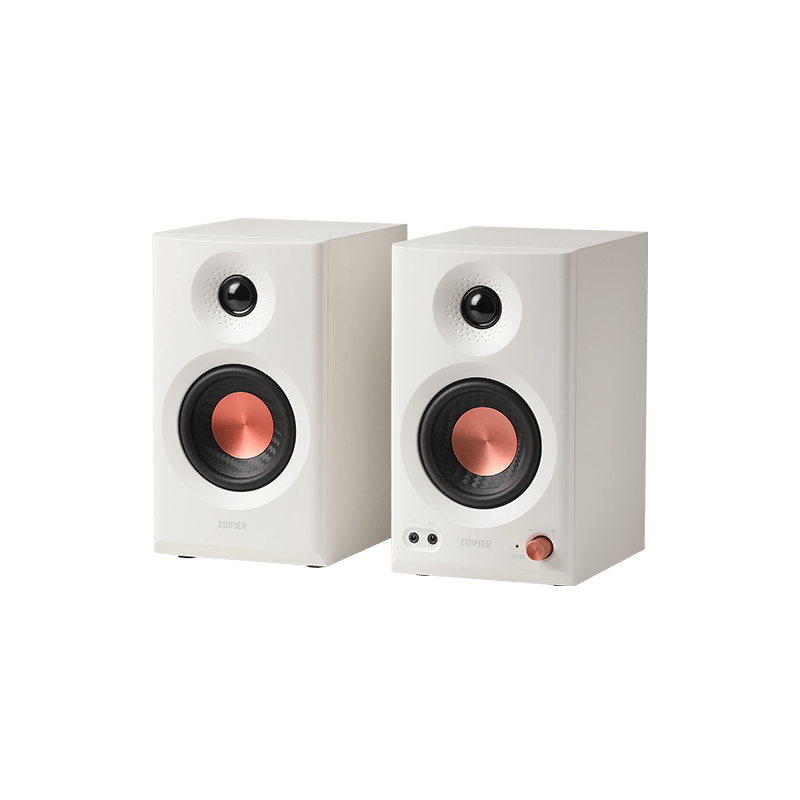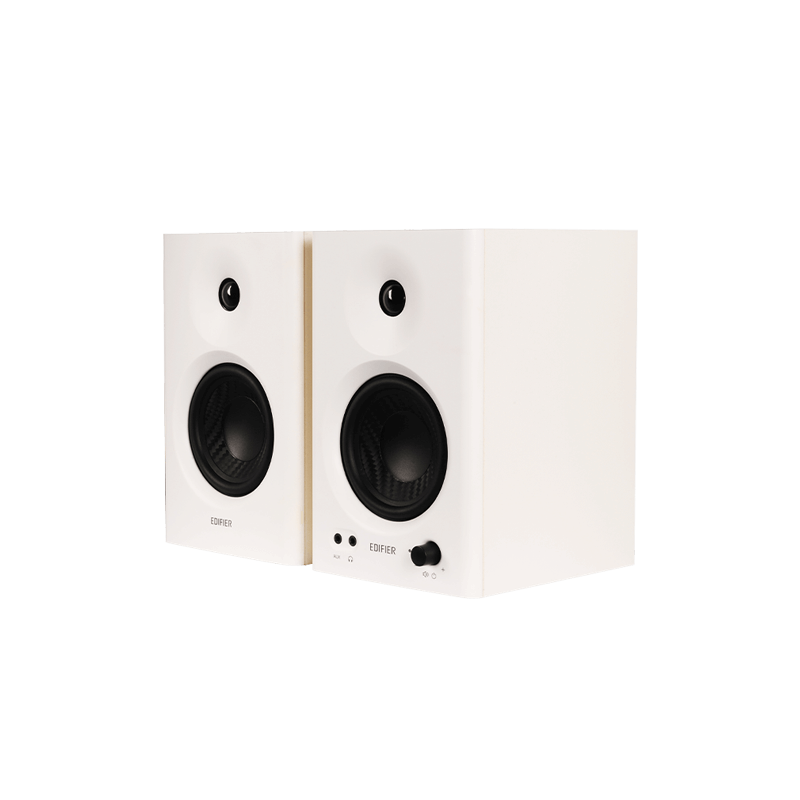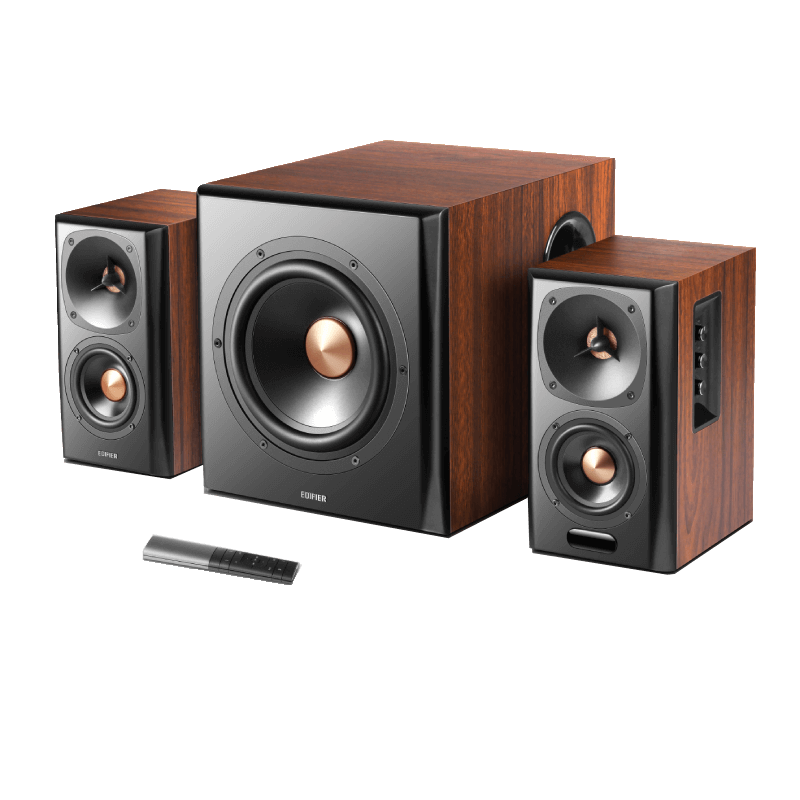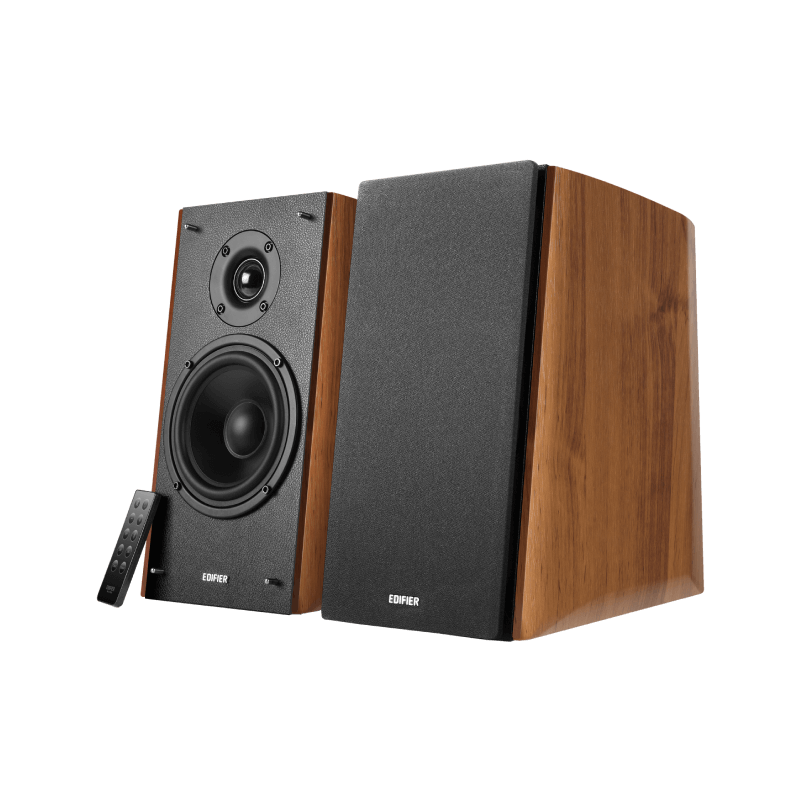

- Bookshelf Speakers All Bookshelf Speakers
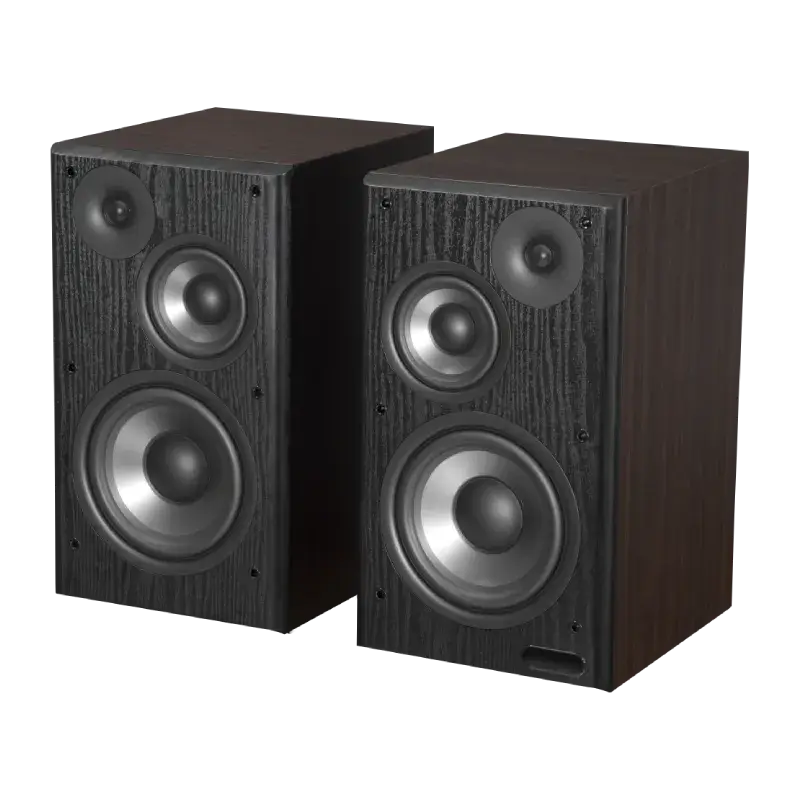
- Wireless Speakers All Wireless Speakers
- Computer Speakers All Computer Speakers
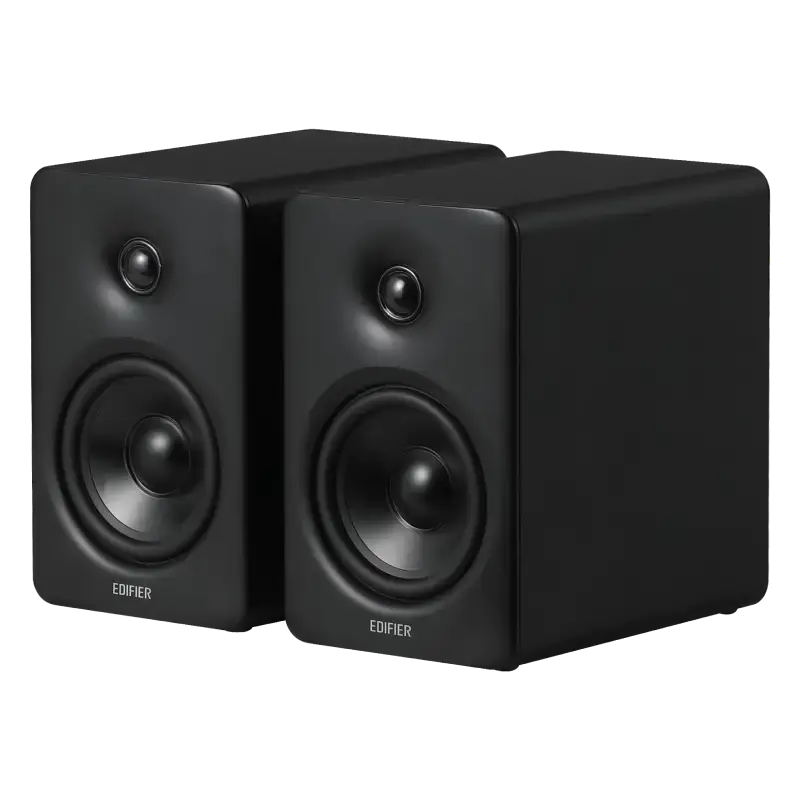
- Studio Monitors All Studio Monitors
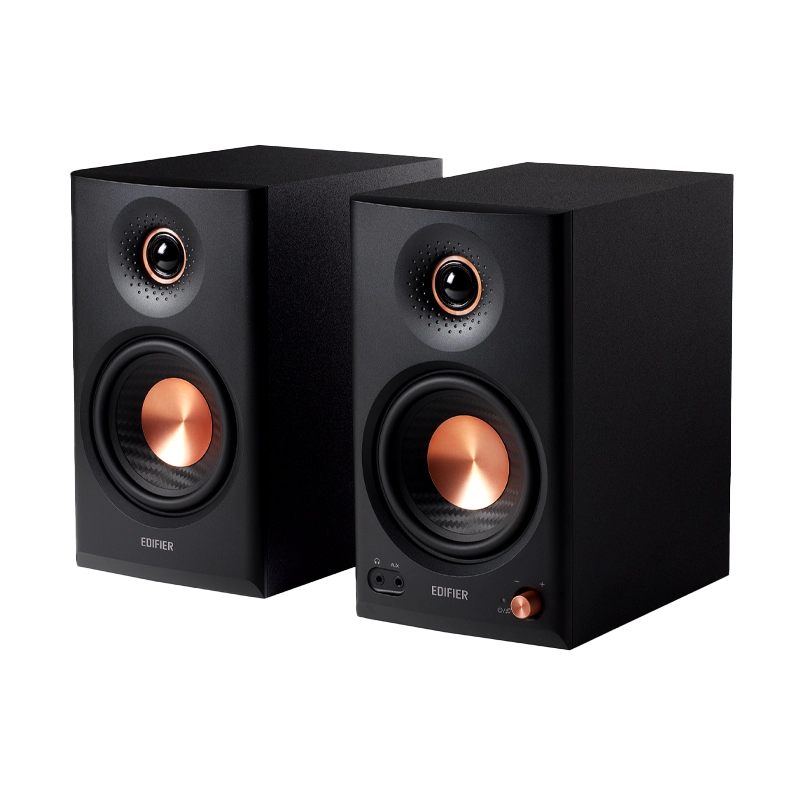
- Subwoofers All Subwoofers
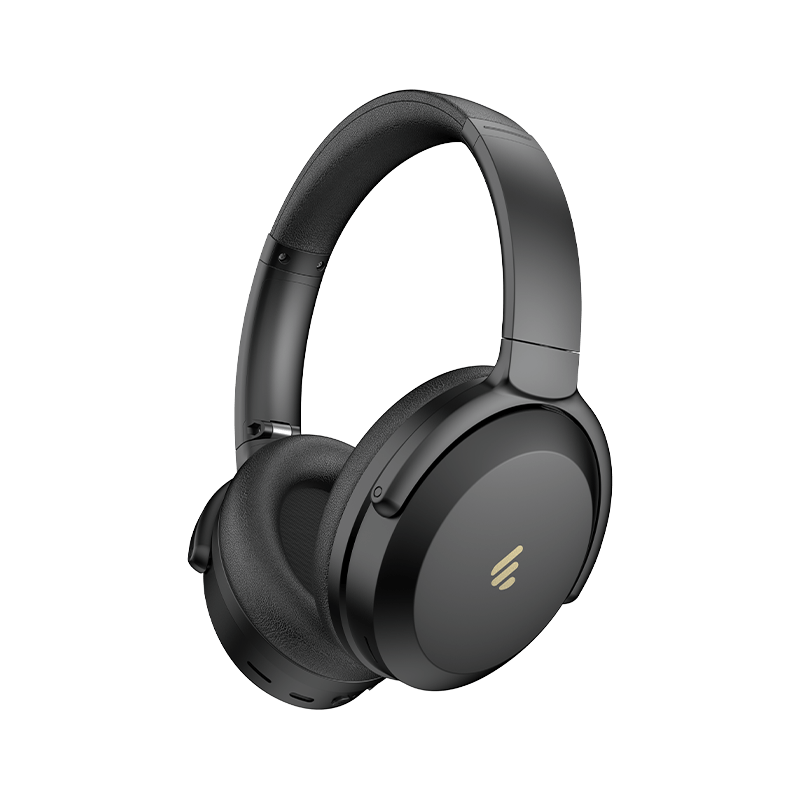
Please try the following solutions: 1) Restart the speakers and reconnect the audio source. 2) Turn up the volume 3) Make sure the audio input is set correctly 4) Check if there is a signal from your audio source
Please try the following solutions: 1) Make sure Bluetooth is enabled 2) Move your device closer and retry the connection 3) Try another Bluetooth device for connection
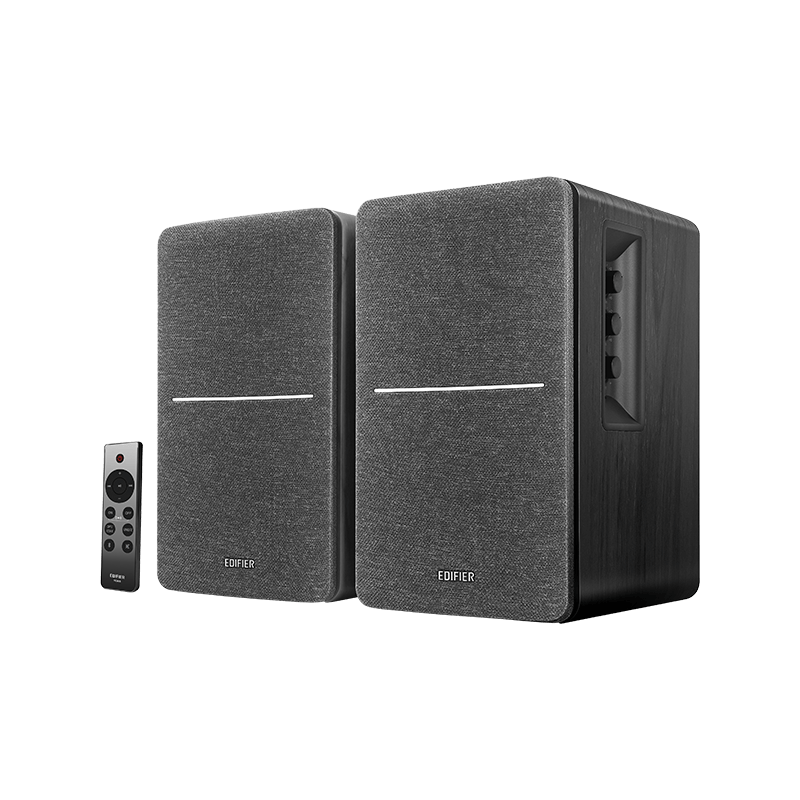
Please try the following solutions: 1) Make sure both the power and the wall outlet are on. 2) Restart the Edifier bookshelf speakers and reconnect the audio source.

After-sales service information

If the product has a performance failure during the effective warranty period, you may apply for product warranty service.