Regresar
Home Seleccione un tipo Selecciona un modelo Soporte

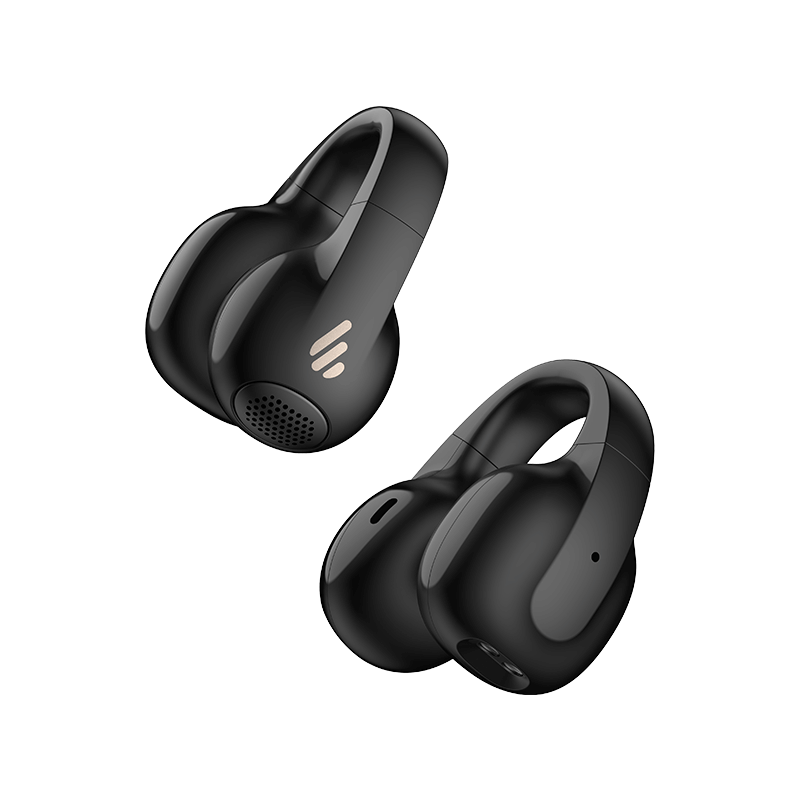
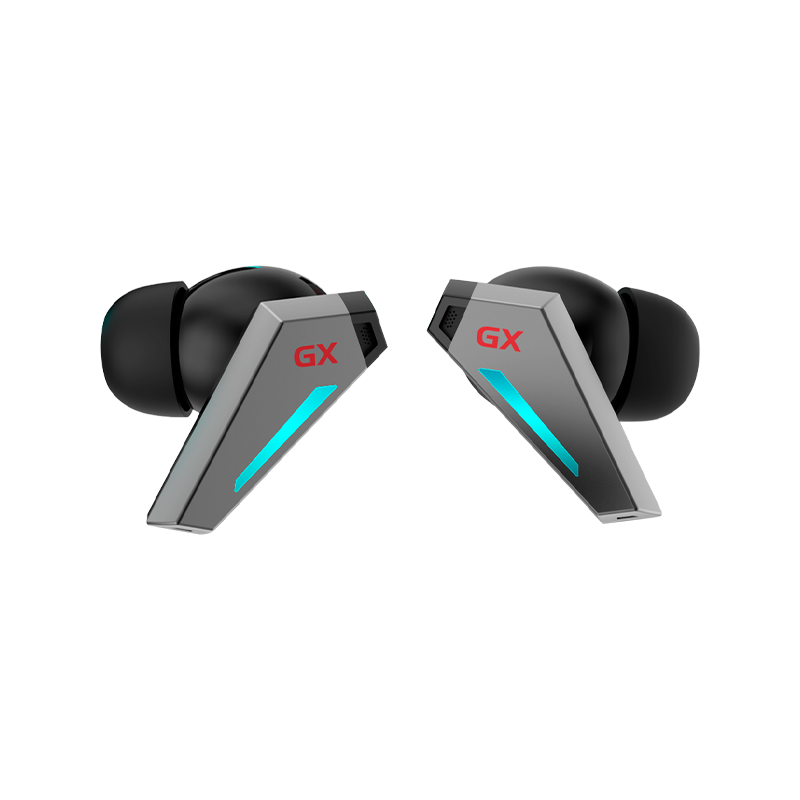
GX07

Aprende más
FAQ
Documentos y firmware
EDIFIER Connect APP
Información de garantía
Contáctenos
FAQ
When charging the charging case, the indicator is off.

• Please ensure the charging case is correctly connected with power source.

No sound

• Check if the earbuds are operating. • Check if the earbuds volume are at an appropriate level. • Check if the earbuds are correctly connected with mobile phone. • Check if the earbuds are operating within a normal working range.

The call quality of the earbuds are not good.

• Check if mobile phone is in an area with strong signal. • Please ensure the earbuds are within effective distance (10m) and no obstacle between the earbuds and mobile phone.

When playing music, cannot control pause/play/next track via the earbuds.

• Please ensure the paired device support AVRCP (Audio/Video Remote Control Profile) profile.

The tapping function is too sensitive or not sensitive.

• Please ensure you are tapping within the effective area with a moderate intensity or at an appropriate angle. You can also adjust to a desired tapping sensitivity through the EDIFIER CONNECT APP.

there is no sound from the other earbud when used again.

• When one earbud alone is connected to another mobile phone, the interconnection between the left and right earbuds may have been disconnected. To restore the two earbuds mode, double click the button on the case to resume interconnection between the left and right earbuds. Then try again.

There is a delay problem when playing game.

• Please triple click the left earbud to switch to game mode and then start playing game.

Wearing detection function is not sensitive or too sensitive.

• To ensure every wearing of the earbuds by user can be recognized, the recognition of wearing detection have been slightly raised. If they are not used, please place the earbuds back into the case for charging and storage; it is better not to place the earbuds alone in the pocket or on the desk for long periods of time, so as to avoid interference with the wearing detection function or missing of the earbuds. You can also set the wearing detection function to other functions or close it through the EDIFIER CONNECT APP.


Documentos y firmware
EDIFIER Connect APP

Descargue la APLICACIÓN EDIFIER Connect para Android o iOS desde los enlaces a continuación.

Información de garantía

Información del servicio postventa

Si el producto tiene una falla de rendimiento debido a defectos de calidad durante el período de vigencia de la garantía, puede solicitar el servicio de garantía del producto.

Aprende más

Contáctenos

Atención al cliente

Envíanos un correo electrónico