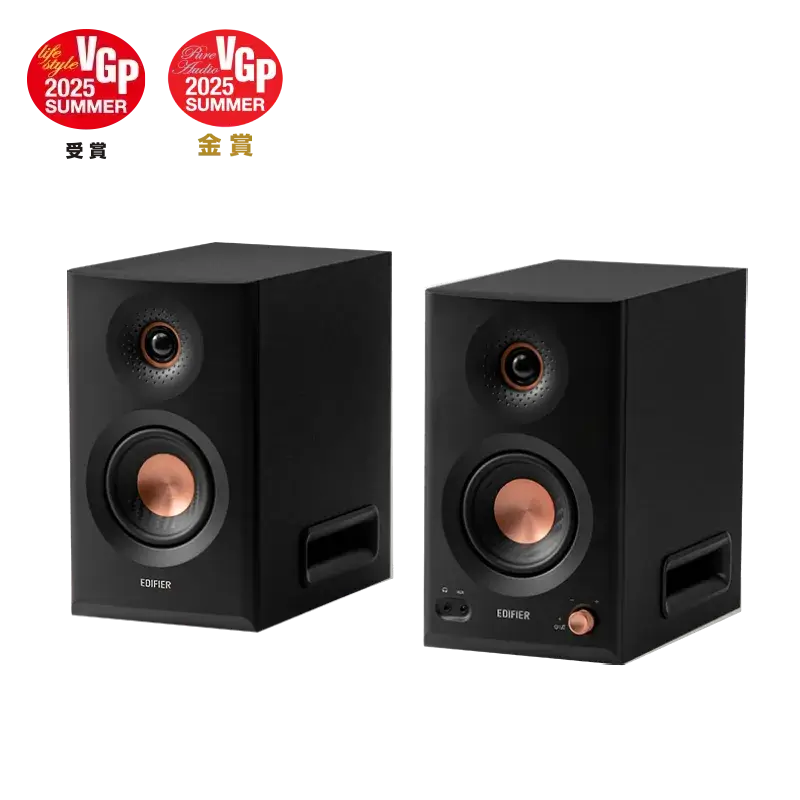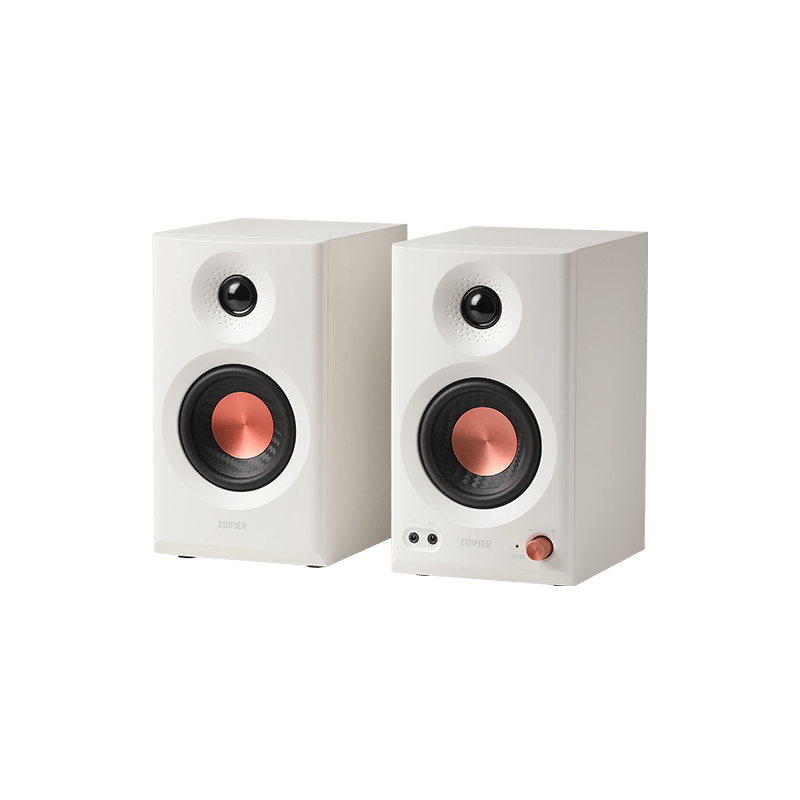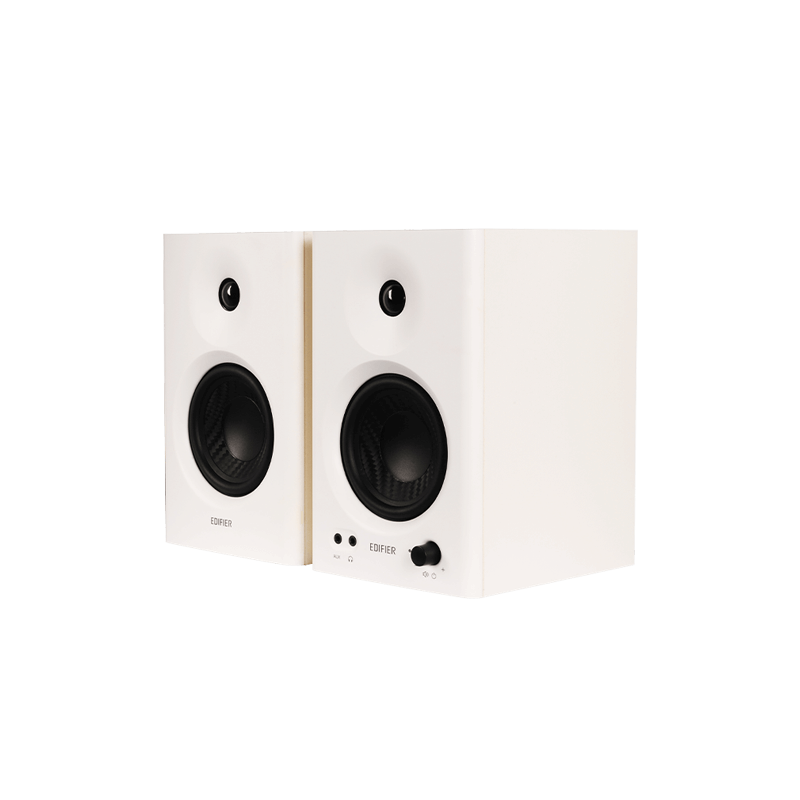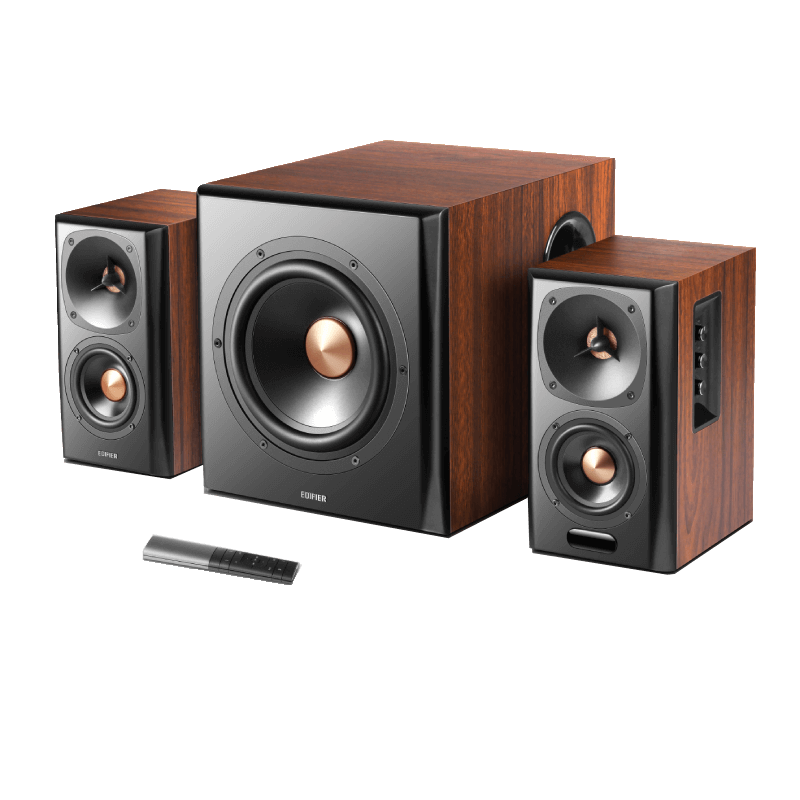

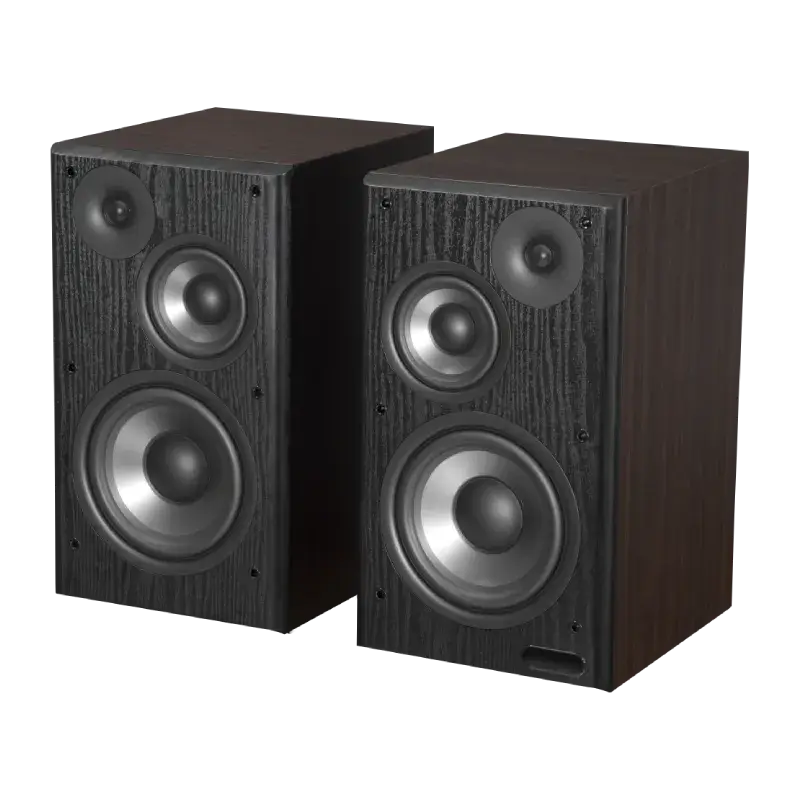
- Bookshelf Speakers All Bookshelf Speakers
- Wireless Speakers All Wireless Speakers
- Computer Speakers All Computer Speakers
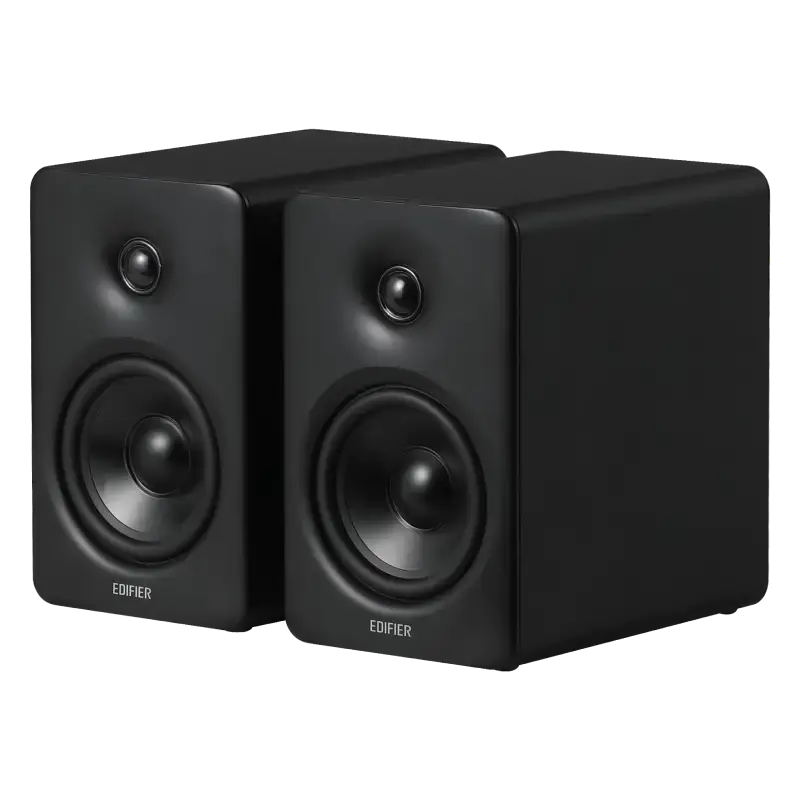
- Studio Monitors All Studio Monitors
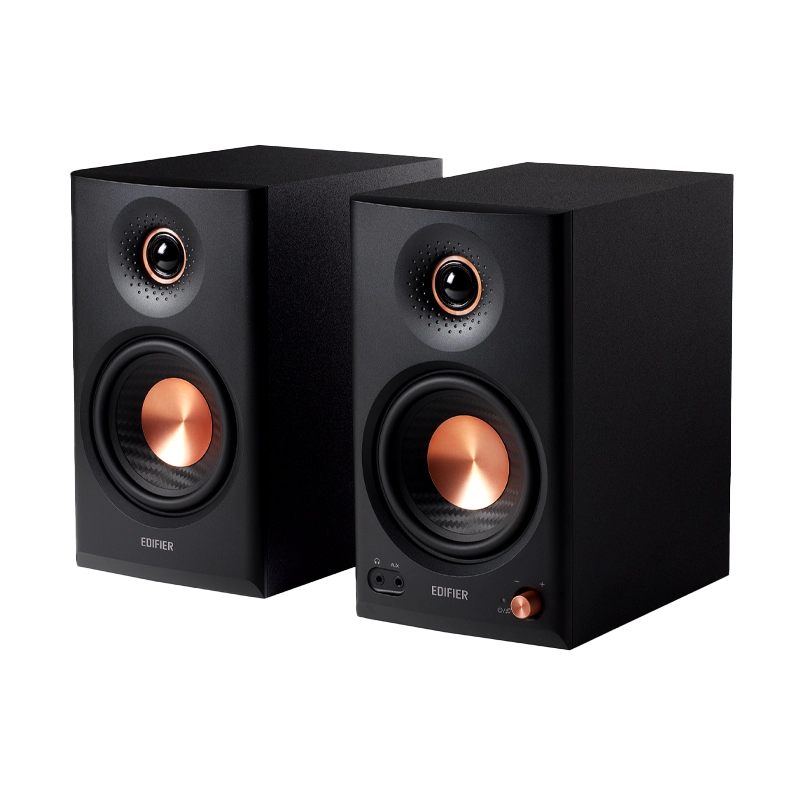
- Subwoofers All Subwoofers
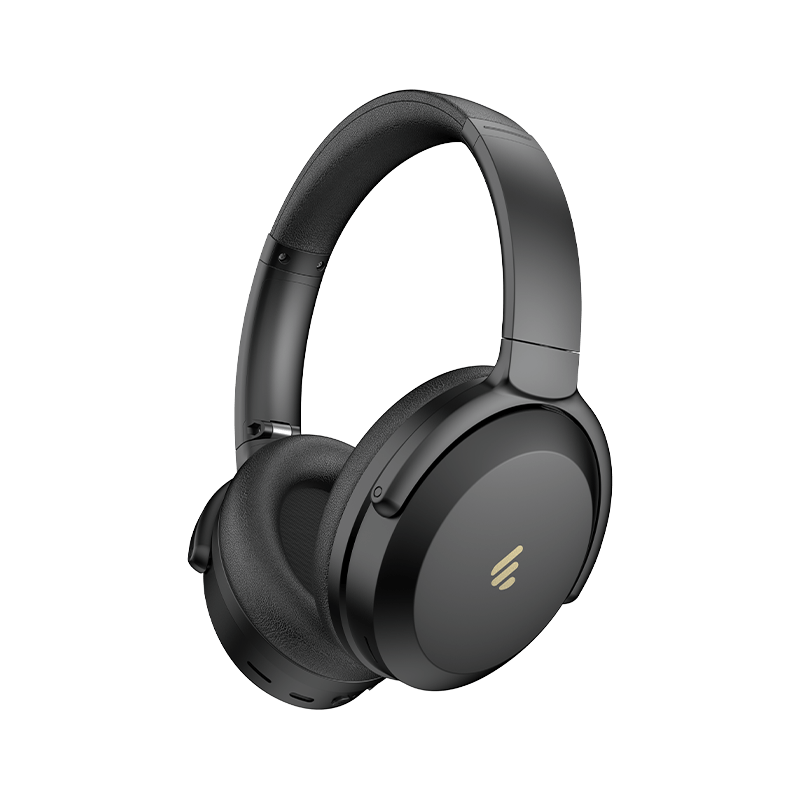
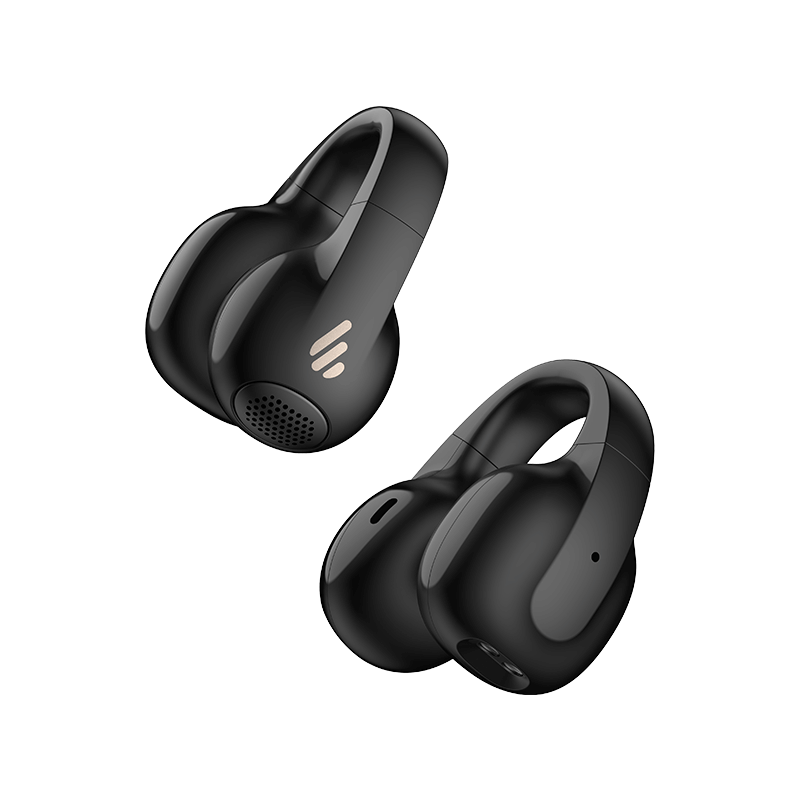
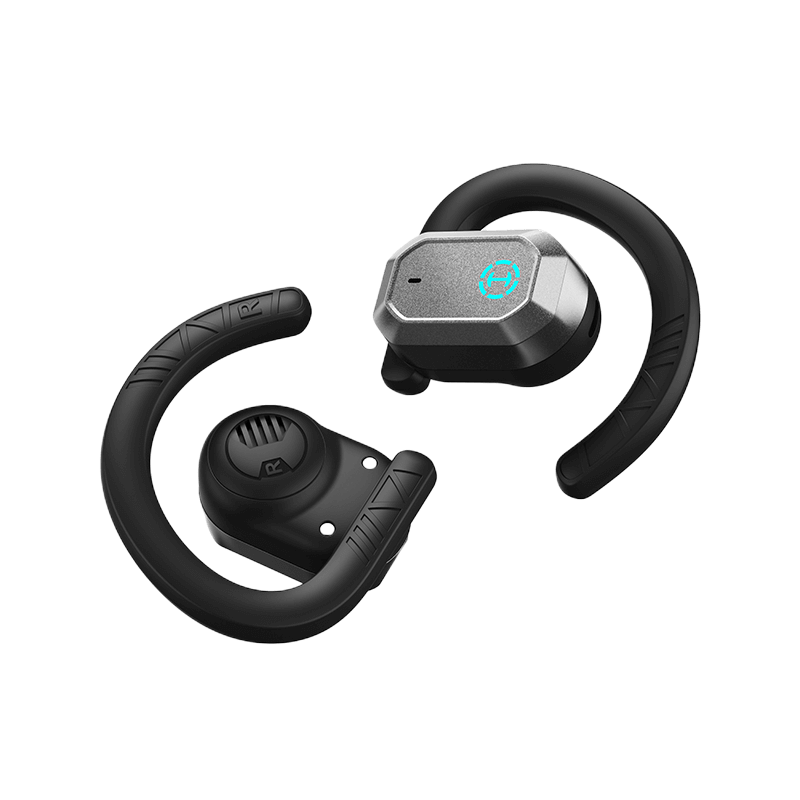
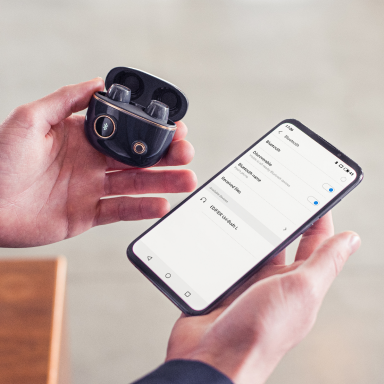
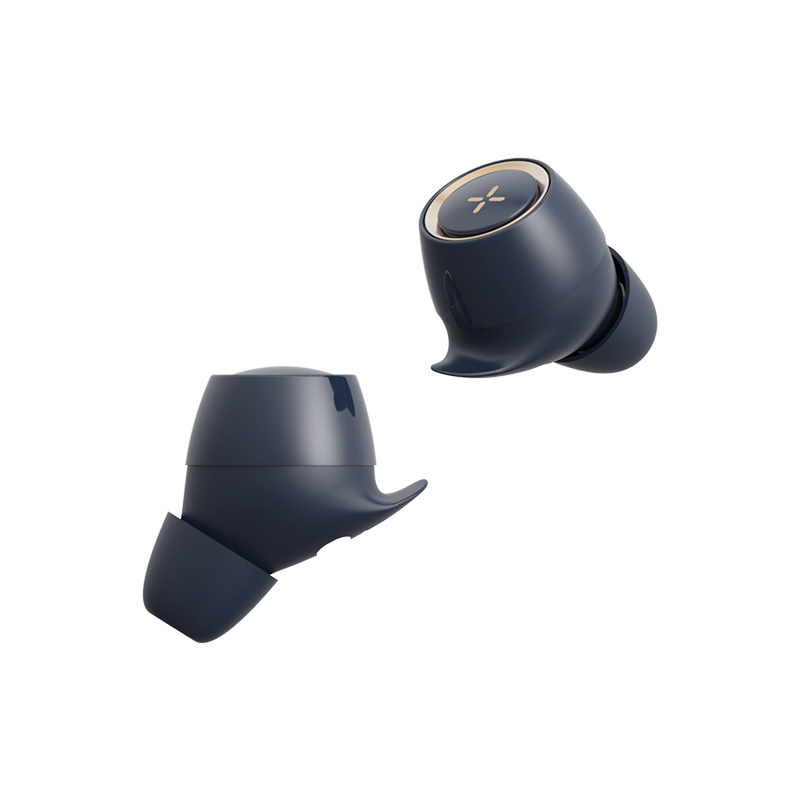
Please check the following points: - Check if the earbuds are operating - Check if the earbuds volume are at an appropriate level - Check if the earbuds are correctly connected with your mobile phone. - Check if the earbuds are operating within a normal working range.
Please make sure: - Whether your mobile phone is in an area with a strong signal. - The earbuds are within an effective distance (10m)without any obstacles between the earbuds and mobile phone.
Please ensure the paired device support AVRCP (Audio Video Remote Control Profile) profile.
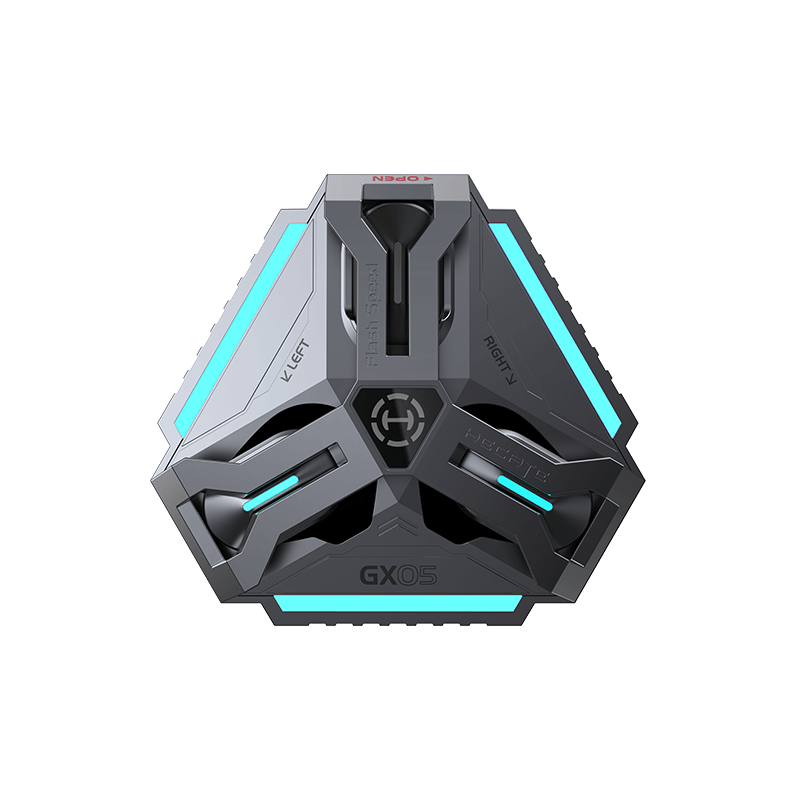
1) Please ensure the charging case is correctly connected to a power source. 2) Please recharge for about 30 minutes.
Please make sure to touch in the tap zone of the earbuds and the intensity/angle is moderate; if the tap sensitivity setting of these Edifier earbuds does not meet your usage habits, you can adjust it to suit your tap sensitivity in the Edifier Connect App.
To back to the two earbuds mode, simply press and hold the button of the charging case for 6 seconds to reconnect the left and right earbuds.
After-sales service information
If the product has a performance failure during the effective warranty period, you may apply for product warranty service.