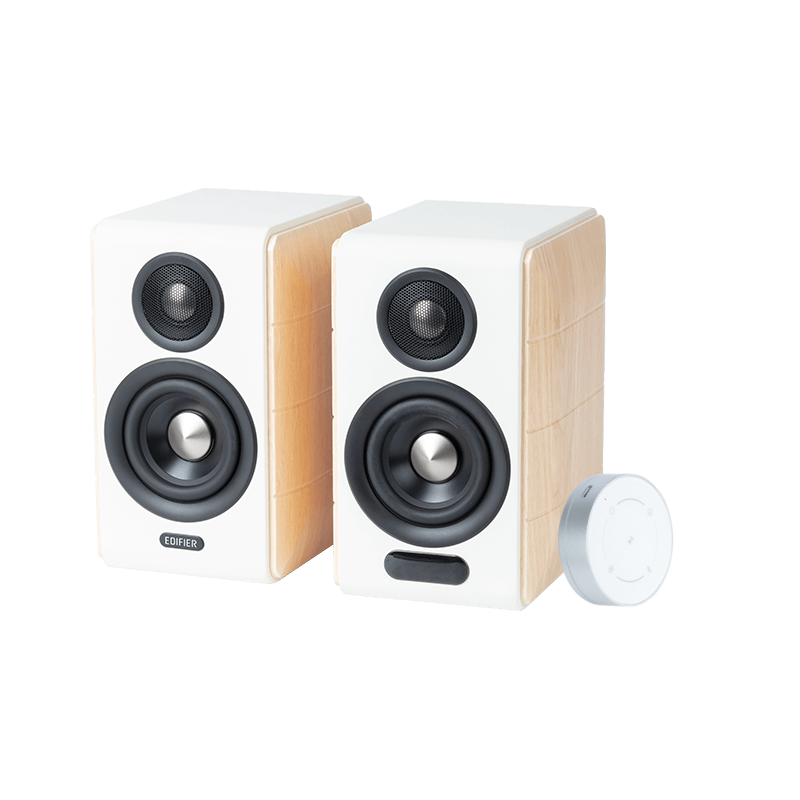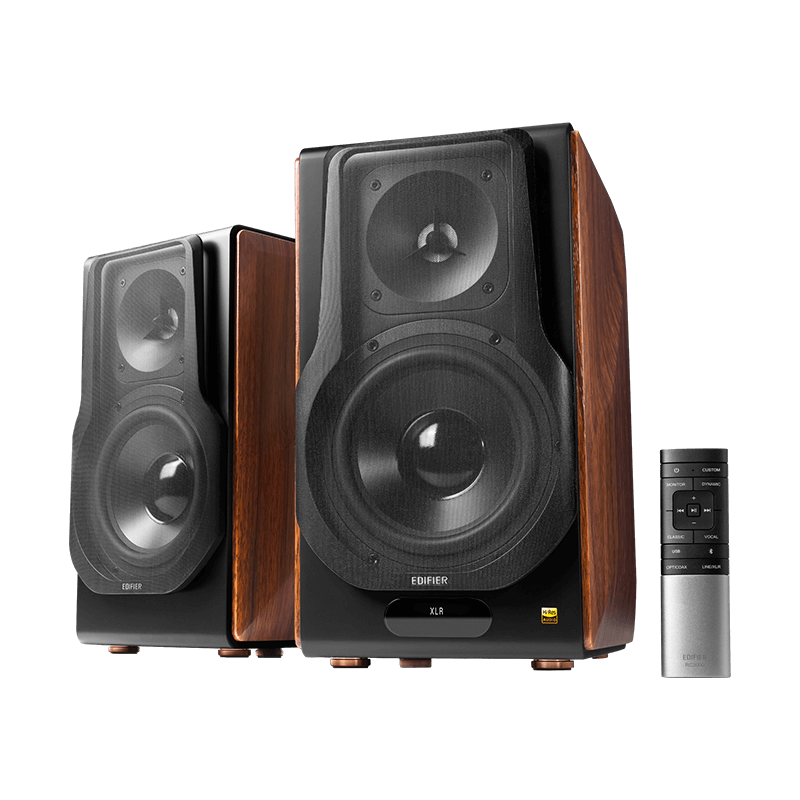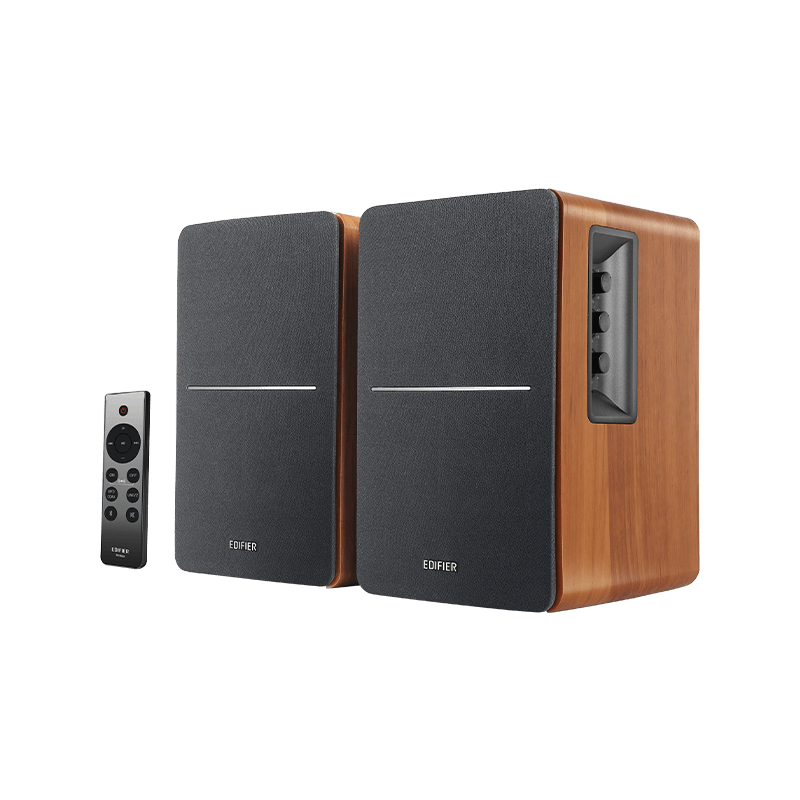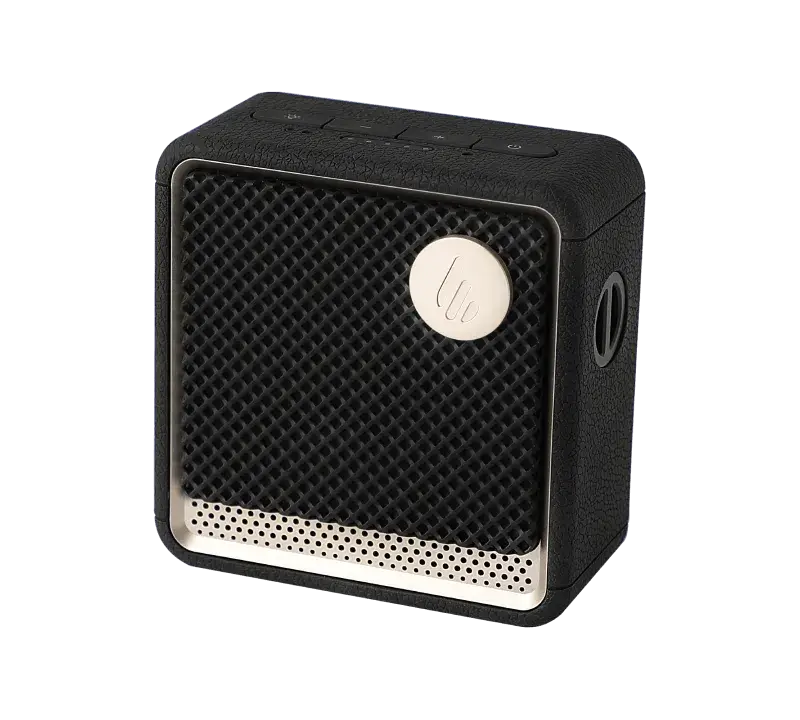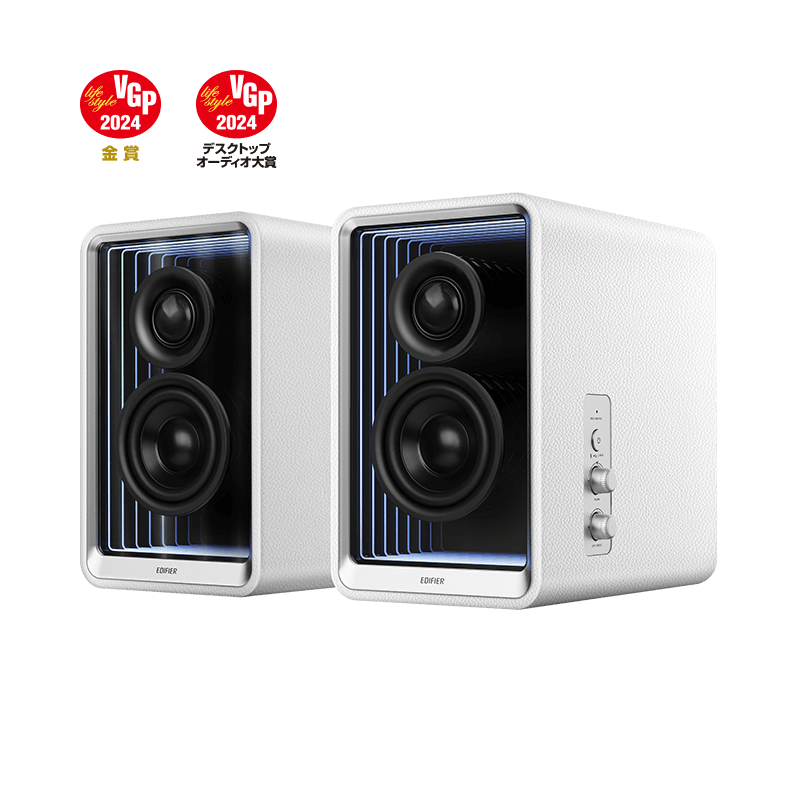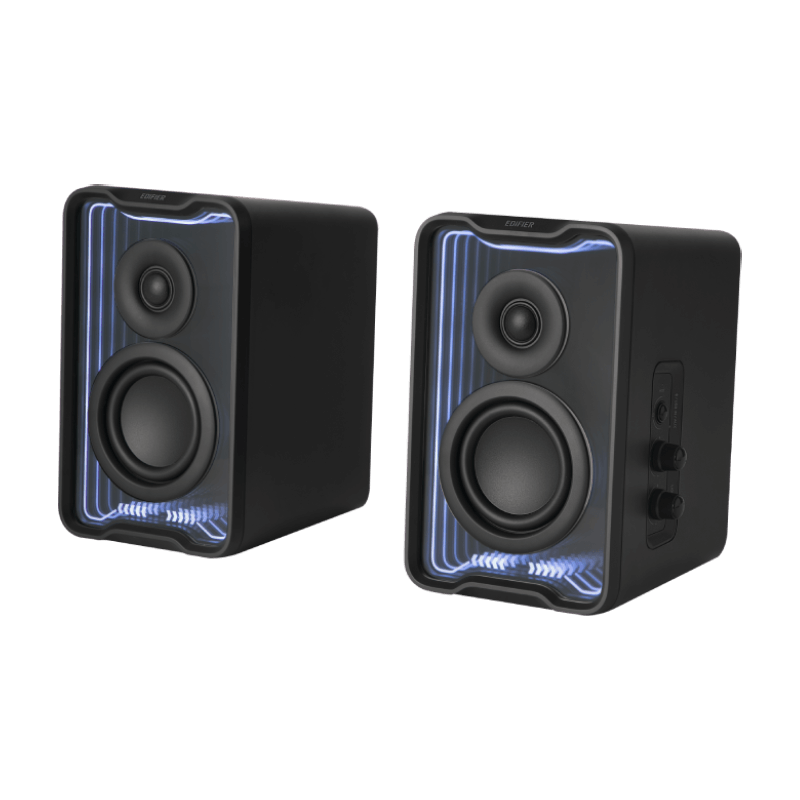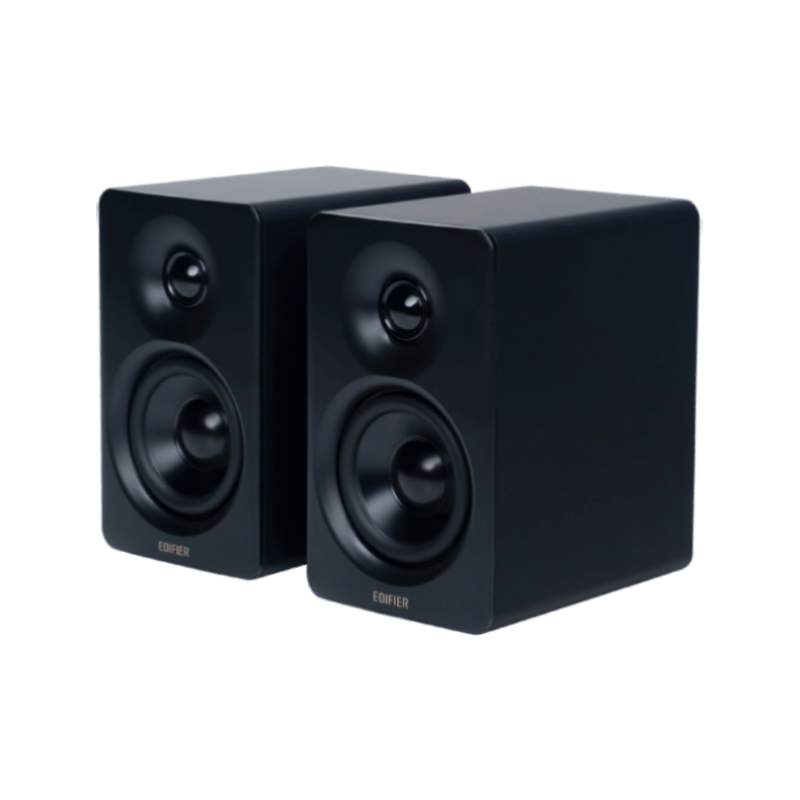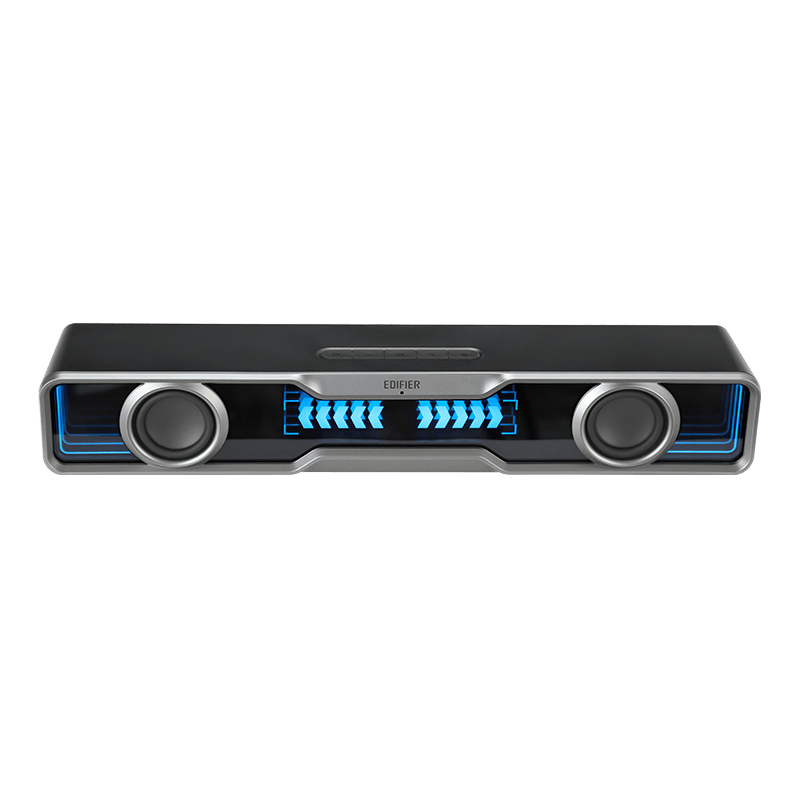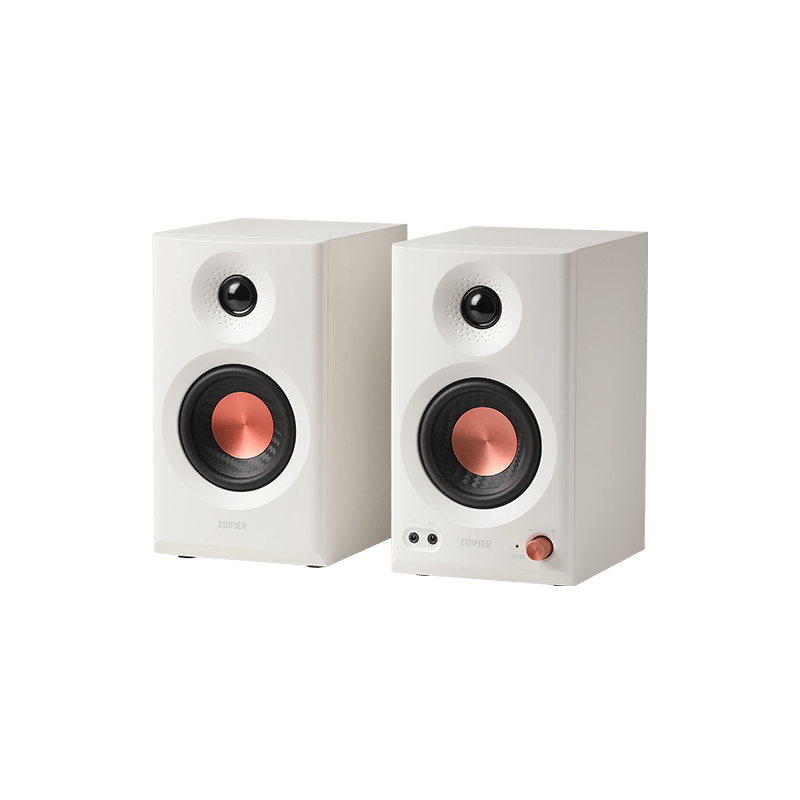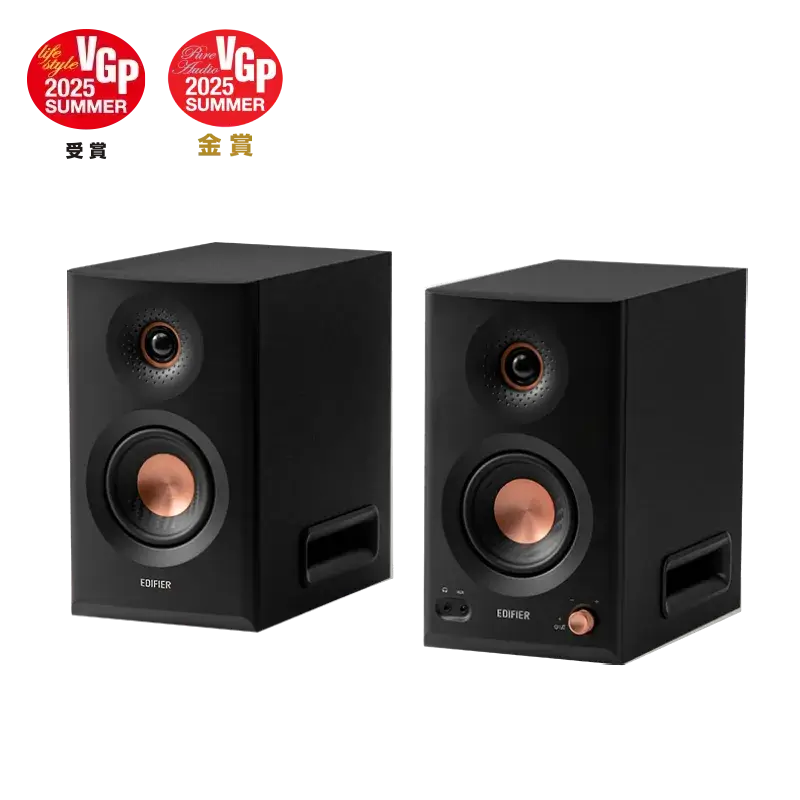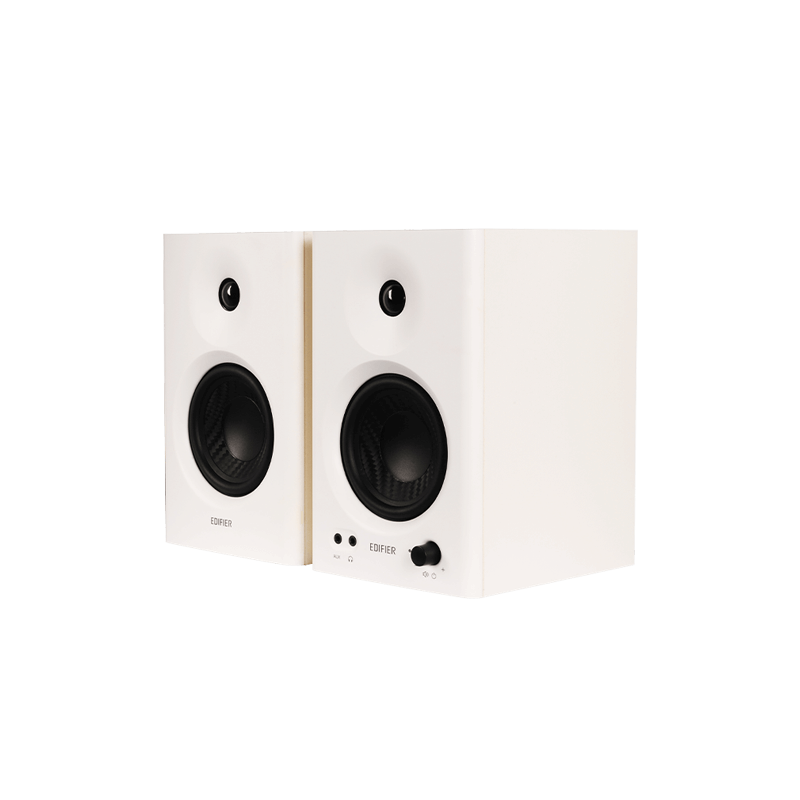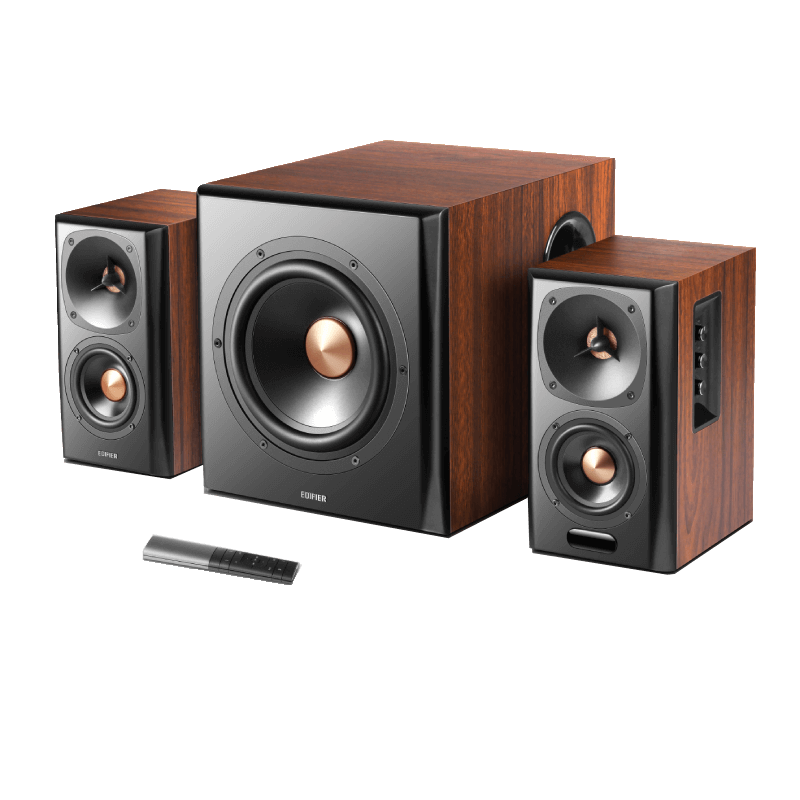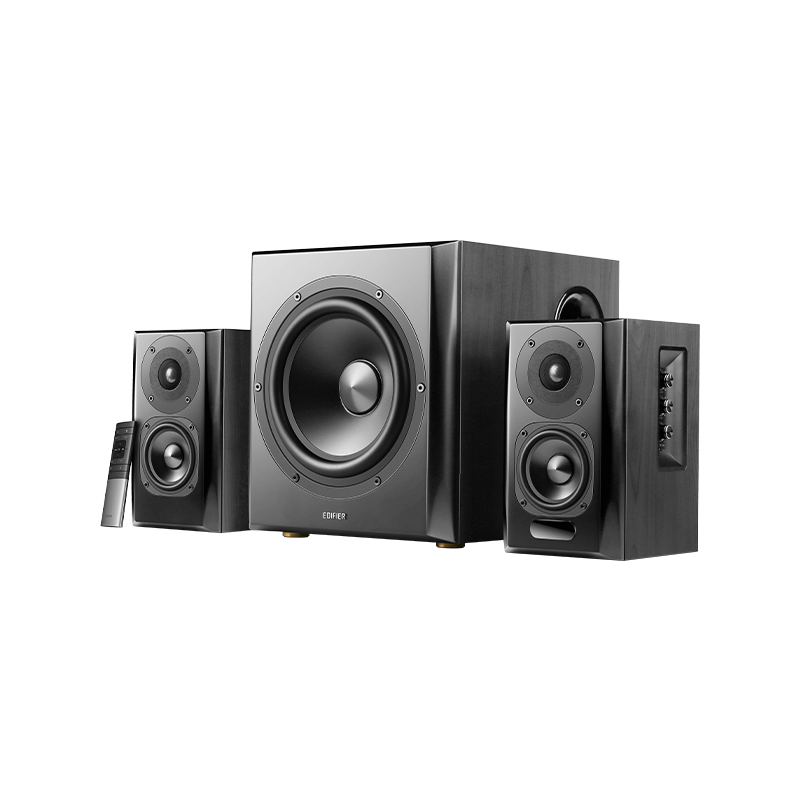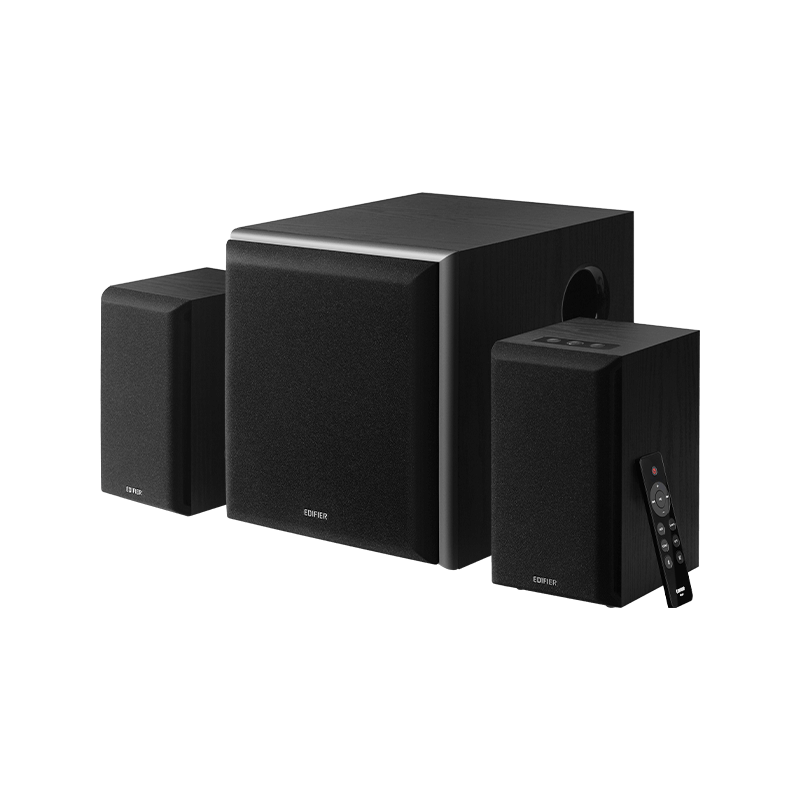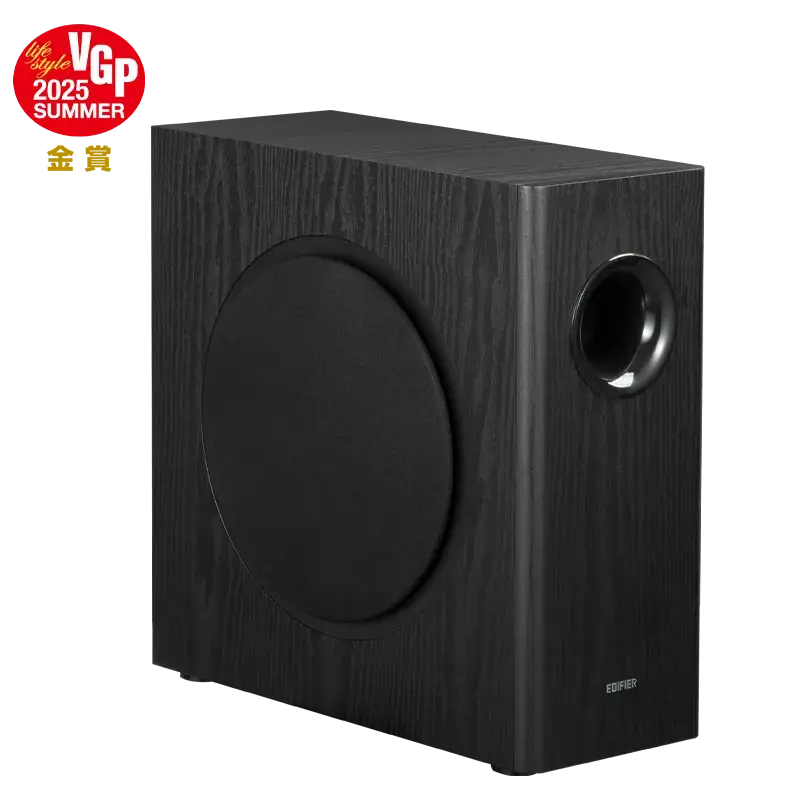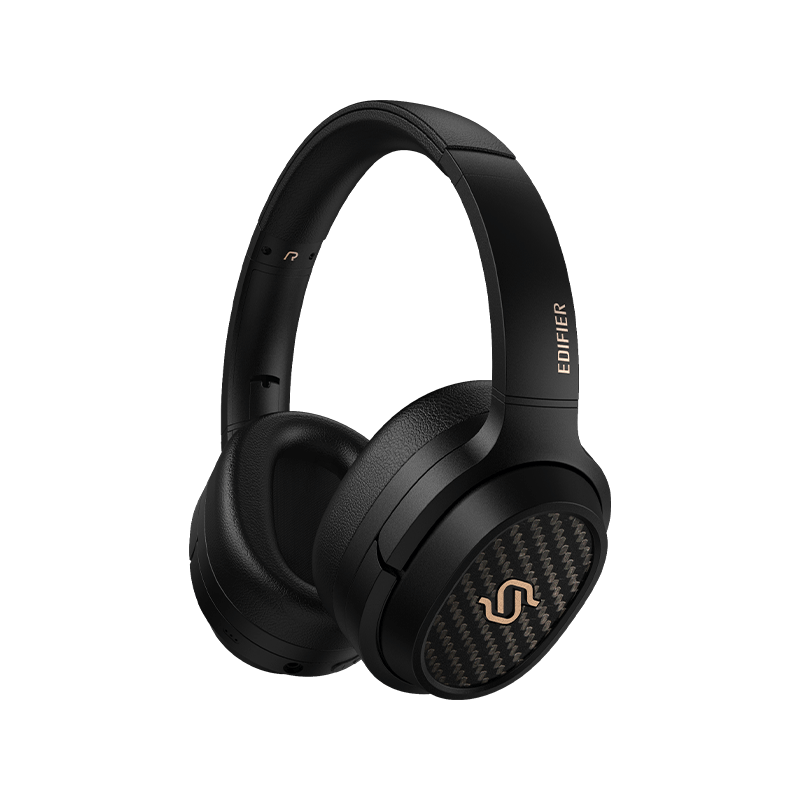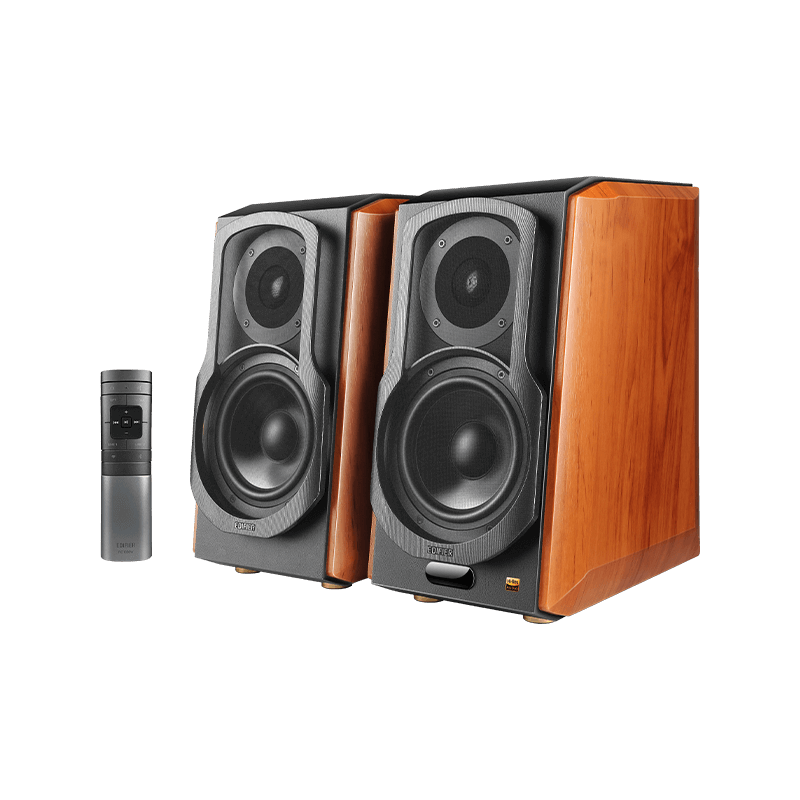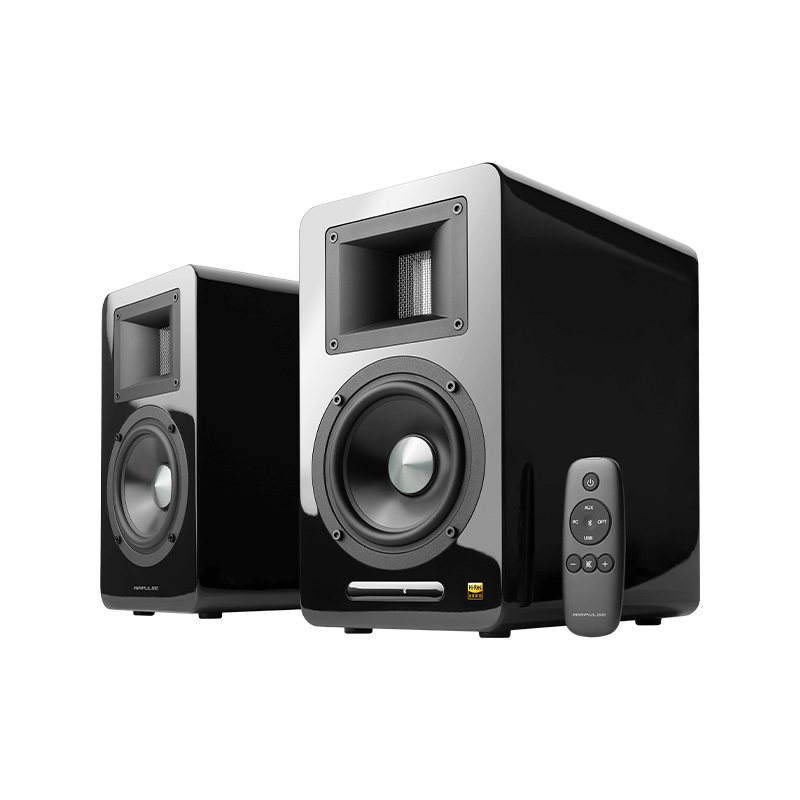

- Bookshelf Speakers All Bookshelf Speakers
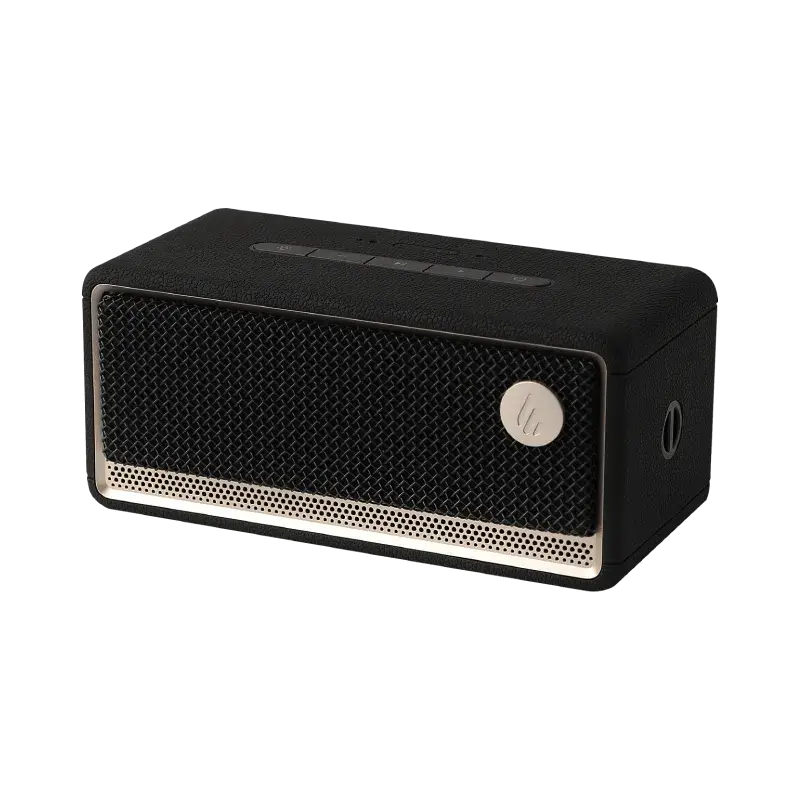
- Wireless Speakers All Wireless Speakers
- Computer Speakers All Computer Speakers
- Studio Monitors All Studio Monitors
- TV & Home Theater Systems All TV & Home Theater Systems
- Subwoofers All Subwoofers
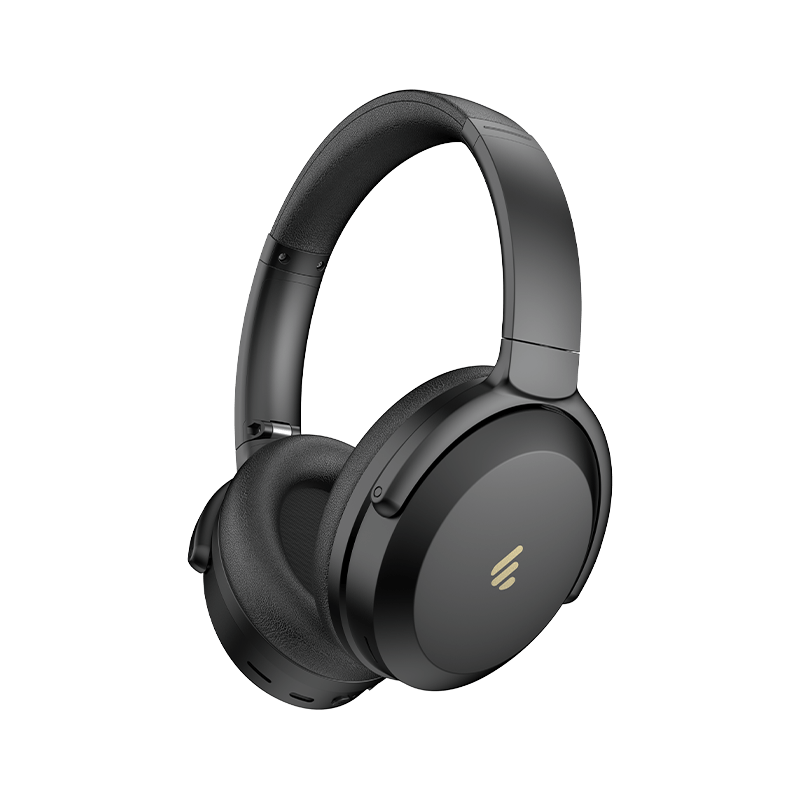
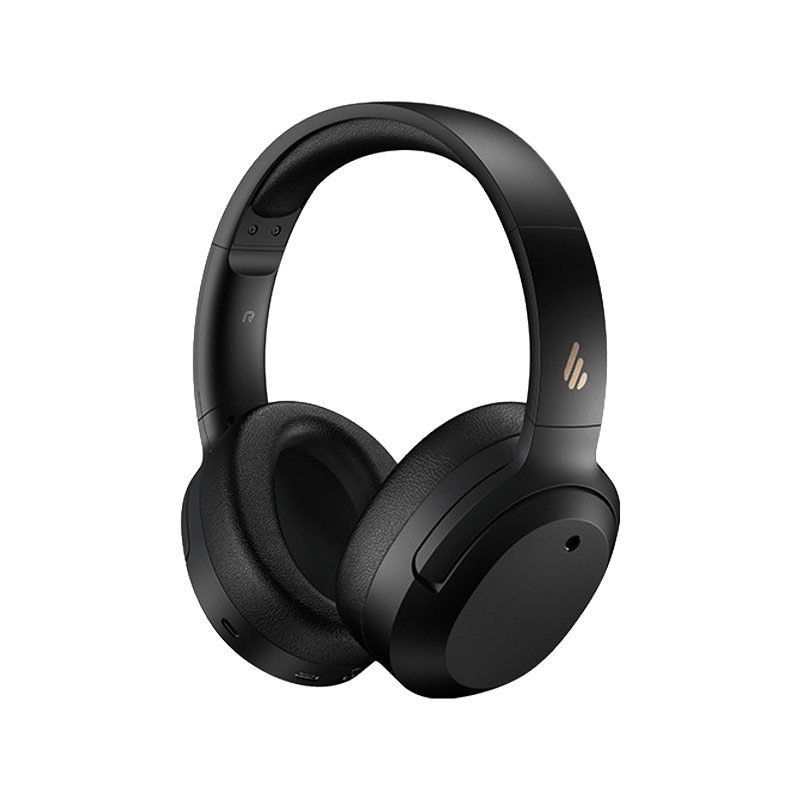
W820NB
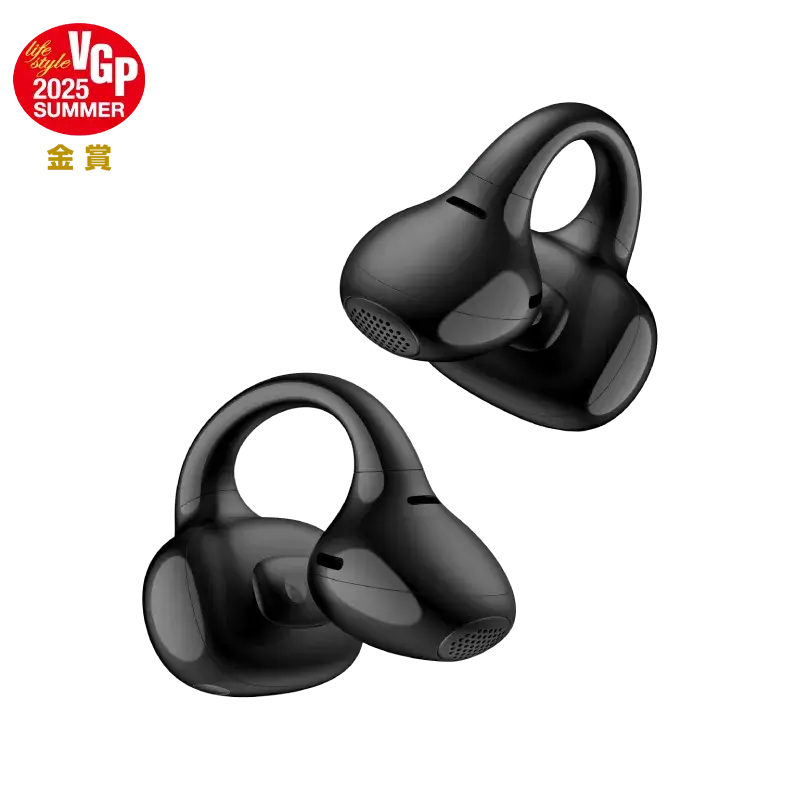
W240TN
MS50A
W820NB
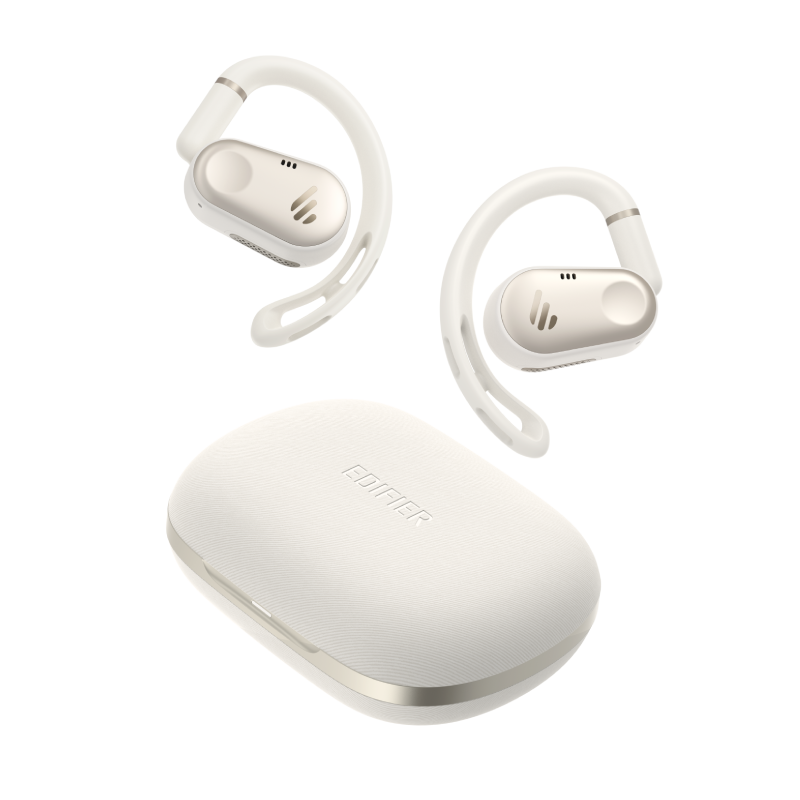
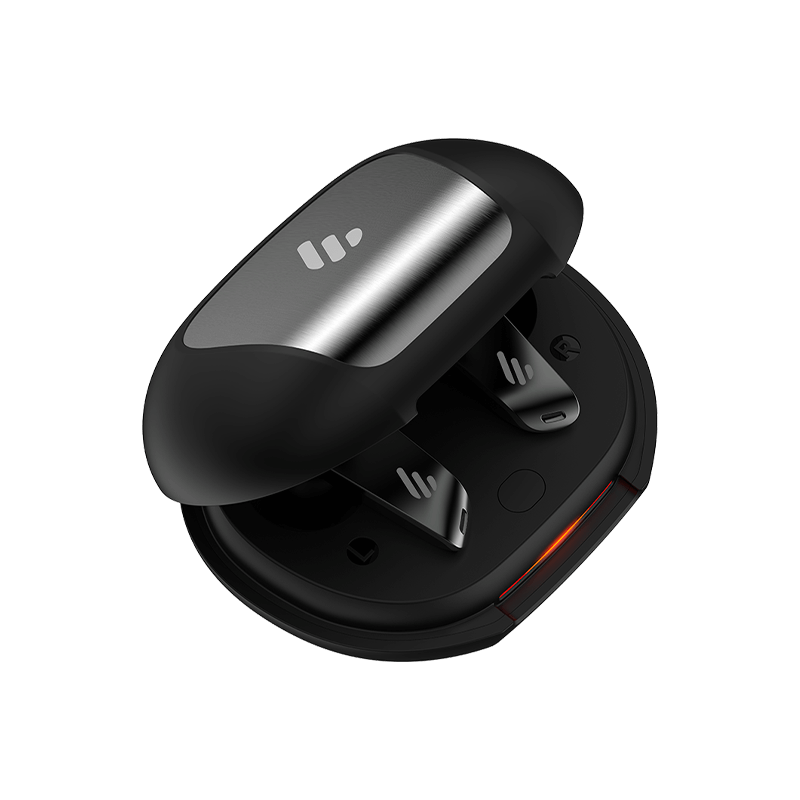
NeoBuds Pro
S3
S1000W
Please check the following points: 1) The power indicator light should be ON 2) Try to turn up the volume 3) Make sure the audio cables are correctly connected 4) Make sure you set the input correctly on the speakers 5) The audio source should deliver a signal output
Please check the below points: 1) Make sure your speaker is switched to Bluetooth mode. Disconnect any other devices from your speakers 2) Ensure the transmission range is within 10 meters. 3) Try another Bluetooth device for connection
You can turn on the speakers by one of the following methods: 1) Connect the main power of your speakers 2) Switch on the wall outlet of your speakers
After-sales service information
If the product has a performance failure during the effective warranty period, you may apply for product warranty service.