
แนะนำ

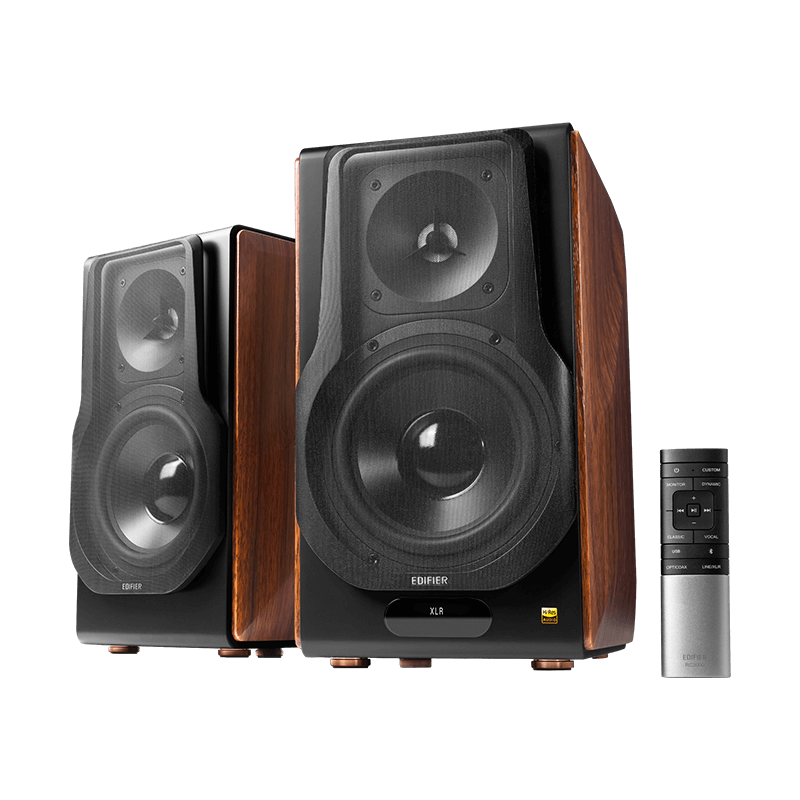
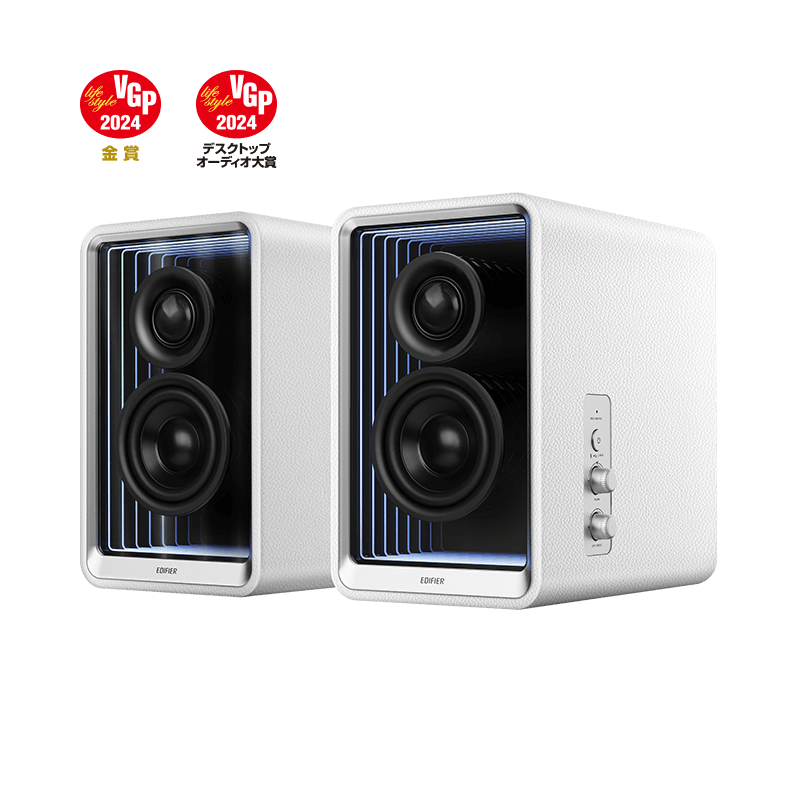
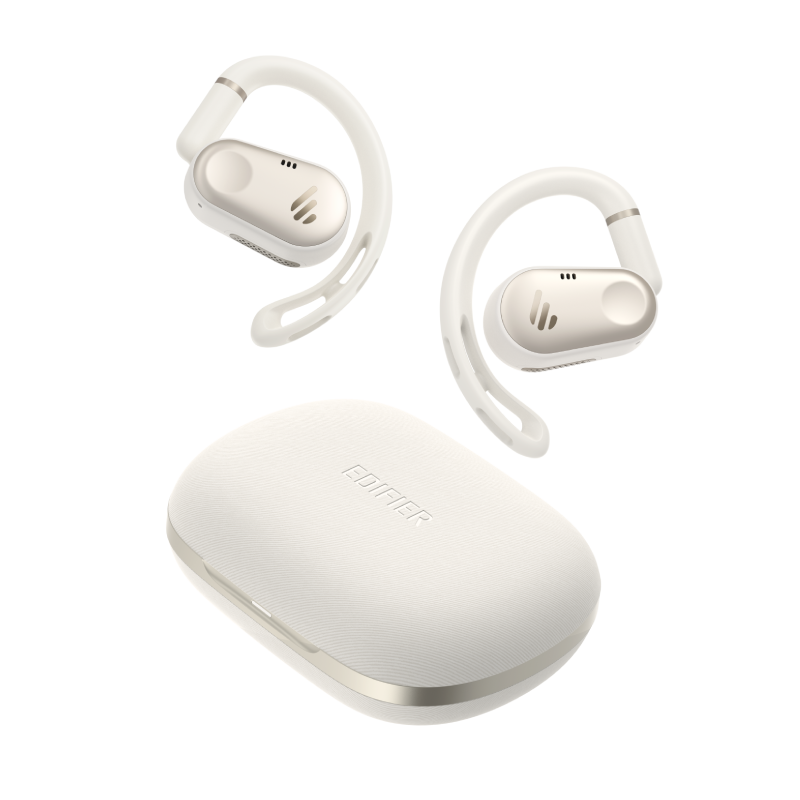
W820NB

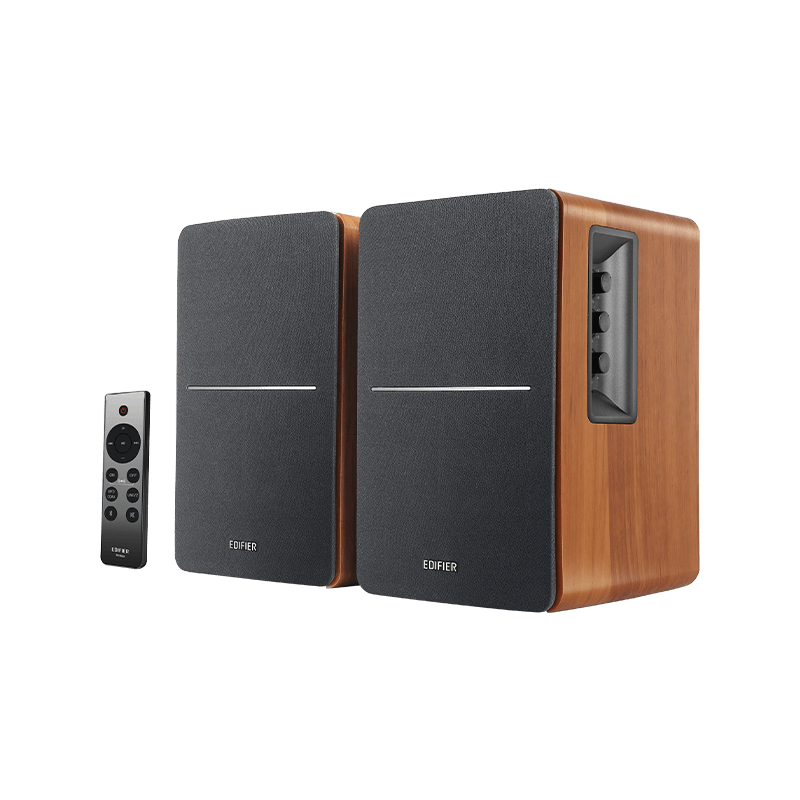
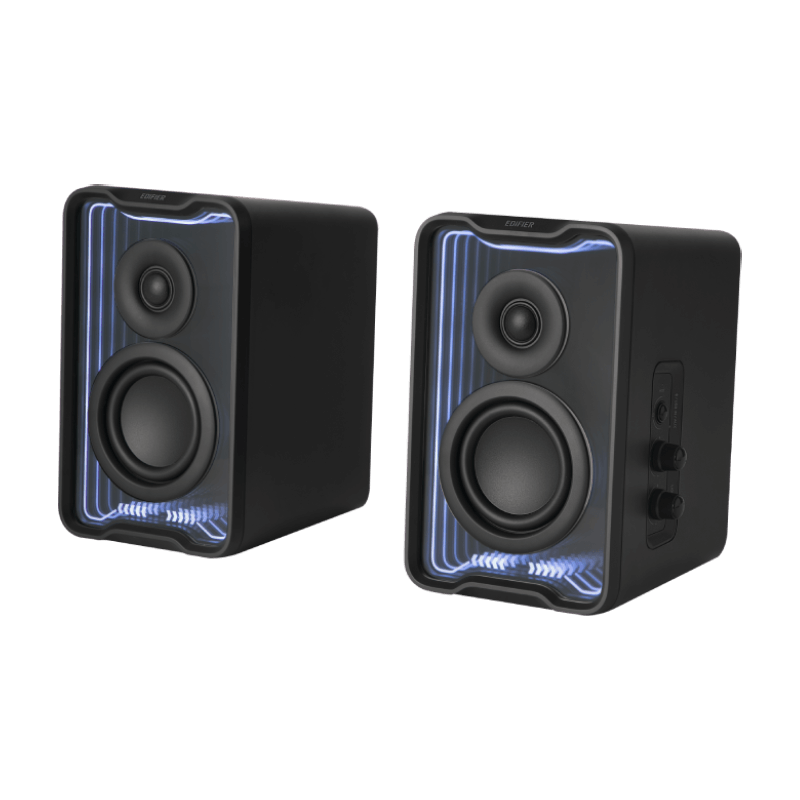
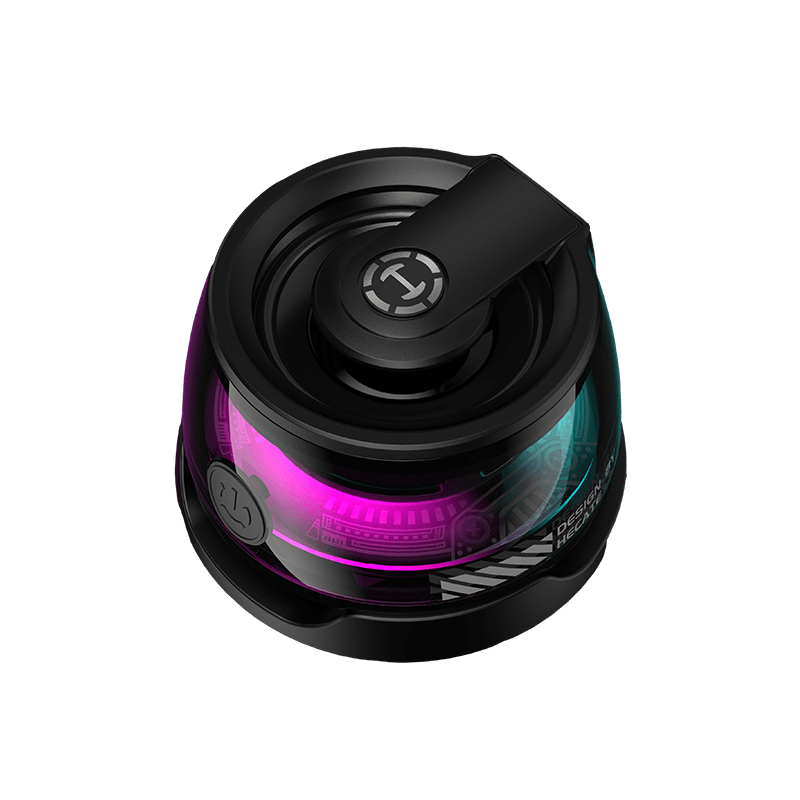
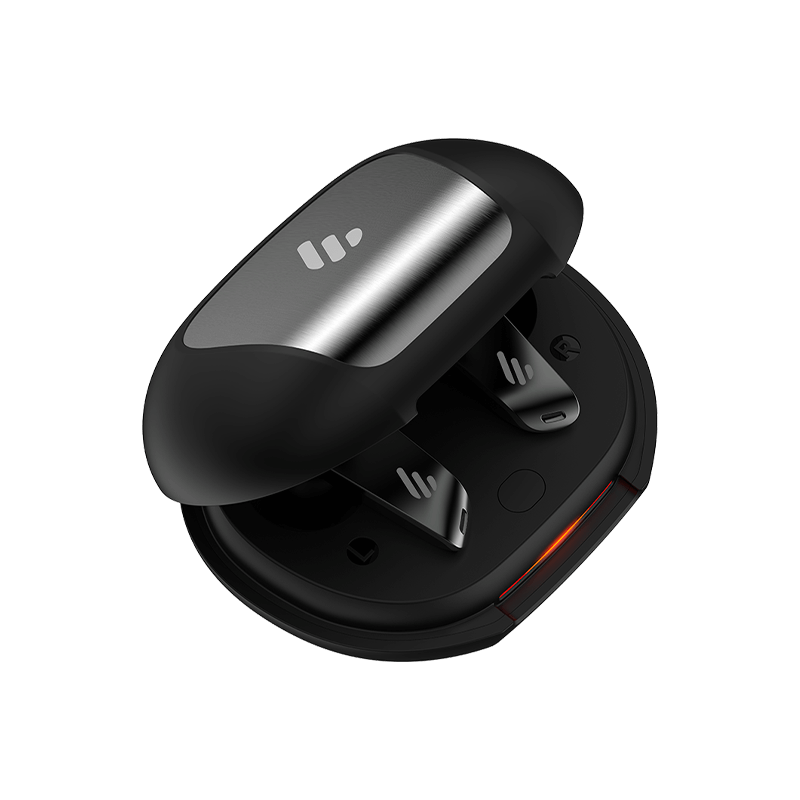
W240TN

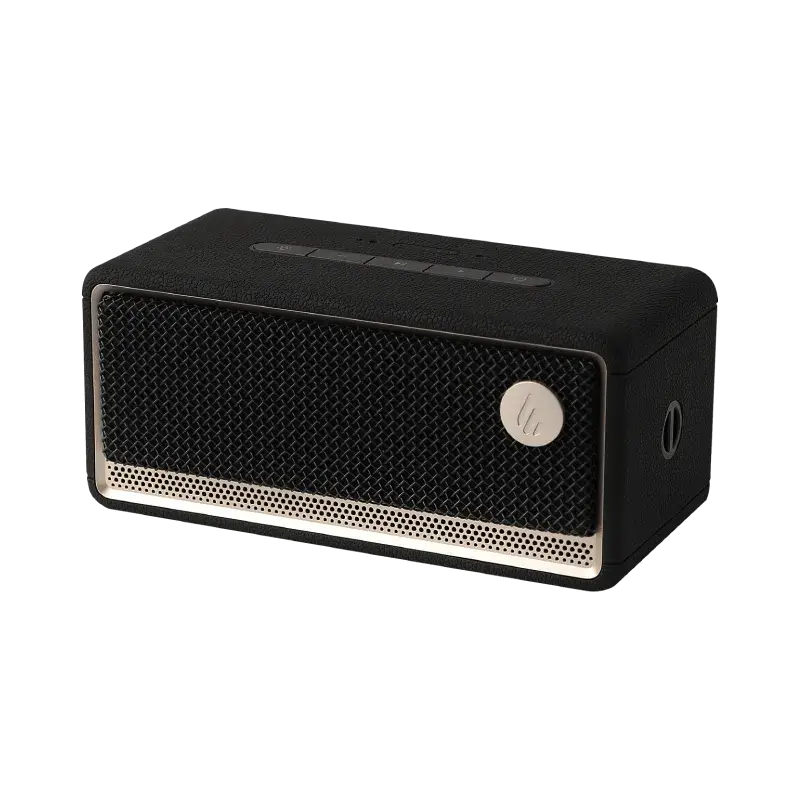
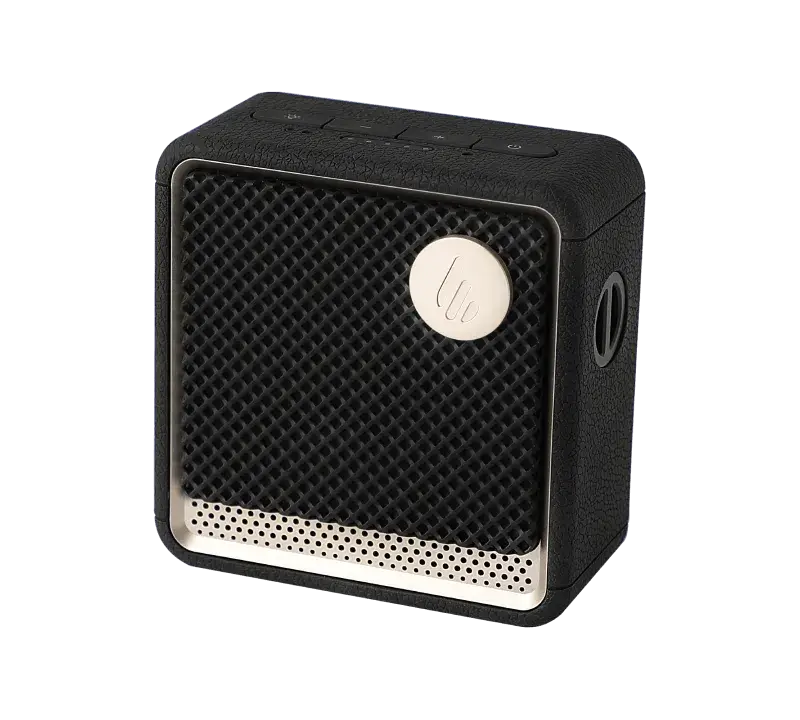
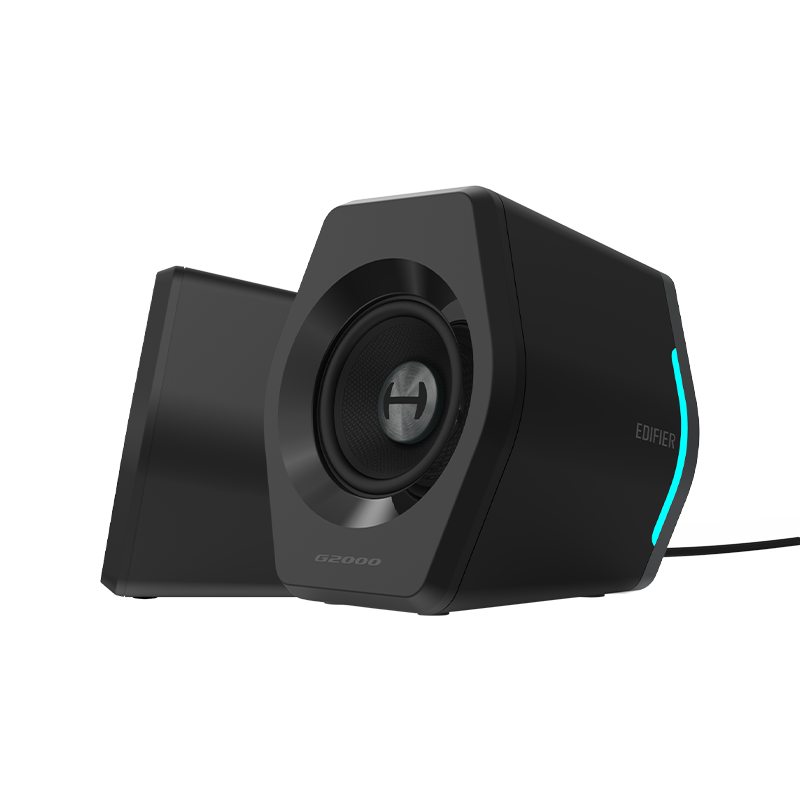
MS50A

การค้นหายอดนิยม
ย้อนกลับ
หน้าแรก เลือกประเภท เลือกรุ่น การสนับสนุน

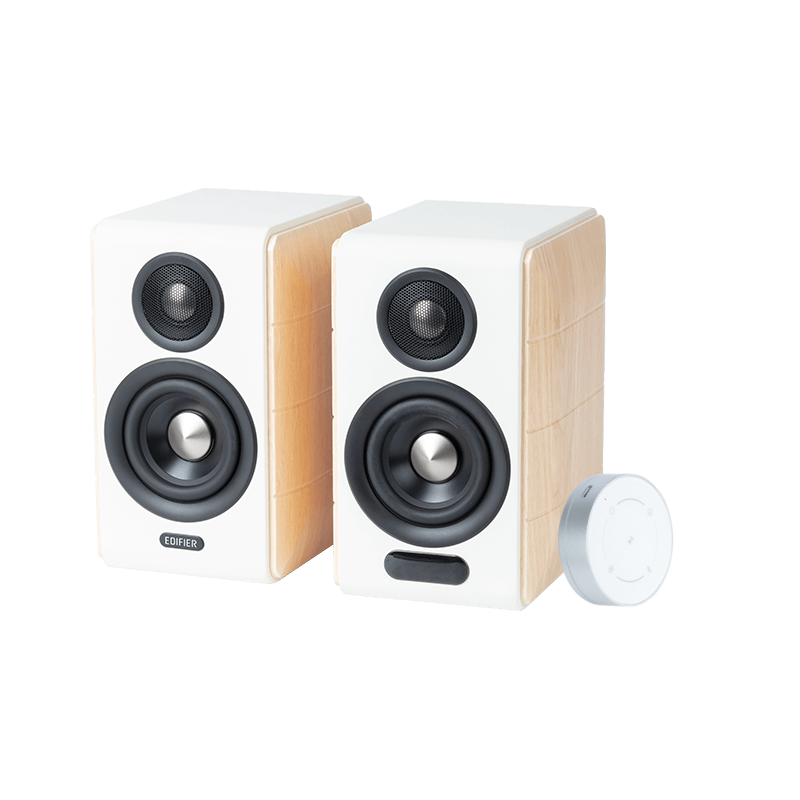
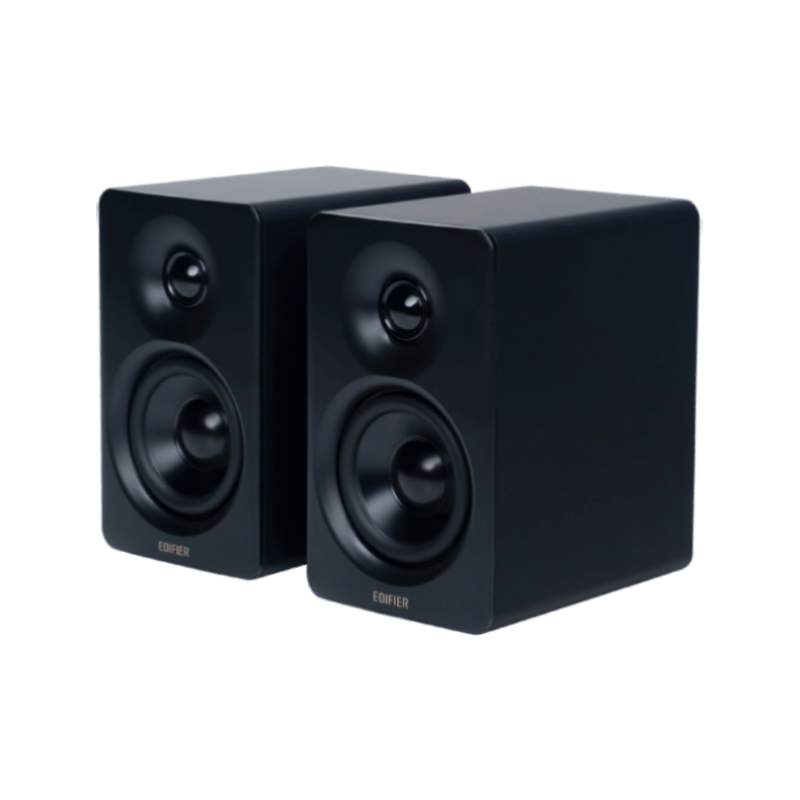
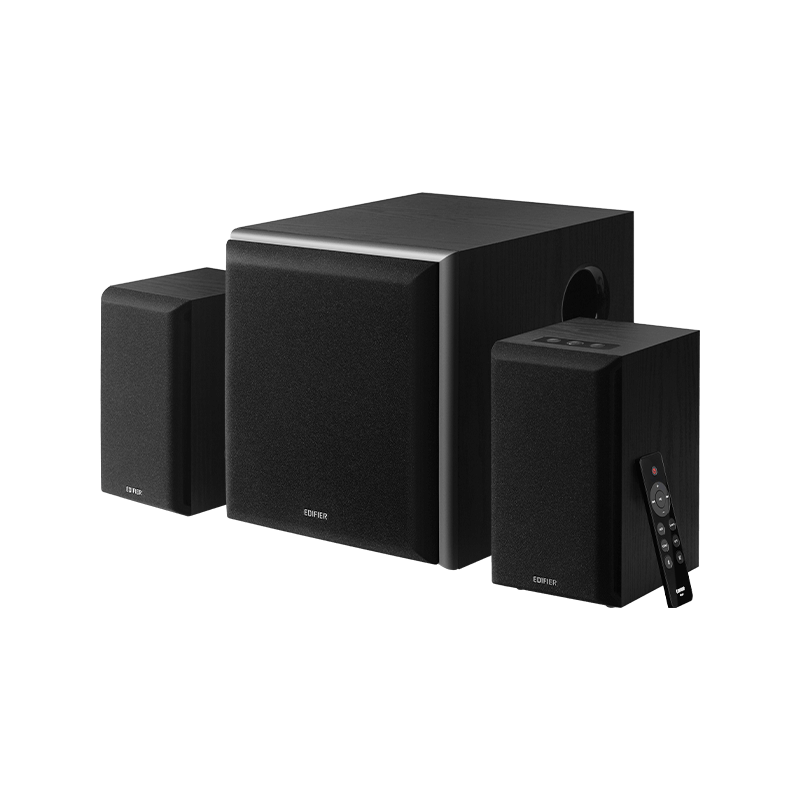
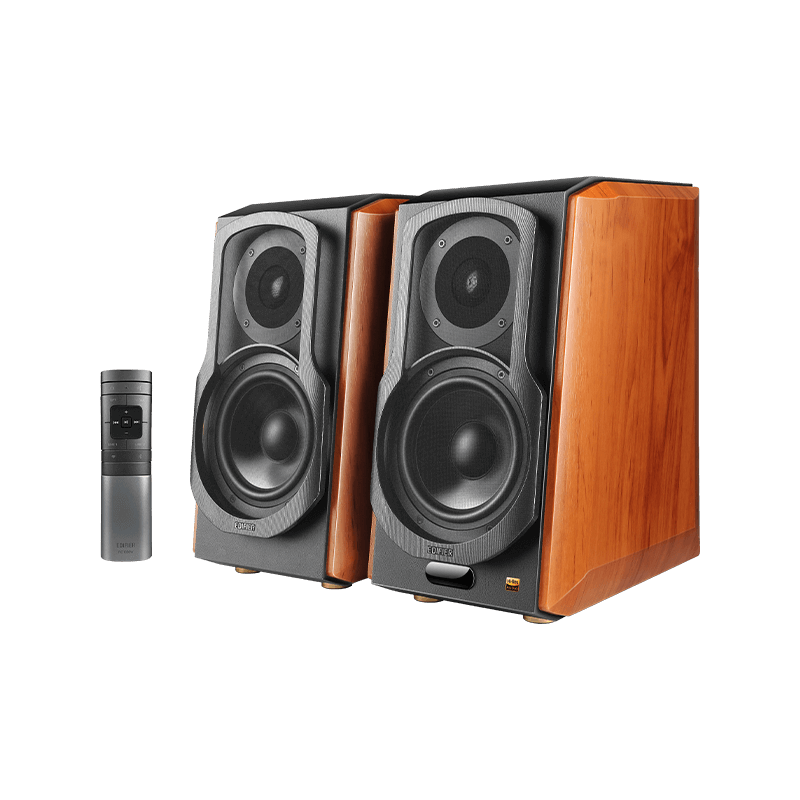
MR3

เรียนรู้เพิ่มเติม
คำถามที่พบบ่อย
เอกสาร & เฟิร์มแวร์
EDIFIER ConneX APP
ข้อมูลการรับประกัน
ติดต่อเรา
คำถามที่พบบ่อย
Playback Delay Issues:

1. To ensure lower latency during use, please upgrade your MR3 speaker to the latest firmware version. The latest firmware will help reduce audio transmission delays. You can download the Edifier ConneX app on your smartphone and update the MR3 firmware through the app.

2. To conserve energy, the MR3 will automatically enter network standby mode if there is no playback for 15 minutes and no operations are performed on either the speaker or the app. In this mode, delays may occur. To avoid this, try disabling the network standby mode.

Steps to Disable Network Standby Mode

A. Turn the speaker volume to the minimum level (i.e., volume set to 0).
B. Double-click the volume knob.
C. If the indicator light on the front of the speaker flashes once, it indicates that the network standby mode has been successfully disabled.

เอกสาร & เฟิร์มแวร์
EDIFIER ConneX APP

ดาวน์โหลด APP สำหรับ Android และ iOS จากลิงก์ด้านล่าง.

ข้อมูลการรับประกัน

ข้อมูลการบริการหลังการขาย

หากผลิตภัณฑ์เกิดความล้มเหลวด้านประสิทธิภาพในช่วงระยะเวลาการรับประกันที่ยังมีผล คุณสามารถยื่นขอรับบริการการรับประกันผลิตภัณฑ์ได้.

เรียนรู้เพิ่มเติม

ติดต่อเรา

ฝ่ายสนับสนุนลูกค้า

ส่งอีเมลถึงเรา
สมัครรับอีเมล
สมัครรับอีเมลและการสื่อสารจาก Edifier เพื่อเป็นคนแรกที่ได้รับข้อมูลพิเศษเกี่ยวกับโปรโมชั่น ผลิตภัณฑ์ใหม่ และอื่นๆ