1. Re-Pairing the Subwoofer and Satellite Speaker
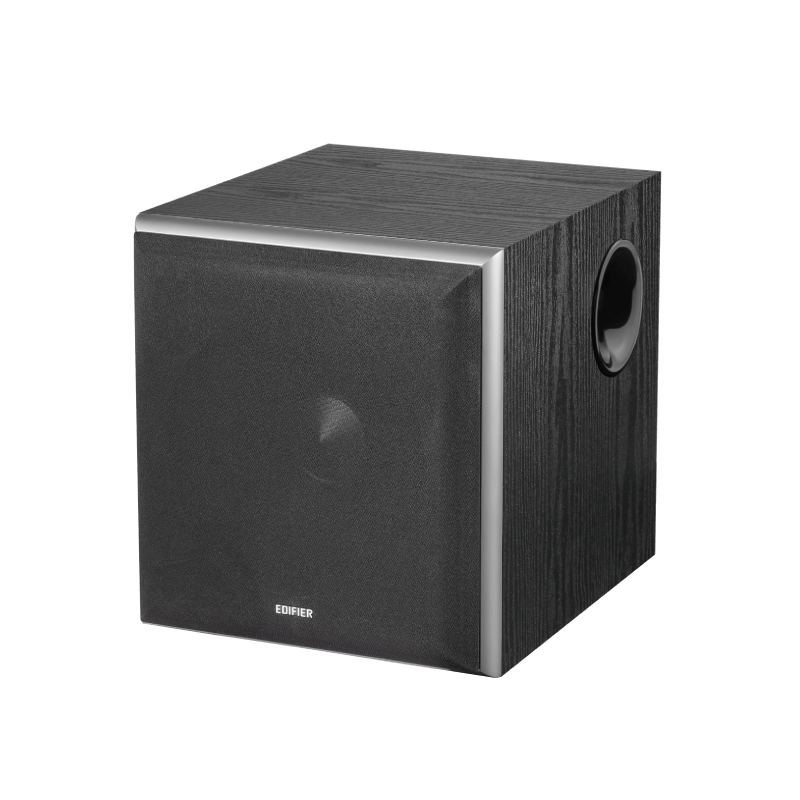
The active satellite speaker is factory-paired with the subwoofer before shipment. Once powered on, they should reconnect automatically, and the subwoofer's rear indicator will turn solid red. If the wireless connection does not resume, follow these steps:
1. Power on the active satellite speaker, then press the "PAIR" button on its rear panel. "PAIRING" will blink on the display.
2. Power on the subwoofer, then press the "PAIR" button on its rear panel. The red rear indicator will blink rapidly.
3. When pairing is successful, the subwoofer's red indicator will turn solid, and "PAIRED" will appear on the display for 5 seconds.
Note: If the subwoofer's red indicator shows a breathing (pulsing) effect, it means the subwoofer is disconnected and in standby mode. Repeat the steps above.