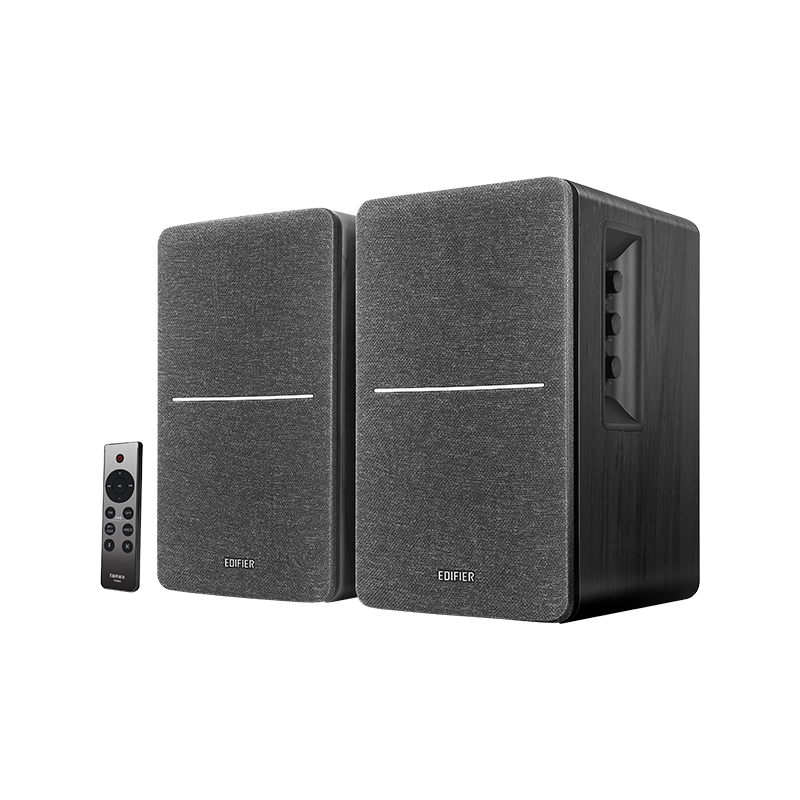
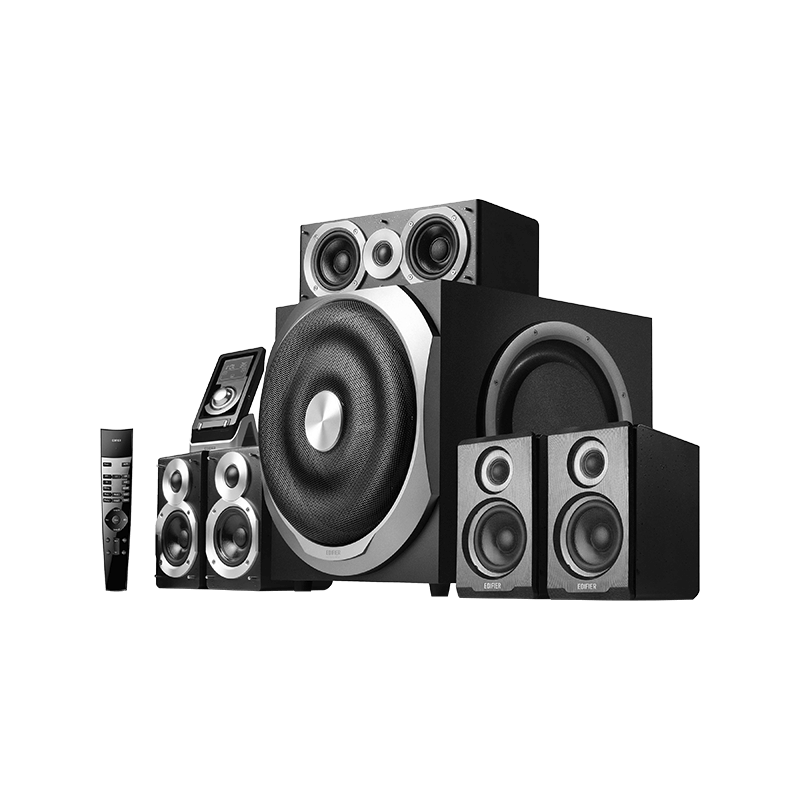
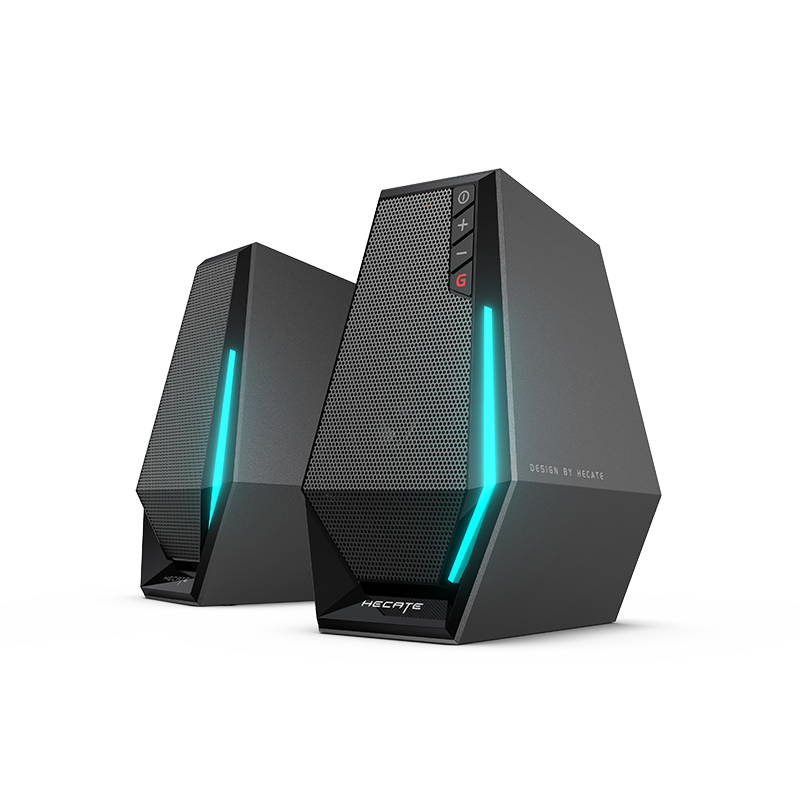
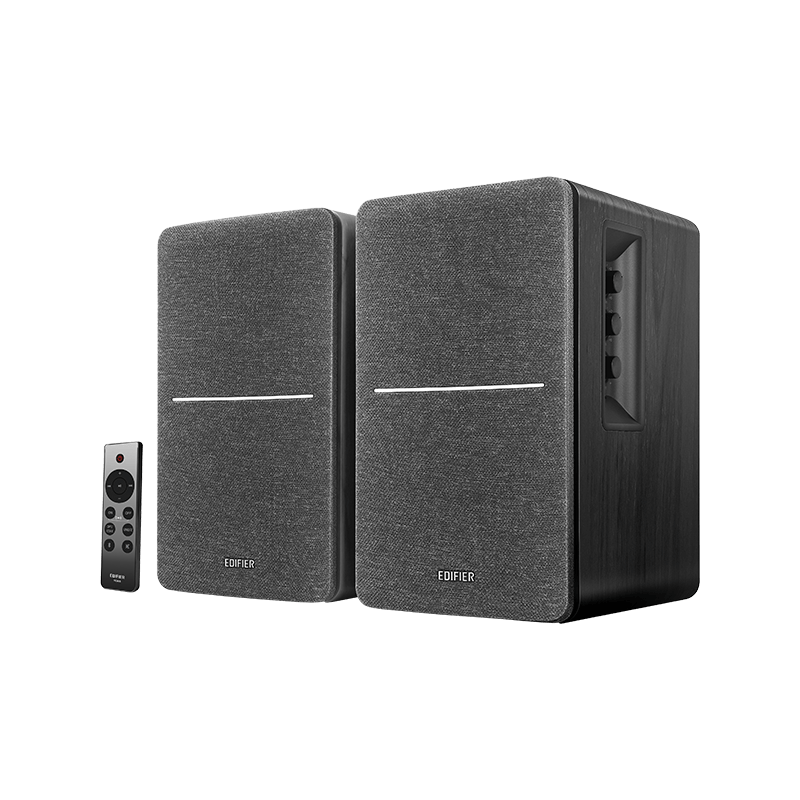
If the remote control gets disconnected from the speaker, follow these steps to re-pair them:
(1) Switch to Optical Input Mode
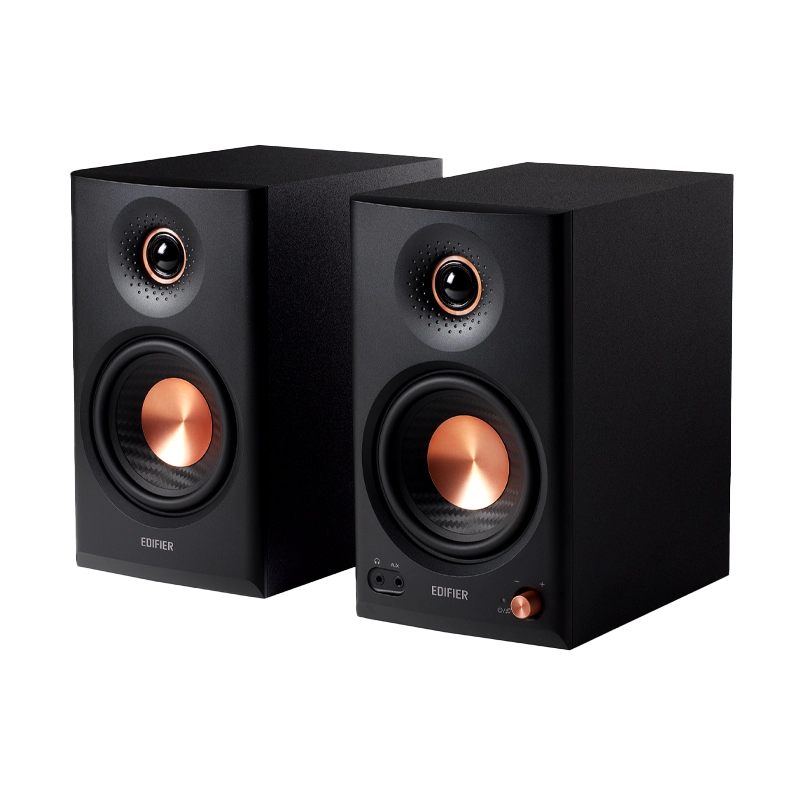
Press and hold the "Volume/Source" knob on the active speaker or the "OPT" button on the remote control.
(2) Lower the Volume
Reduce the volume to 0.
(3) Initiate Pairing on the Active Speaker
Double-press the "Volume/Source" knob on the active speaker. The indicator on the speaker will blink green rapidly.
(4) Initiate Pairing on the Remote Control
Press and hold the mute button on the remote control for 5 seconds. The indicator on the remote control will blink green rapidly.
(5) Completion of Pairing
Once paired, the indicator on the remote control will stay solid green for 3 seconds.